Ascent Actions Examples
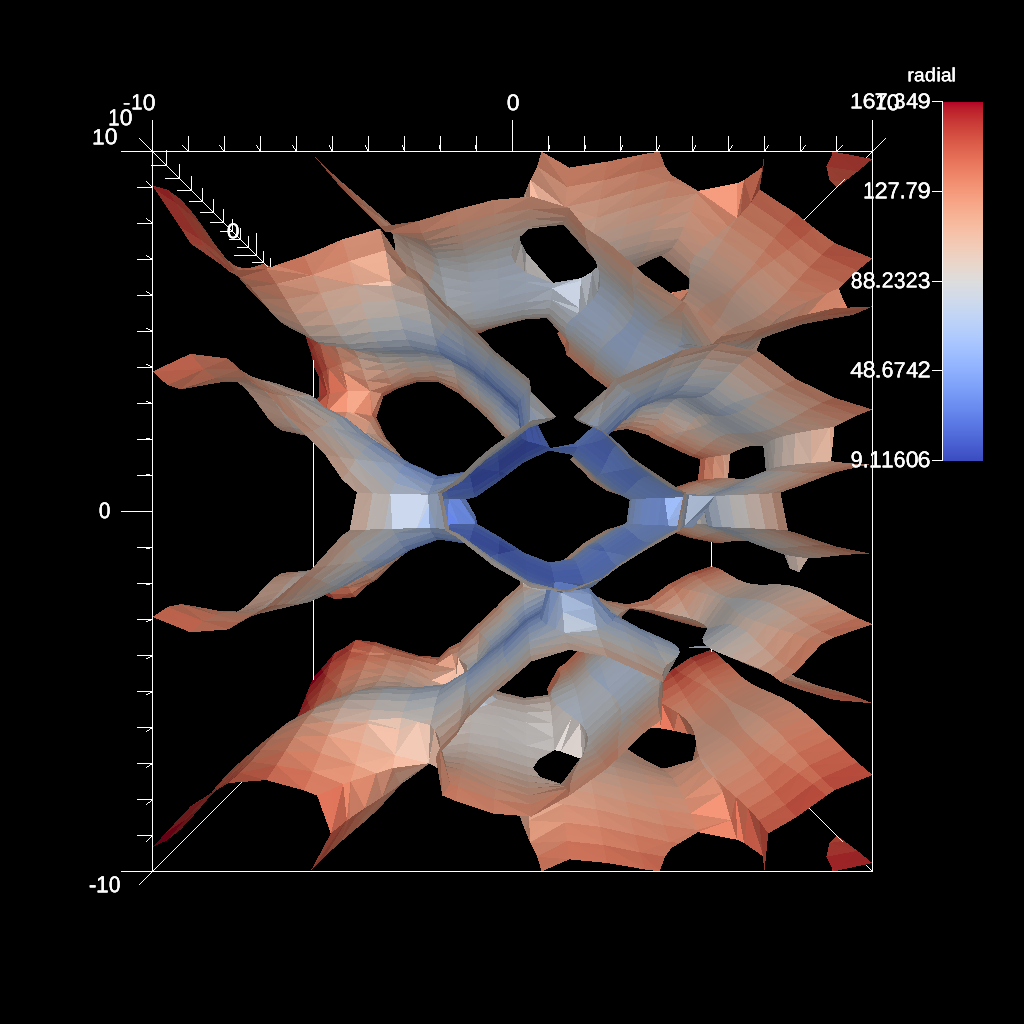
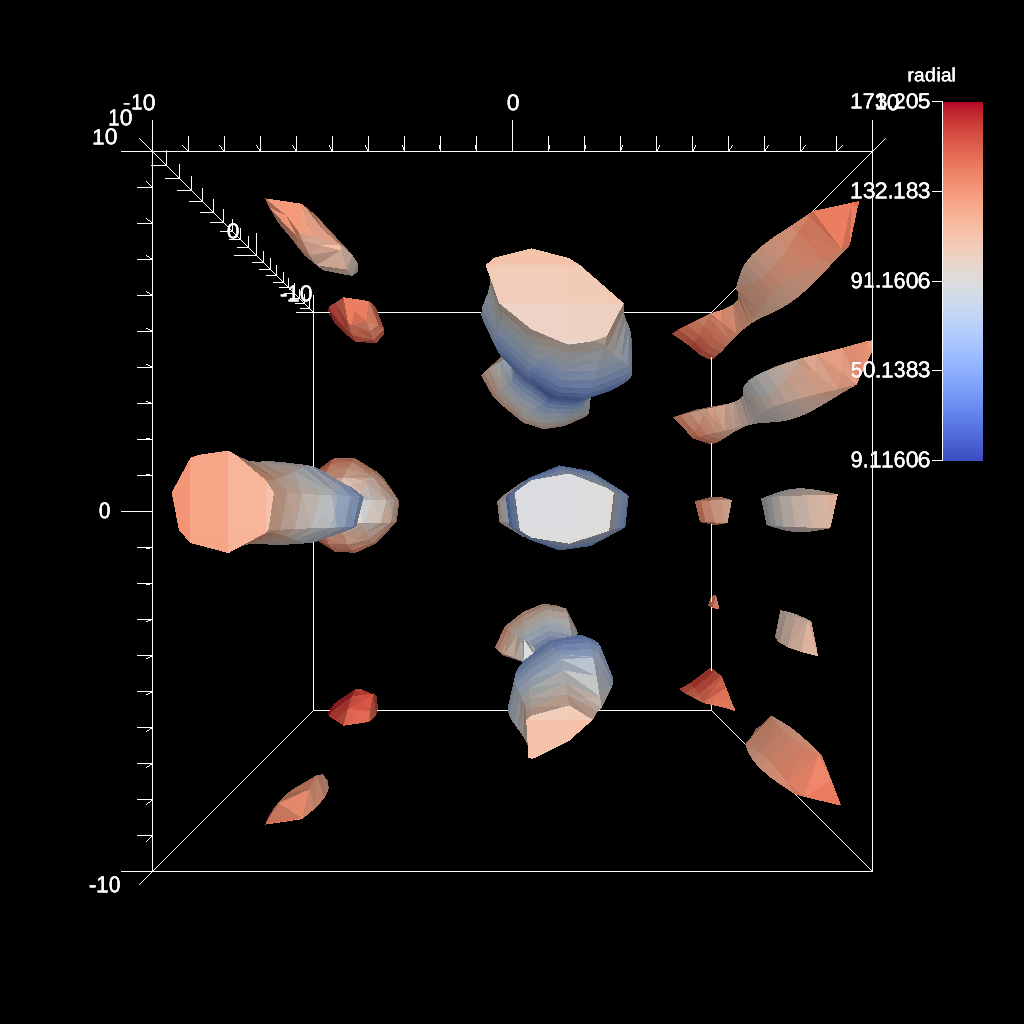
An example of the contour filter with a single iso value.
YAML actions:
#An example of the contour filter with a single iso value.

-
  action: "add_pipelines"
  pipelines:
    pl1:
      f1:
        type: "contour"
        params:
          field: "braid"
          iso_values: 0.0
-
  action: "add_scenes"
  scenes:
    s1:
      plots:
        p1:
          type: "pseudocolor"
          field: "radial"
          pipeline: "pl1"
      image_prefix: "/Users/harrison37/Work/alpine/ascent/build-debug/tests/_output/tout_single_contour_3d"
Resulting image:
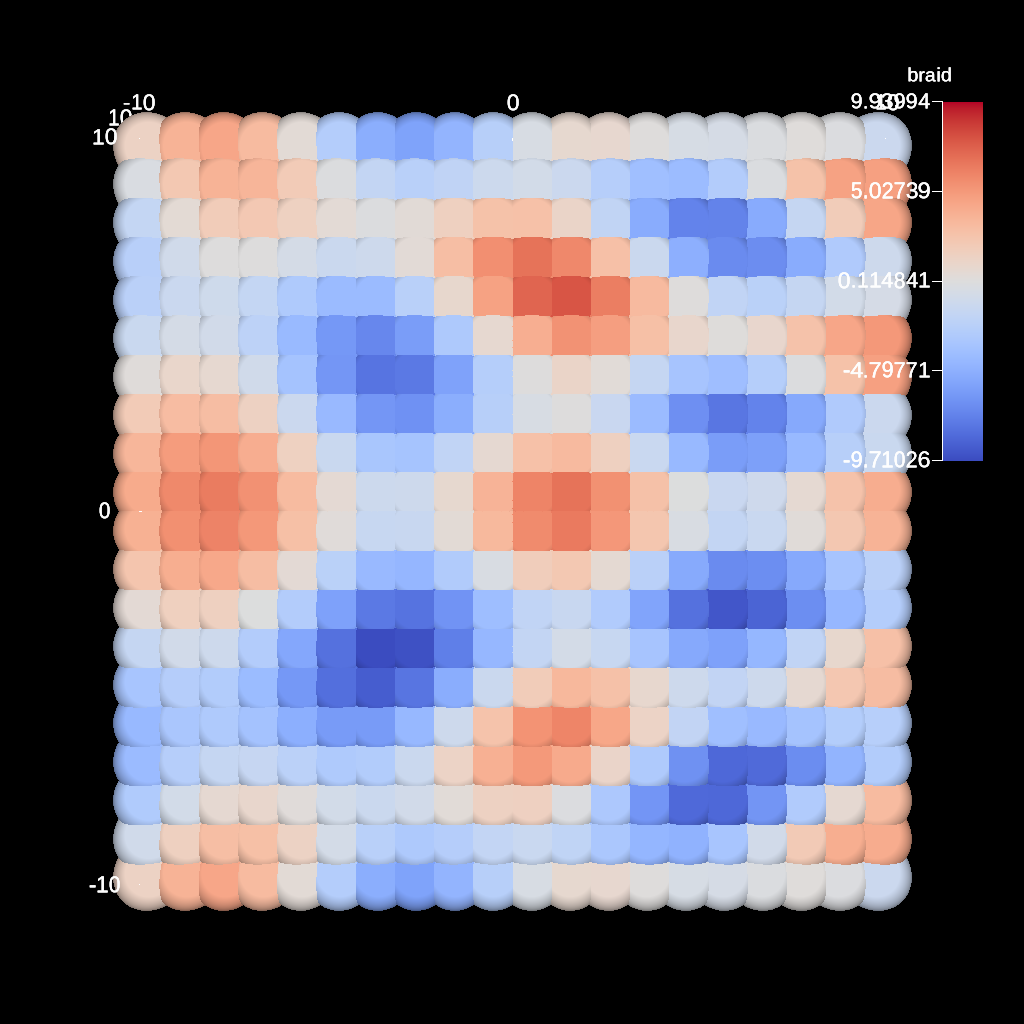
An example of rendering a point field with constant radius.
YAML actions:
#An example of rendering a point field with constant radius.

-
  action: "add_scenes"
  scenes:
    s1:
      plots:
        p1:
          type: "pseudocolor"
          field: "braid"
          points:
            radius: 1.0
      image_prefix: "/Users/harrison37/Work/alpine/ascent/build-debug/tests/_output/tout_render_3d_points_const_radius"
Resulting image:
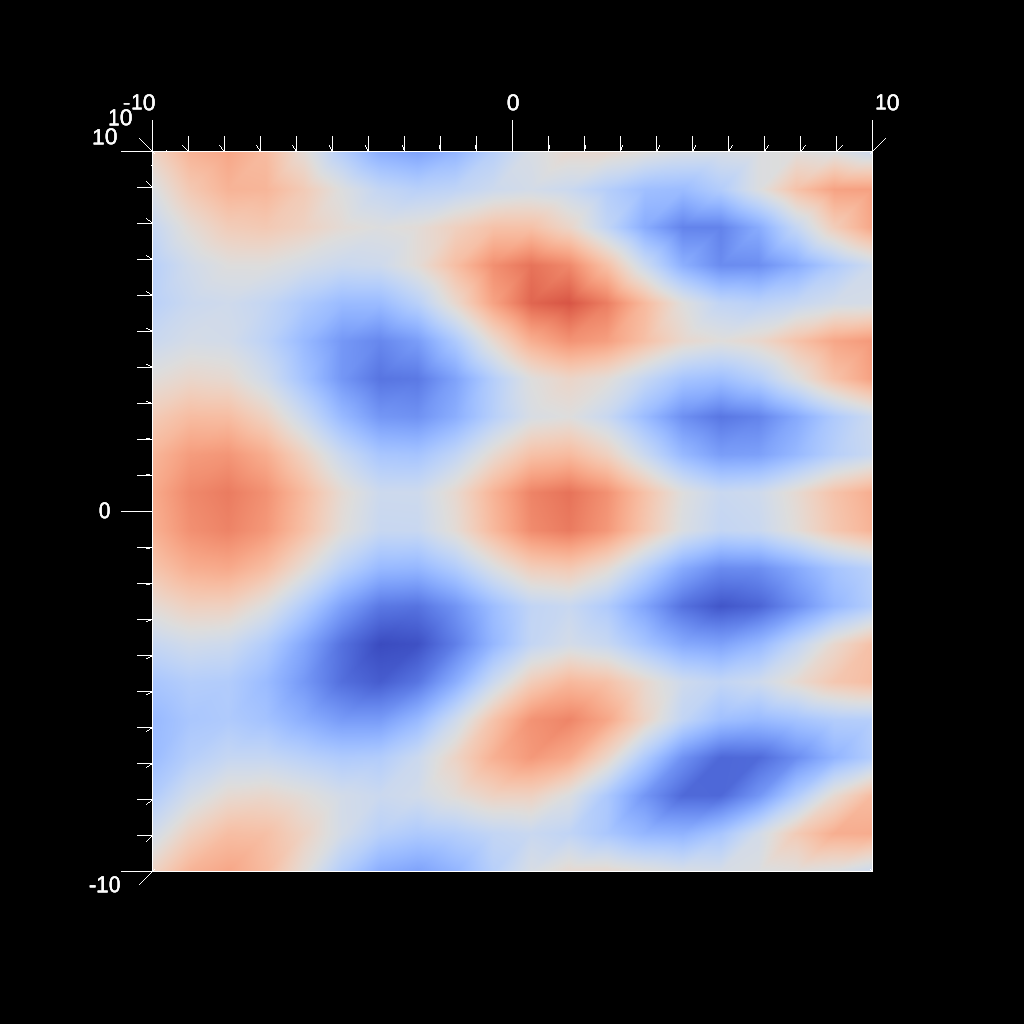
An example of rendering with no screen annotations.
YAML actions:
#An example of rendering with no screen annotations.

-
  action: "add_scenes"
  scenes:
    s1:
      plots:
        p1:
          type: "pseudocolor"
          field: "braid"
      renders:
        r1:
          image_prefix: "/Users/harrison37/Work/alpine/ascent/build-debug/tests/_output/tout_render_3d_no_screen_annotations"
          screen_annotations: "false"
Resulting image:
An example of creating a mesh plot.
YAML actions:
#An example of creating a mesh plot.

-
  action: "add_scenes"
  scenes:
    s1:
      plots:
        p1:
          type: "mesh"
      image_prefix: "/Users/harrison37/Work/alpine/ascent/build-debug/tests/_output/tout_render_3d_mesh"
Resulting image:
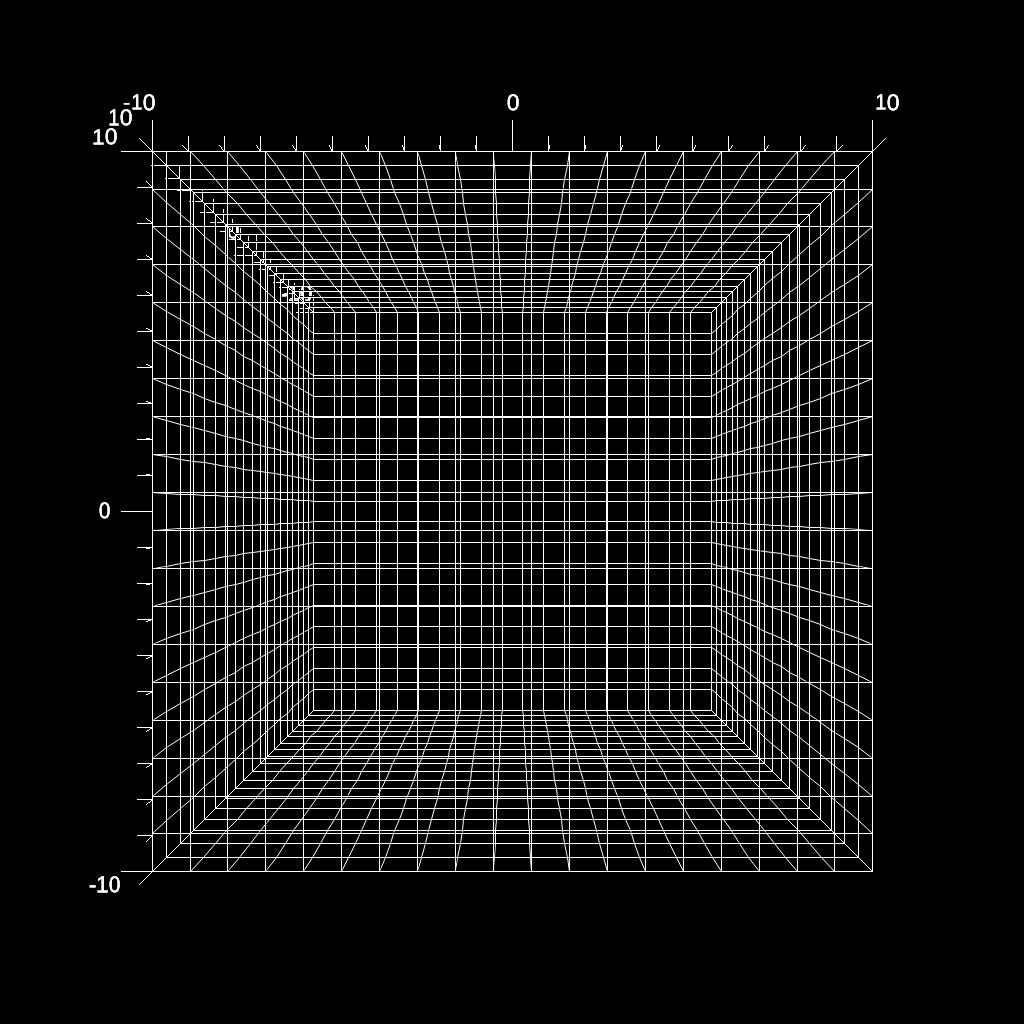
An example of using the volume (unstructured grid) extract.
YAML actions:
#An example of using the volume (unstructured grid) extract.

-
  action: "add_extracts"
  extracts:
    e1:
      type: "volume"
      params:
        field: "radial"
        filename: "/Users/larsen30/research/test_builds/devil_ray/ascent/build/tests/_output/tout_rover_volume"
Resulting image:
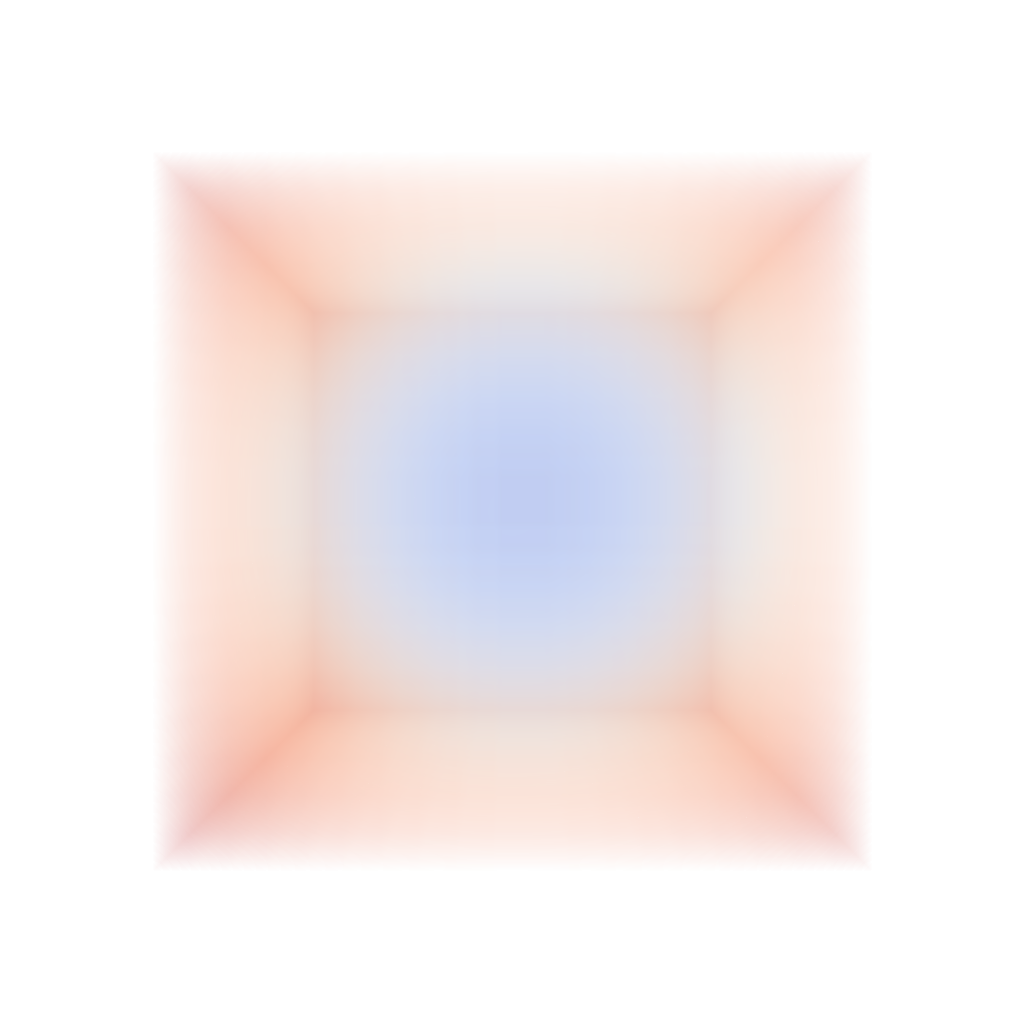
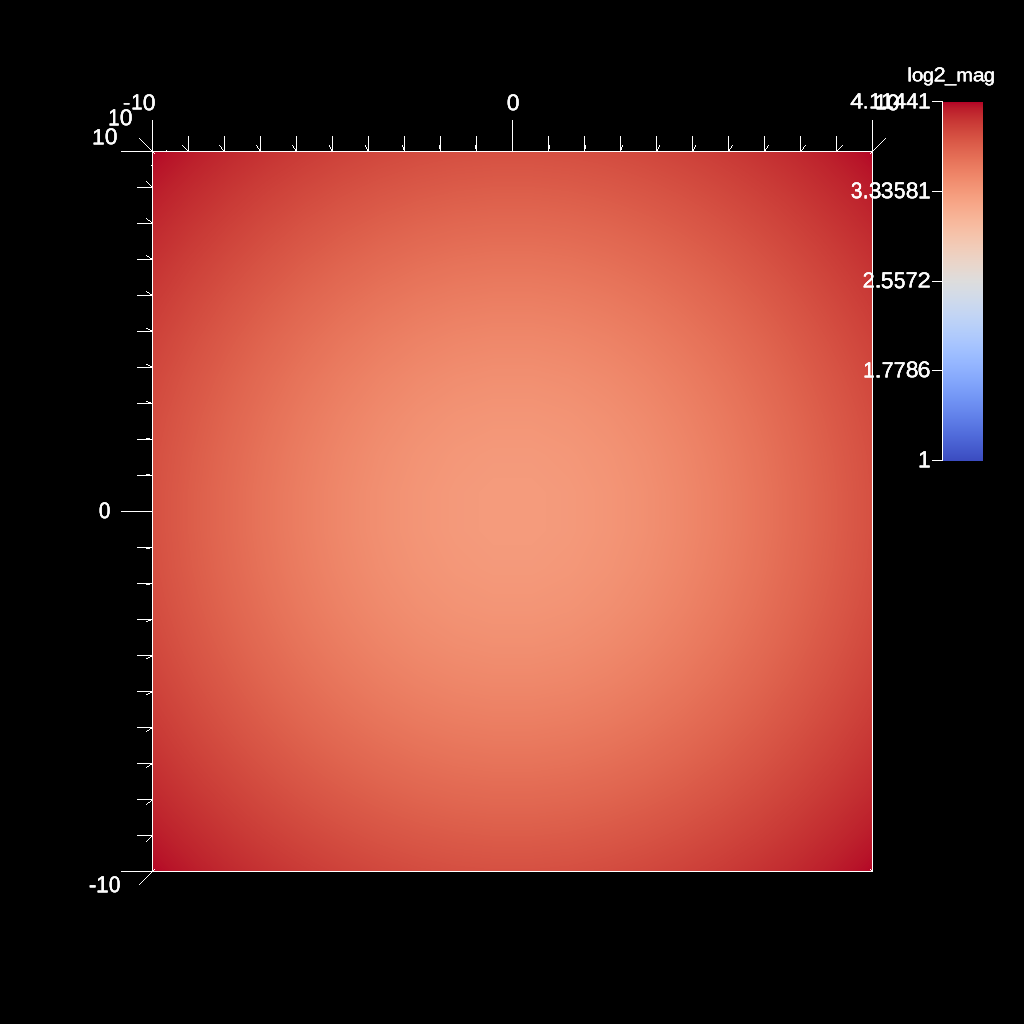
An example of using the log2 filter and clamping the min value. This can help when there are negative values present.
YAML actions:
#An example of using the log2 filter and clamping the min value. This can help when there are negative values present.

-
  action: "add_pipelines"
  pipelines:
    pl1:
      f1:
        type: "vector_magnitude"
        params:
          field: "vel"
          output_name: "mag"
      f2:
        type: "log2"
        params:
          field: "mag"
          output_name: "log2_mag"
          clamp_min_value: 2.0
-
  action: "add_scenes"
  scenes:
    s1:
      plots:
        p1:
          type: "pseudocolor"
          field: "log2_mag"
          pipeline: "pl1"
      image_prefix: "/Users/harrison37/Work/alpine/ascent/build-debug/tests/_output/tout_log2_field_clamp"
Resulting image:
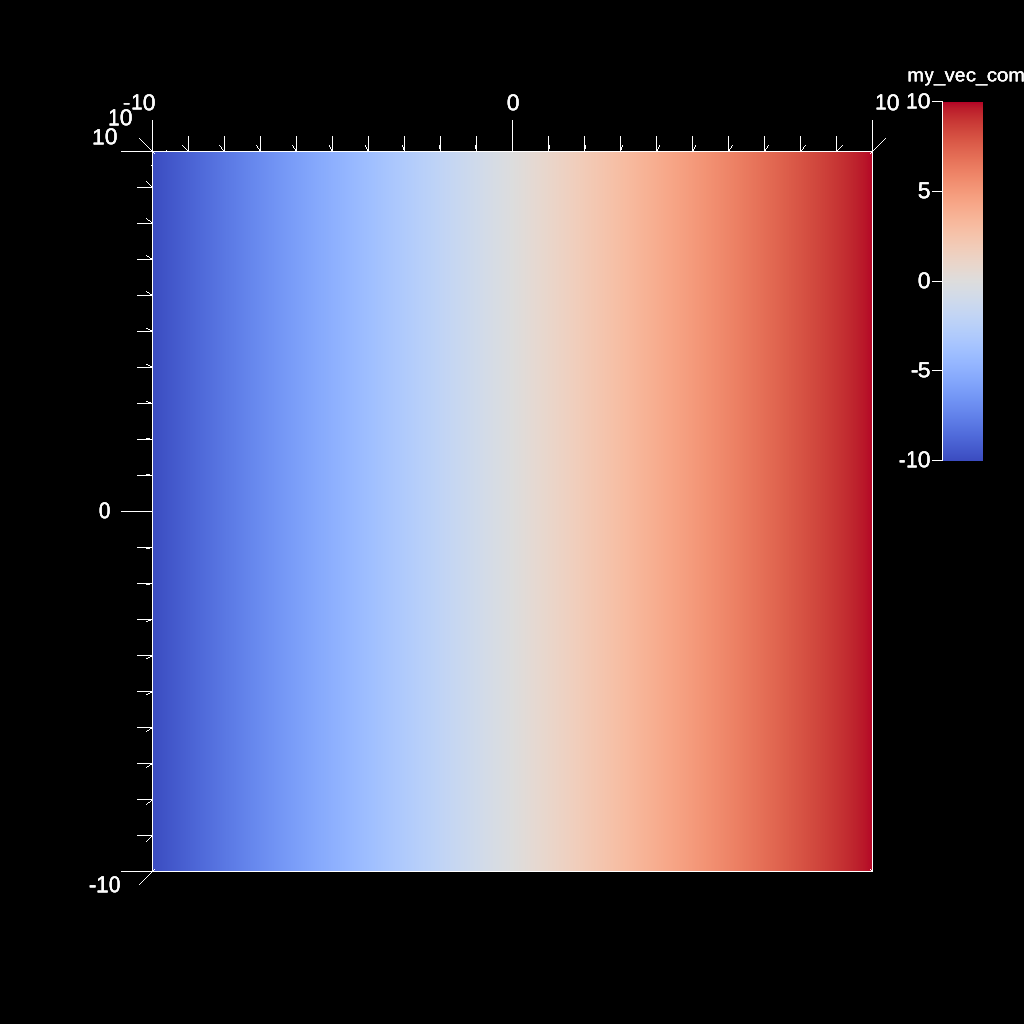
An example if using the vector component filter to extract a scalar component of a vector field.
YAML actions:
#An example if using the vector component filter  to extract a scalar component of a vector field.

-
  action: "add_pipelines"
  pipelines:
    pl1:
      f1:
        type: "vector_component"
        params:
          field: "vel"
          component: 0
          output_name: "my_vec_comp"
-
  action: "add_scenes"
  scenes:
    s1:
      plots:
        p1:
          type: "pseudocolor"
          field: "my_vec_comp"
          pipeline: "pl1"
      image_prefix: "/Users/harrison37/Work/alpine/ascent/build-debug/tests/_output/tout_vector_component"
Resulting image:
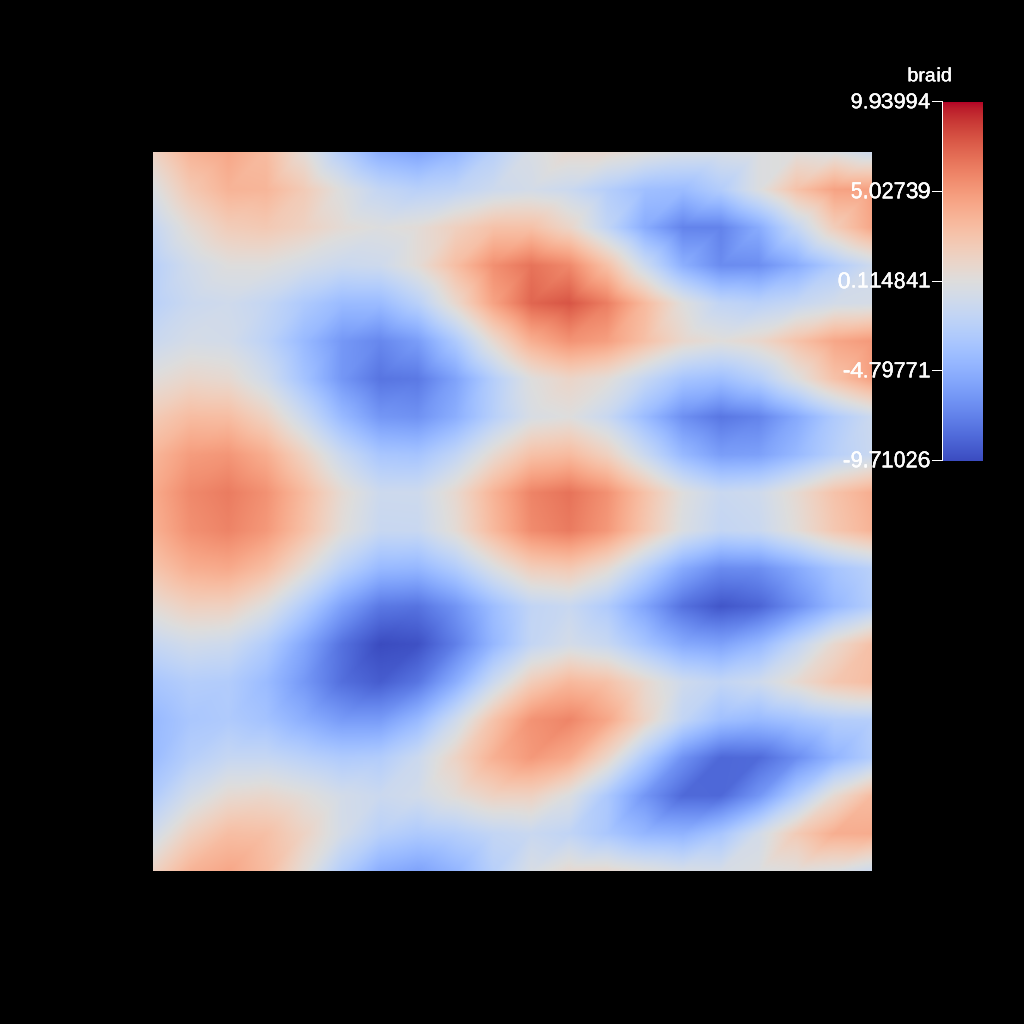
An example of rendering with no world annotations.
YAML actions:
#An example of rendering with no world annotations.

-
  action: "add_scenes"
  scenes:
    s1:
      plots:
        p1:
          type: "pseudocolor"
          field: "braid"
      renders:
        r1:
          image_prefix: "/Users/harrison37/Work/alpine/ascent/build-debug/tests/_output/tout_render_3d_no_world_annotations"
          world_annotations: "false"
Resulting image:
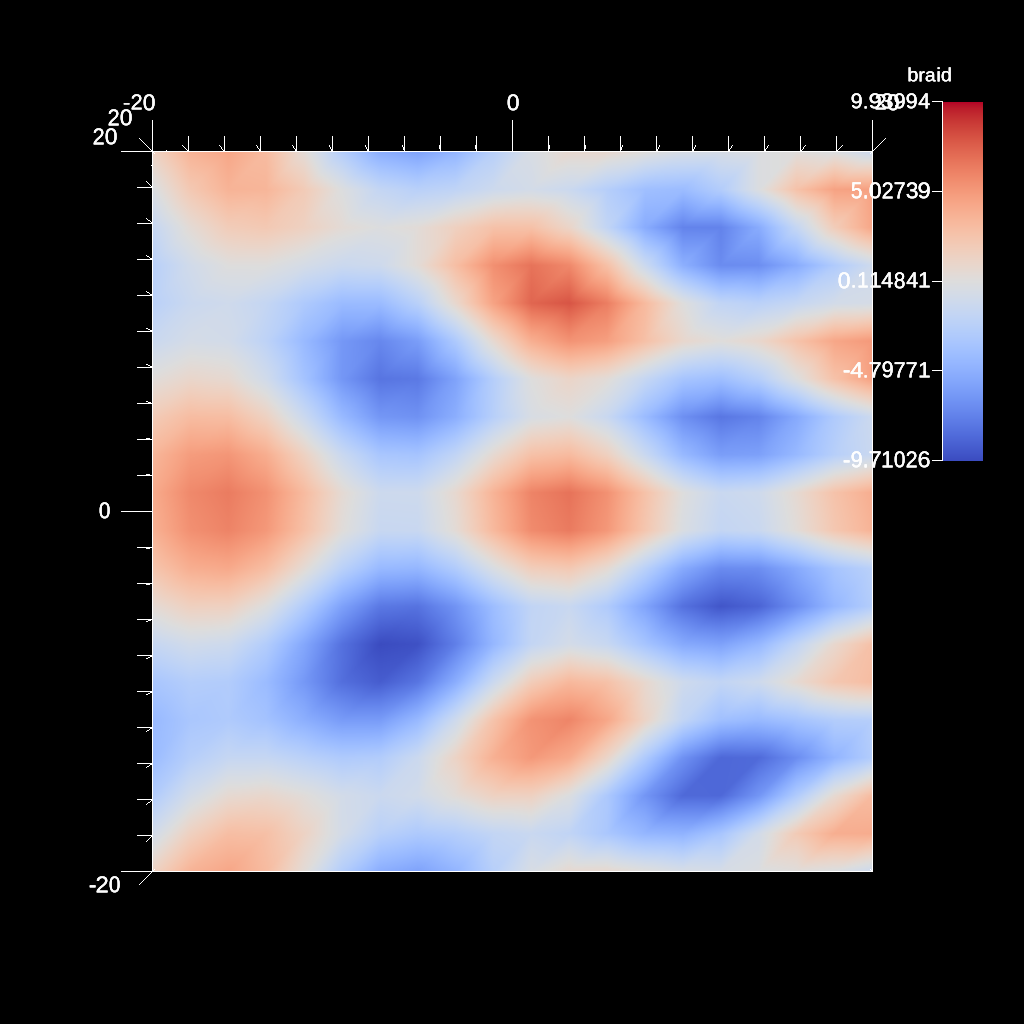
An example of using the log filter.
YAML actions:
#An example of using the log filter.

-
  action: "add_pipelines"
  pipelines:
    pl1:
      f1:
        type: "scale"
        params:
          x_scale: 2.0
          y_scale: 2.0
          z_scale: 2.0
-
  action: "add_scenes"
  scenes:
    s1:
      plots:
        p1:
          type: "pseudocolor"
          field: "braid"
          pipeline: "pl1"
      image_prefix: "/Users/harrison37/Work/alpine/ascent/build-debug/tests/_output/tout_scale"
Resulting image:
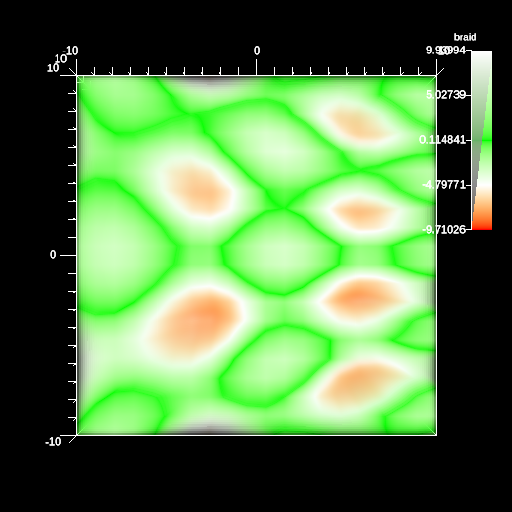
An example of creating a render, specifying all camera parameters.
YAML actions:
#An example of creating a render, specifying all camera parameters.

-
  action: "add_scenes"
  scenes:
    s1:
      plots:
        p1:
          type: "volume"
          field: "braid"
          color_table:
            name: "blue"
            control_points:
              -
                type: "rgb"
                position: 0.0
                color: [1.0, 0.0, 0.0]
              -
                type: "rgb"
                position: 0.5
                color: [0.0, 1.0, 0.0]
              -
                type: "rgb"
                position: 1.0
                color: [1.0, 1.0, 1.0]
              -
                type: "alpha"
                position: 0.0
                alpha: 0.0
              -
                type: "alpha"
                position: 1.0
                alpha: 1.0
      image_prefix: "/Users/harrison37/Work/alpine/ascent/build-debug/tests/_output/render_0"
      renders:
        r1:
          image_width: 512
          image_height: 512
          image_prefix: "/Users/harrison37/Work/alpine/ascent/build-debug/tests/_output/render_0"
        r2:
          image_width: 400
          image_height: 400
          image_prefix: "/Users/harrison37/Work/alpine/ascent/build-debug/tests/_output/render_1"
          camera:
            look_at: [1.0, 1.0, 1.0]
            position: [0.0, 25.0, 15.0]
            up: [0.0, -1.0, 0.0]
            fov: 60.0
            xpan: 0.0
            ypan: 0.0
            zoom: 1.0
            azimuth: 10.0
            elevation: -10.0
            near_plane: 0.1
            far_plane: 100.1
Resulting image:
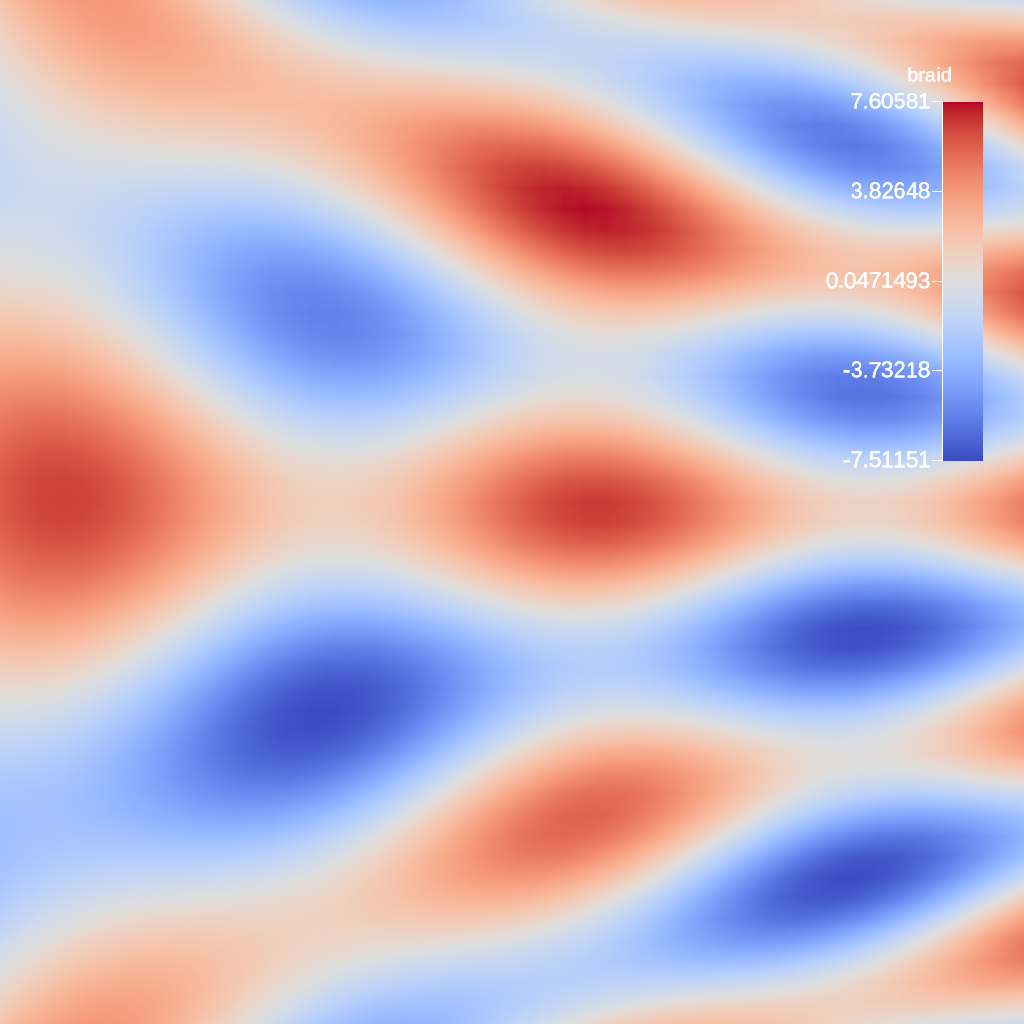
An example rendering a 2d field.
YAML actions:
#An example rendering a 2d field.

-
  action: "add_scenes"
  scenes:
    scene1:
      plots:
        plt1:
          type: "pseudocolor"
          field: "braid"
      image_prefix: "/Users/harrison37/Work/alpine/ascent/build-debug/tests/_output/tout_render_2d_default_runtime"
Resulting image:
An example of using the log filter.
YAML actions:
#An example of using the log filter.

-
  action: "add_pipelines"
  pipelines:
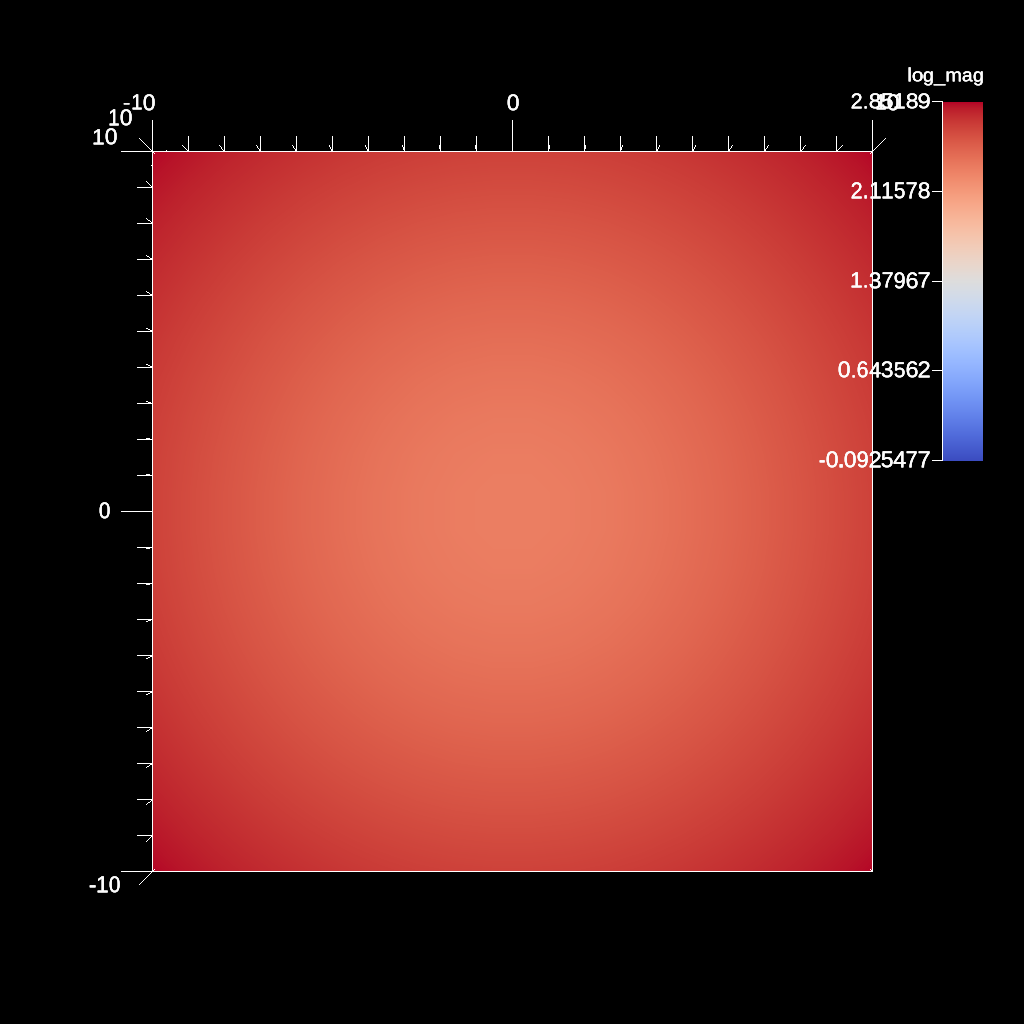
    pl1:
      f1:
        type: "vector_magnitude"
        params:
          field: "vel"
          output_name: "mag"
      f2:
        type: "log"
        params:
          field: "mag"
          output_name: "log_mag"
-
  action: "add_scenes"
  scenes:
    s1:
      plots:
        p1:
          type: "pseudocolor"
          field: "log_mag"
          pipeline: "pl1"
      image_prefix: "/Users/harrison37/Work/alpine/ascent/build-debug/tests/_output/tout_log_field"
Resulting image:
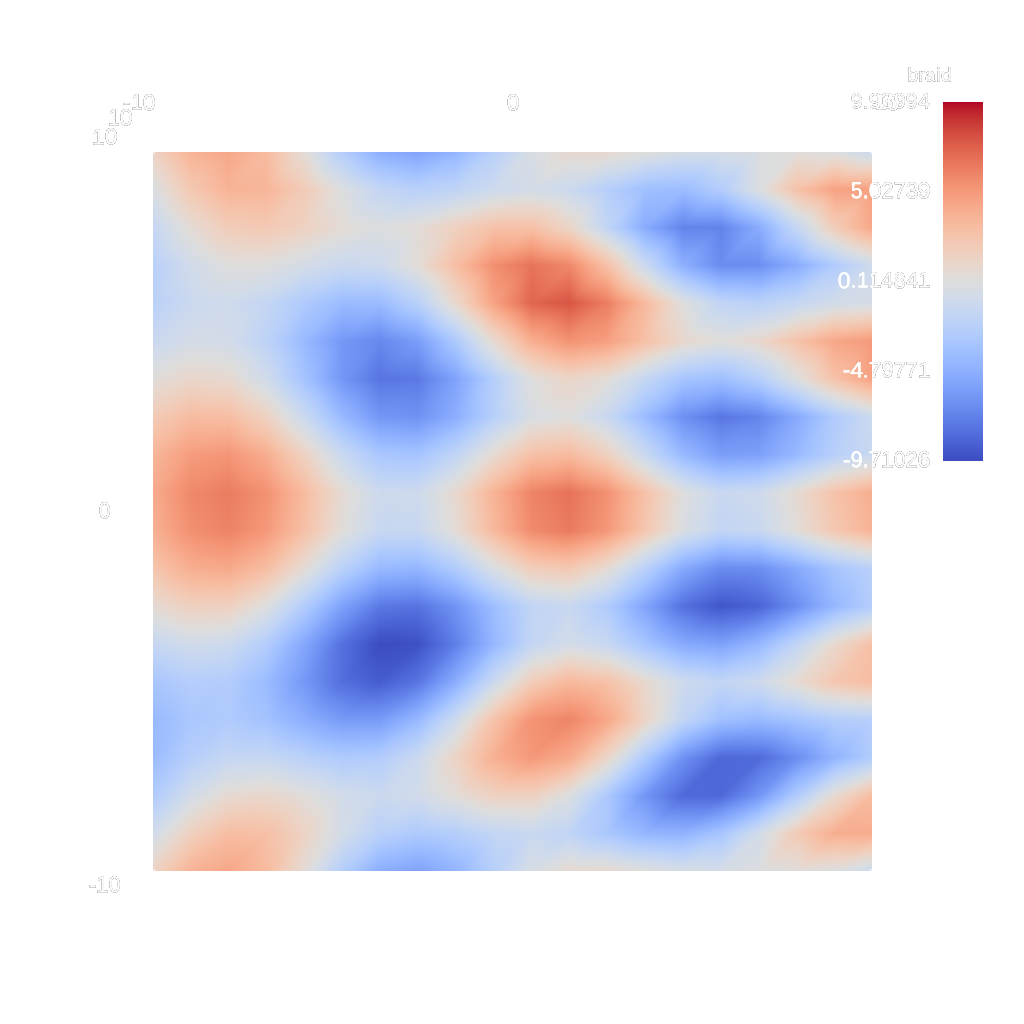
An example of rendering with no background (alpha channel = 0)
YAML actions:
#An example of rendering with no background (alpha channel = 0)

-
  action: "add_scenes"
  scenes:
    s1:
      plots:
        p1:
          type: "pseudocolor"
          field: "braid"
      renders:
        r1:
          image_prefix: "/Users/harrison37/Work/alpine/ascent/build-debug/tests/_output/tout_render_3d_no_bg"
          render_bg: "false"
Resulting image:
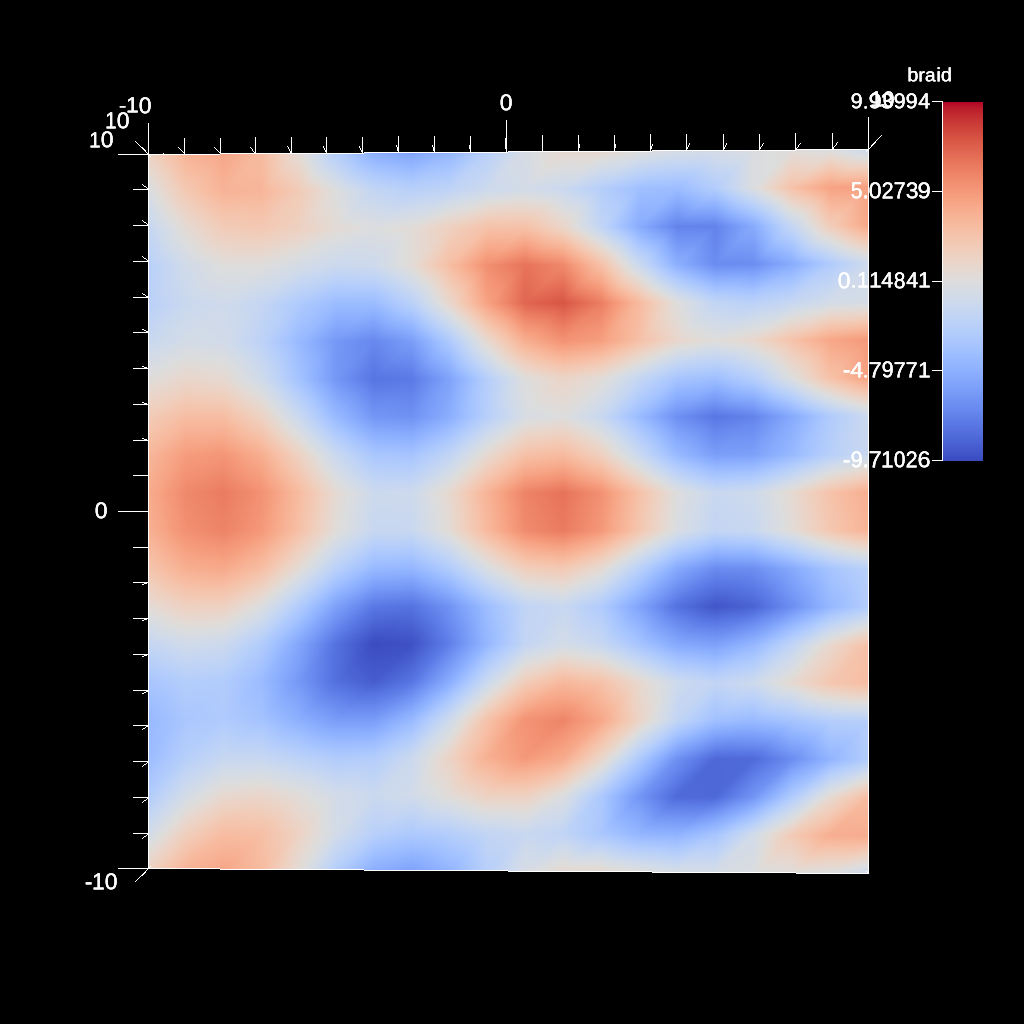
An example of changing the azimuth of the camera.
YAML actions:
#An example of changing the azimuth of the camera.

-
  action: "add_scenes"
  scenes:
    s1:
      plots:
        p1:
          type: "pseudocolor"
          field: "braid"
      renders:
        r1:
          camera:
            azimuth: 1.0
          image_prefix: "/Users/harrison37/Work/alpine/ascent/build-debug/tests/_output/tout_render_3d_azimuth"
Resulting image:
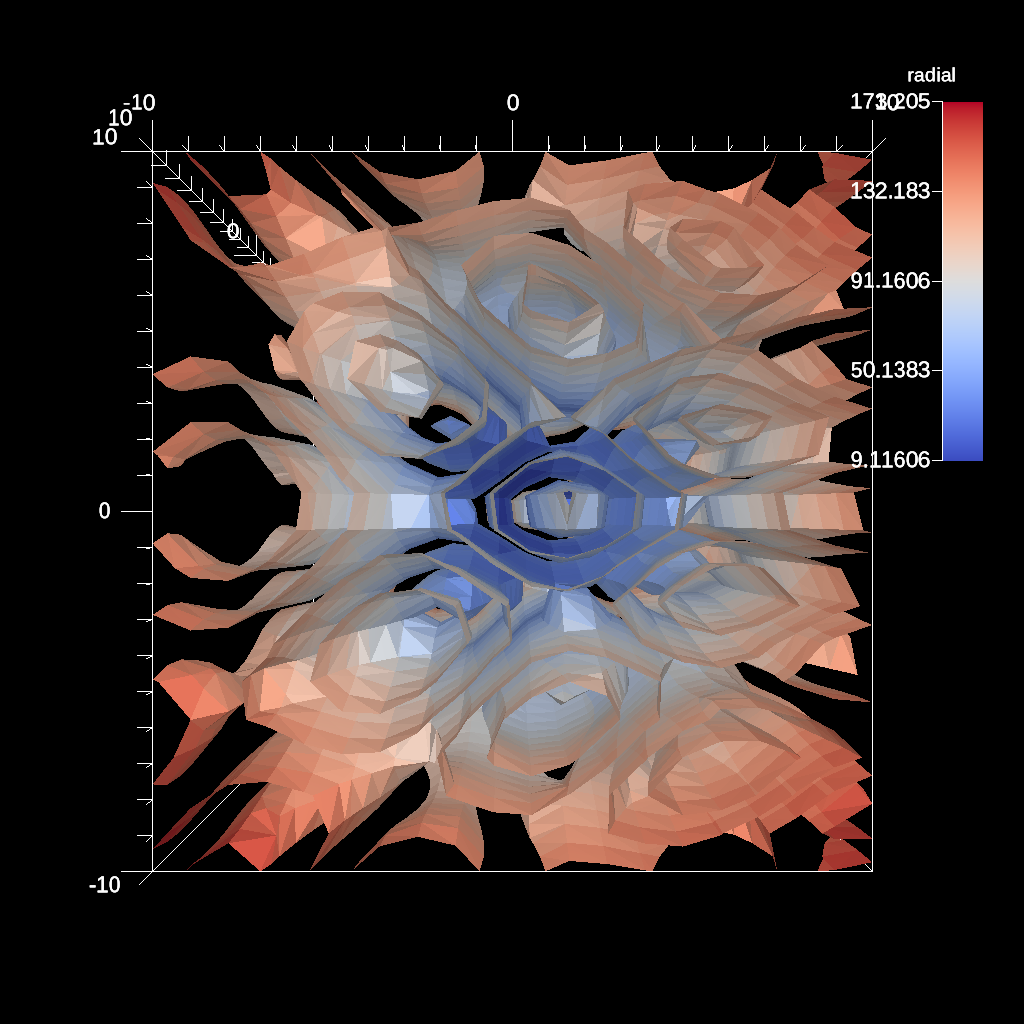
An example of the contour filter with a number of evenly spaced levels.
YAML actions:
#An example of the contour filter with a number of evenly spaced levels.

-
  action: "add_pipelines"
  pipelines:
    pl1:
      f1:
        type: "contour"
        params:
          field: "braid"
          levels: 5
-
  action: "add_scenes"
  scenes:
    s1:
      plots:
        p1:
          type: "pseudocolor"
          field: "radial"
          pipeline: "pl1"
      image_prefix: "/Users/harrison37/Work/alpine/ascent/build-debug/tests/_output/tout_multi_contour_levels"
Resulting image:
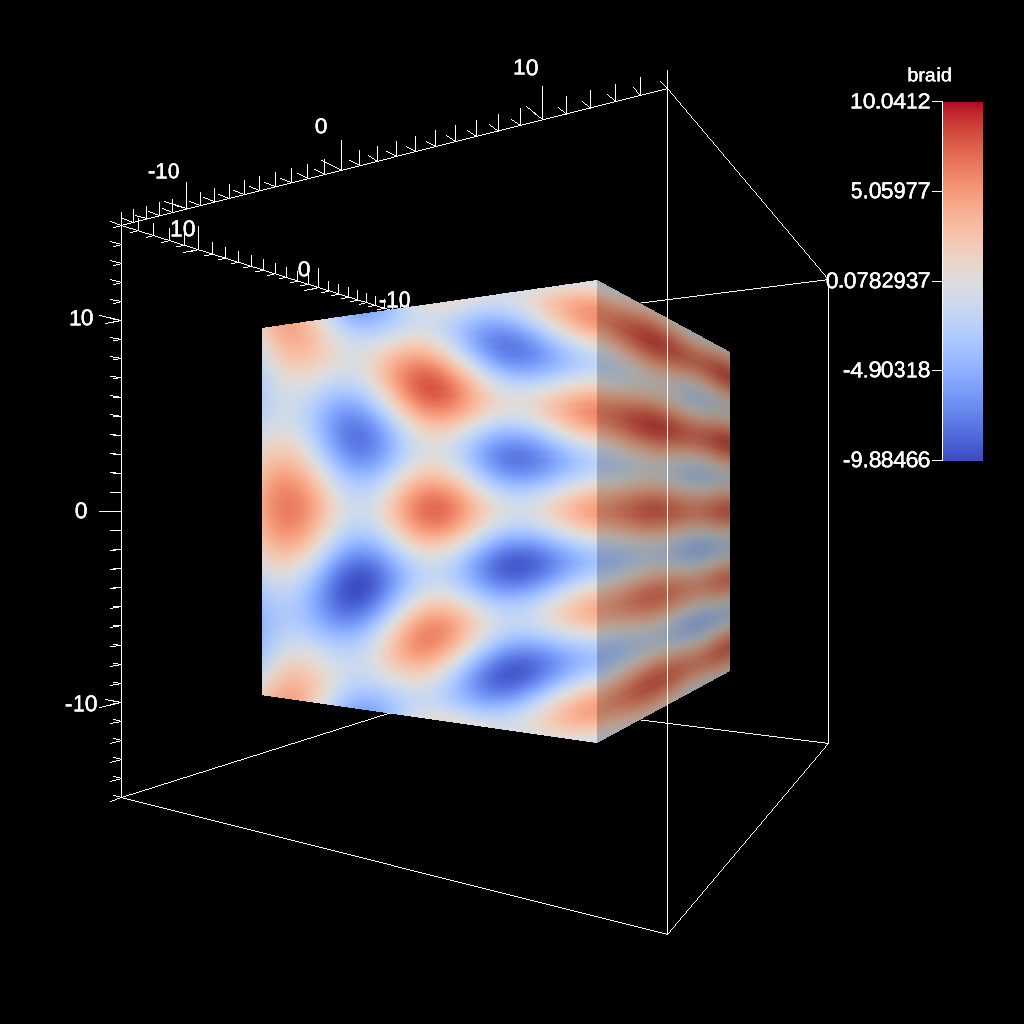
An example changing the rendering bounds of a 3d field.
YAML actions:
#An example changing the rendering bounds of a 3d field.

-
  action: "add_scenes"
  scenes:
    scene1:
      plots:
        plt1:
          type: "pseudocolor"
          field: "braid"
      renders:
        r1:
          camera:
            azimuth: 30
          image_prefix: "/Users/harrison37/Work/alpine/ascent/build-debug/tests/_output/tout_render_bounds_3d"
          dataset_bounds: [-15.0, 15.0, -15.0, 15.0, -15.0, 15.0]
Resulting image:
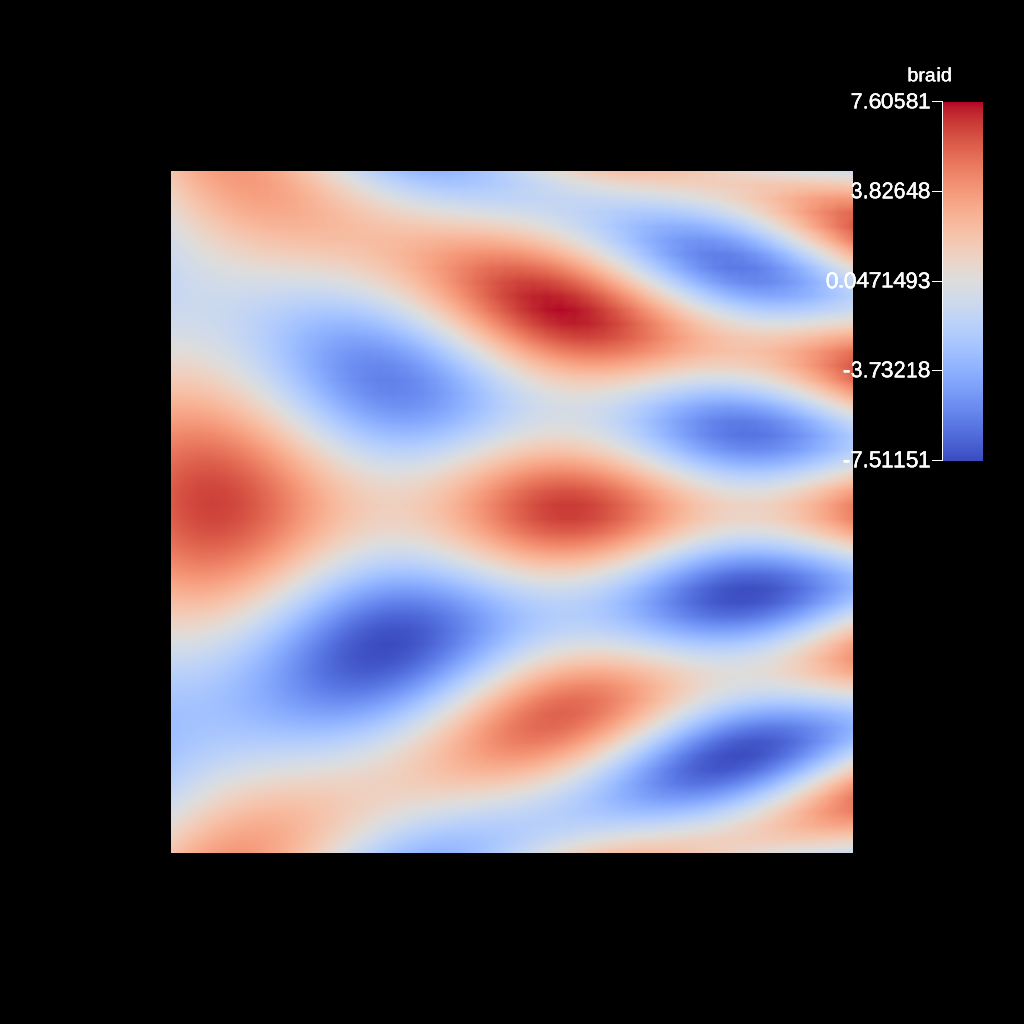
An example changing the rendering bounds of a 2d field.
YAML actions:
#An example changing the rendering bounds of a 2d field.

-
  action: "add_scenes"
  scenes:
    scene1:
      plots:
        plt1:
          type: "pseudocolor"
          field: "braid"
      renders:
        r1:
          image_prefix: "/Users/harrison37/Work/alpine/ascent/build-debug/tests/_output/tout_render_bounds_2d"
          dataset_bounds: [-15.0, 15.0, -15.0, 15.0, 0.0, 0.0]
Resulting image:
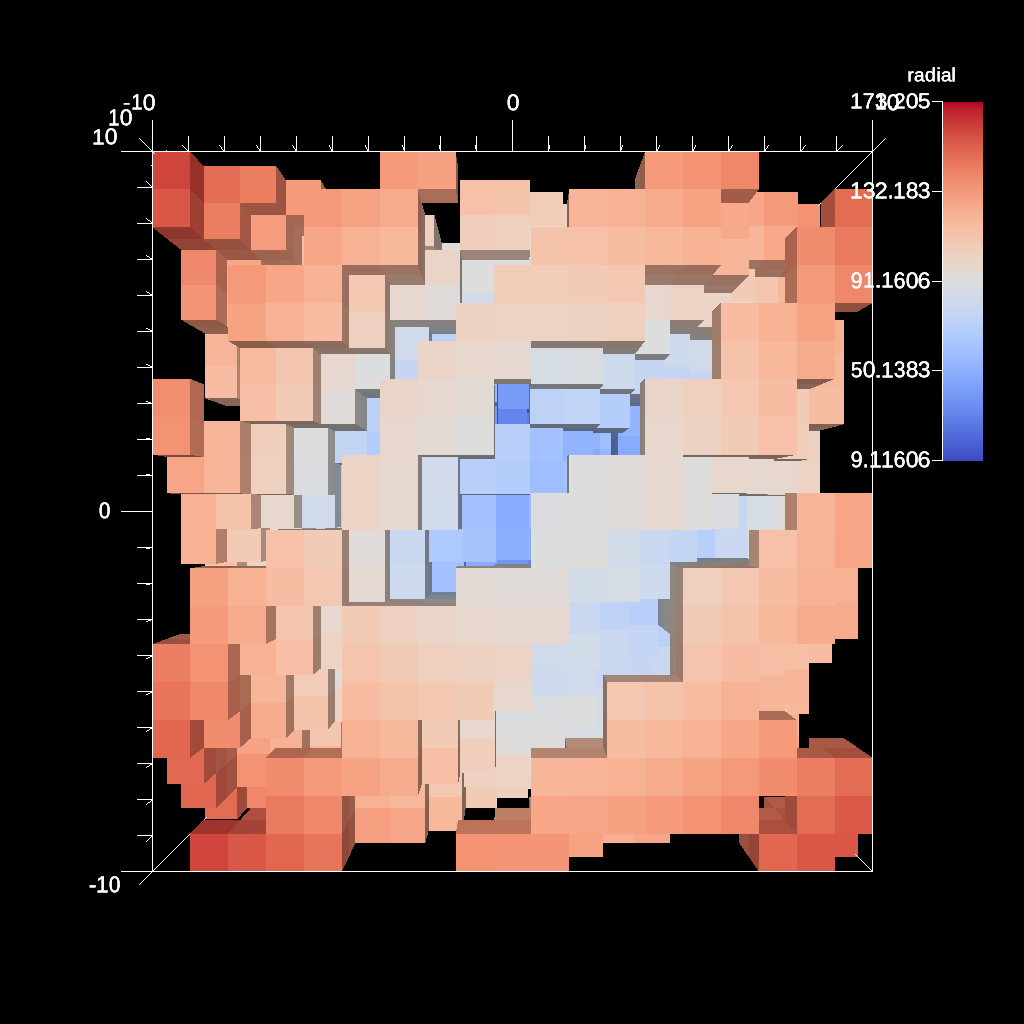
An example of the sampling filter using histogram-based approach.
YAML actions:
#An example of the sampling filter using histogram-based approach.

-
  action: "add_pipelines"
  pipelines:
    pl1:
      f1:
        type: "histsampling"
        params:
          field: "braid"
          sample_rate: 0.1
          bins: 32
-
  action: "add_scenes"
  scenes:
    s1:
      plots:
        p1:
          type: "pseudocolor"
          field: "radial"
          pipeline: "pl1"
      image_prefix: "/Users/harrison37/Work/alpine/ascent/build-debug/tests/_output/tout_sampling_3d"
Resulting image:
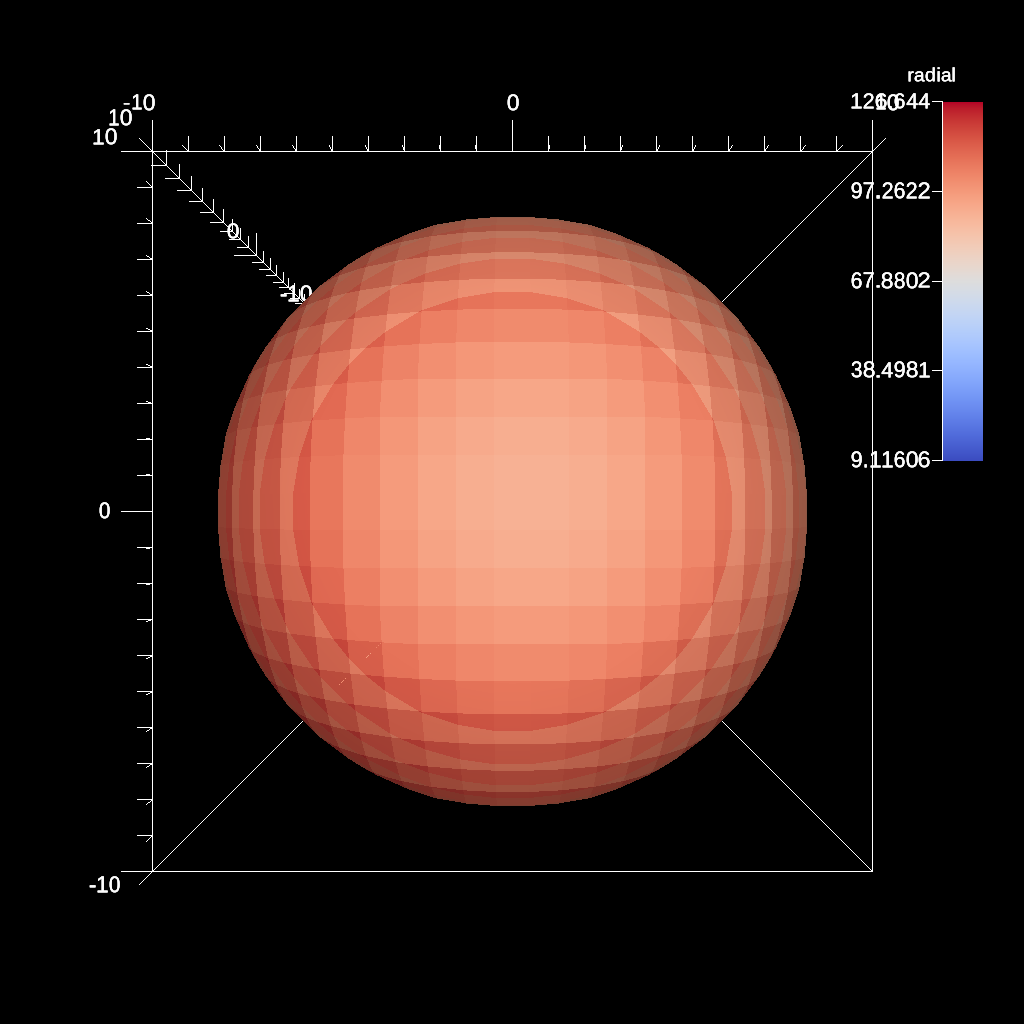
An example an inverted sphere clip using a center and radius
YAML actions:
#An example an inverted sphere clip using a center and radius

-
  action: "add_pipelines"
  pipelines:
    pl1:
      f1:
        type: "clip"
        params:
          invert: "true"
          sphere:
            radius: 11.0
            center:
              x: 0.0
              y: 0.0
              z: 0.0
-
  action: "add_scenes"
  scenes:
    s1:
      plots:
        p1:
          type: "pseudocolor"
          field: "radial"
          pipeline: "pl1"
      image_prefix: "/Users/harrison37/Work/alpine/ascent/build-debug/tests/_output/tout_clip_inverted_sphere"
Resulting image:
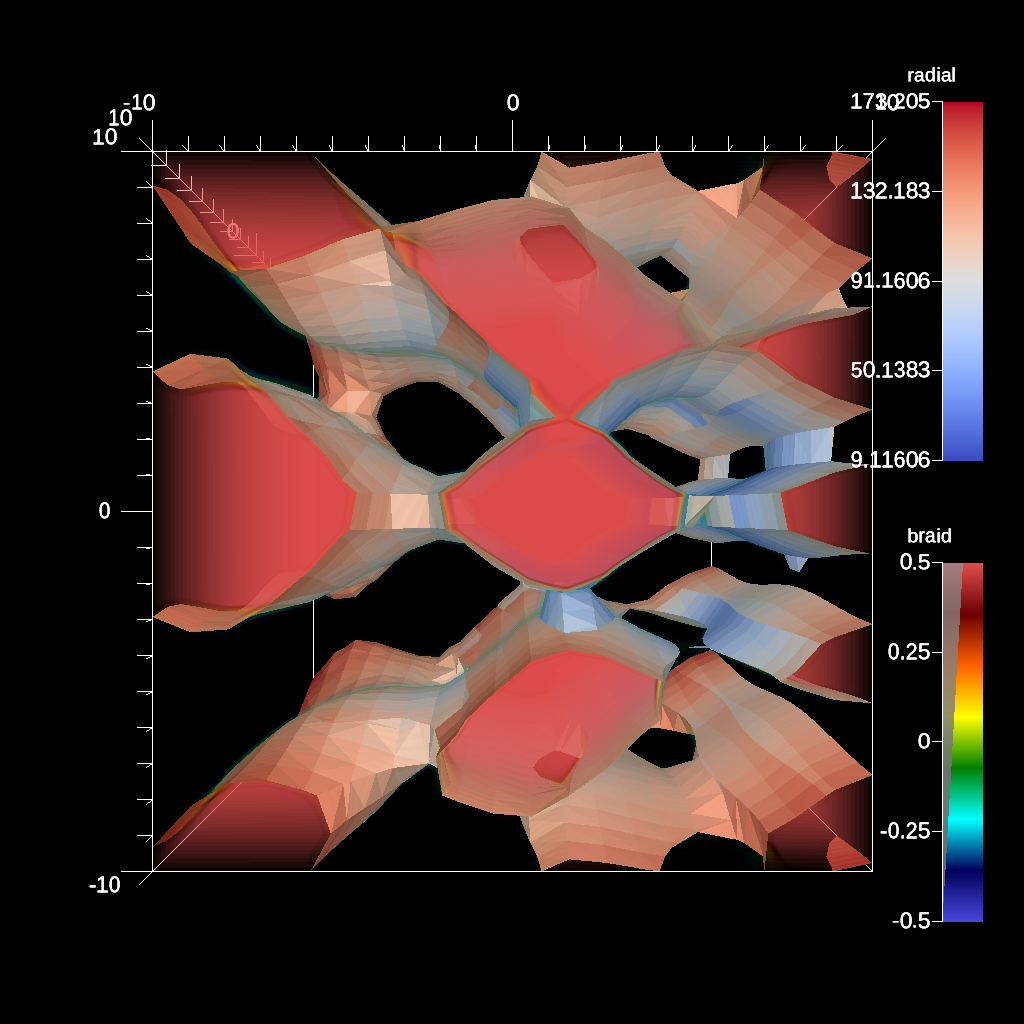
An example of creating a transfer function for volume rendering.
YAML actions:
#An example of creating a transfer function for volume rendering.

-
  action: "add_pipelines"
  pipelines:
    pl1:
      f1:
        type: "contour"
        params:
          field: "braid"
          iso_values: 0.0
-
  action: "add_scenes"
  scenes:
    s1:
      plots:
        p1:
          type: "pseudocolor"
          field: "radial"
          pipeline: "pl1"
        p2:
          type: "volume"
          field: "braid"
          min_value: -0.5
          max_value: 0.5
          color_table:
            name: "rainbow desaturated"
            control_points:
              -
                type: "alpha"
                position: 0.0
                alpha: 0.0
              -
                type: "alpha"
                position: 1.0
                alpha: 0.5
      image_prefix: "/Users/harrison37/Work/alpine/ascent/build-debug/tests/_output/tout_render_3d_multi_default_runtime"
Resulting image:
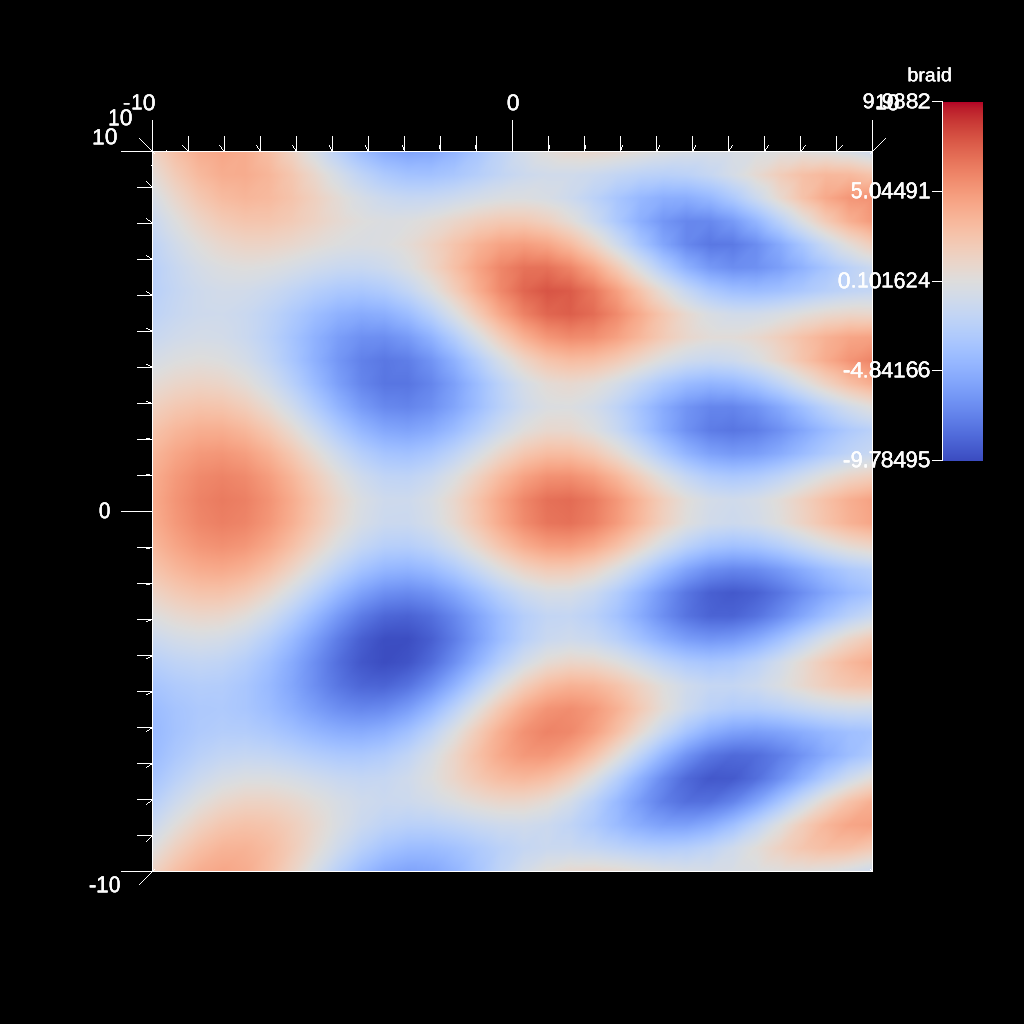
An example of specifying trigger actions without a trigger trigger actions file.
YAML actions:
#An example of specifying trigger actions without a trigger trigger actions file.

-
  action: "add_triggers"
  triggers:
    t1:
      params:
        condition: "magnitude(max(field('braid')).position - vector(0,0,0)) > 0"
        actions:
          -
            action: "add_scenes"
            scenes:
              s1:
                plots:
                  p1:
                    type: "pseudocolor"
                    field: "braid"
                image_prefix: "/Users/harrison37/Work/alpine/ascent/build-debug/tests/_output/tout_trigger_extract_inline"
Resulting image:
An example of the streamline filter using point list seed placement
YAML actions:
#An example of using the streamline flow filter.

-
  action: "add_pipelines"
  pipelines:
    pl1:
      f1:
        type: "streamline"
        params:
          field: "vel"
          num_steps: 100
          step_size: 0.01
          seeds:
            type: "point_list"
            location: [-0.826997, -5.62082, 3.57729, 0.388328, -9.30856, 0.594004, -8.66316, 3.73545, 8.60873, 3.07838, 4.02381, 5.24396, -3.43532, 5.12821, -2.69323, 5.06712, -8.54628, 7.69414, -0.445364, -4.50186, -6.66986, -8.78871, 0.0904583, -3.61934, -8.18534, -8.52502, -2.31716, -0.711083, -8.99832, 5.40409, 3.76911, 2.59087, 4.50824, -3.87356, 0.265474, 6.91963, -1.69211, -0.641653, -6.43345, -9.33892, -0.0303976, 4.96585, 6.84079, -5.74497, -7.39145, -1.71413, 4.19639, -5.20178, 3.04117, 3.62692, -2.24549, 6.91151, 9.10818, -7.03697, 1.29797, -0.229709, 9.2219, 2.58538, 3.02507, 6.06146]
          rendering:
            enable_tubes: "true"
            tube_capping: "false"
            tube_size: 0.4
            tube_sides: 4
            tube_value: 0.0
            output_field: "lines"
-
  action: "add_scenes"
  scenes:
    s1:
      plots:
        p1:
          type: "pseudocolor"
          field: "lines"
          pipeline: "pl1"
      renders:
        r1:
          image_prefix: "/home/user/ascent/build/tests/_output/tout_render_streamlines_point_list"
          dataset_bounds: [-10.0, 10.0, -10.0, 10.0, -10.0, 10.0]
Resulting image:

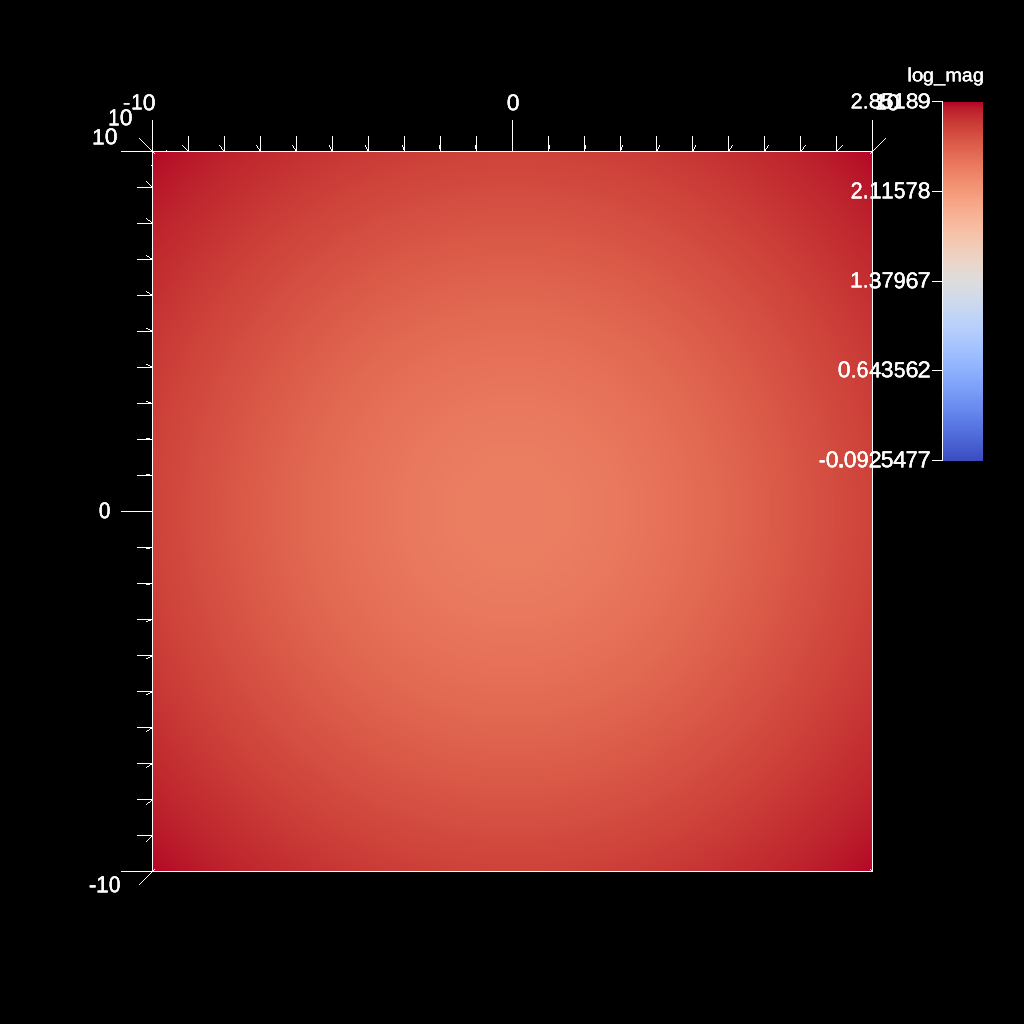
An example of the interconnecting pipelines.
YAML actions:
#An example of the interconnecting pipelines.

-
  action: "add_pipelines"
  pipelines:
    pl1:
      f1:
        type: "vector_magnitude"
        params:
          field: "vel"
          output_name: "mag"
    pl2:
      pipeline: "pl1"
      f1:
        type: "log"
        params:
          field: "mag"
          output_name: "log_mag"
-
  action: "add_scenes"
  scenes:
    s1:
      plots:
        p1:
          type: "pseudocolor"
          field: "log_mag"
          pipeline: "pl2"
      image_prefix: "/Users/harrison37/Work/alpine/ascent/build-debug/tests/_output/tout_pipelines"
Resulting image:
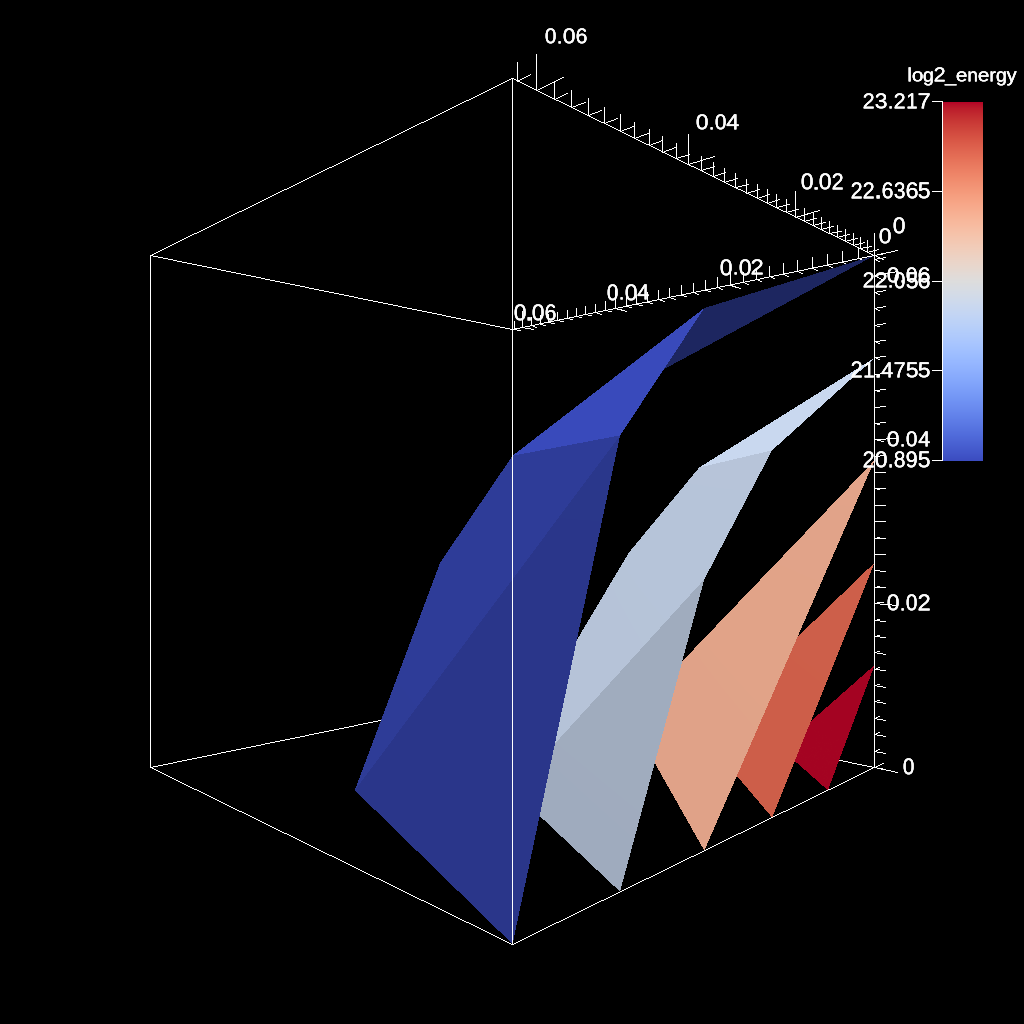
YAML actions:
-
  action: "add_pipelines"
  pipelines:
    pl1:
      f1:
        type: "contour"
        params:
          field: "e"
          levels: 5
      f2:
        type: "log2"
        params:
          field: "e"
          output_name: "log2_energy"
          clamp_min_value: 1.0
-
  action: "add_scenes"
  scenes:
    s1:
      plots:
        p1:
          type: "pseudocolor"
          field: "log2_energy"
          pipeline: "pl1"
      renders:
        r1:
          image_prefix: "contour_log2_energy_%04d"
          camera:
            azimuth: 135
Resulting image:
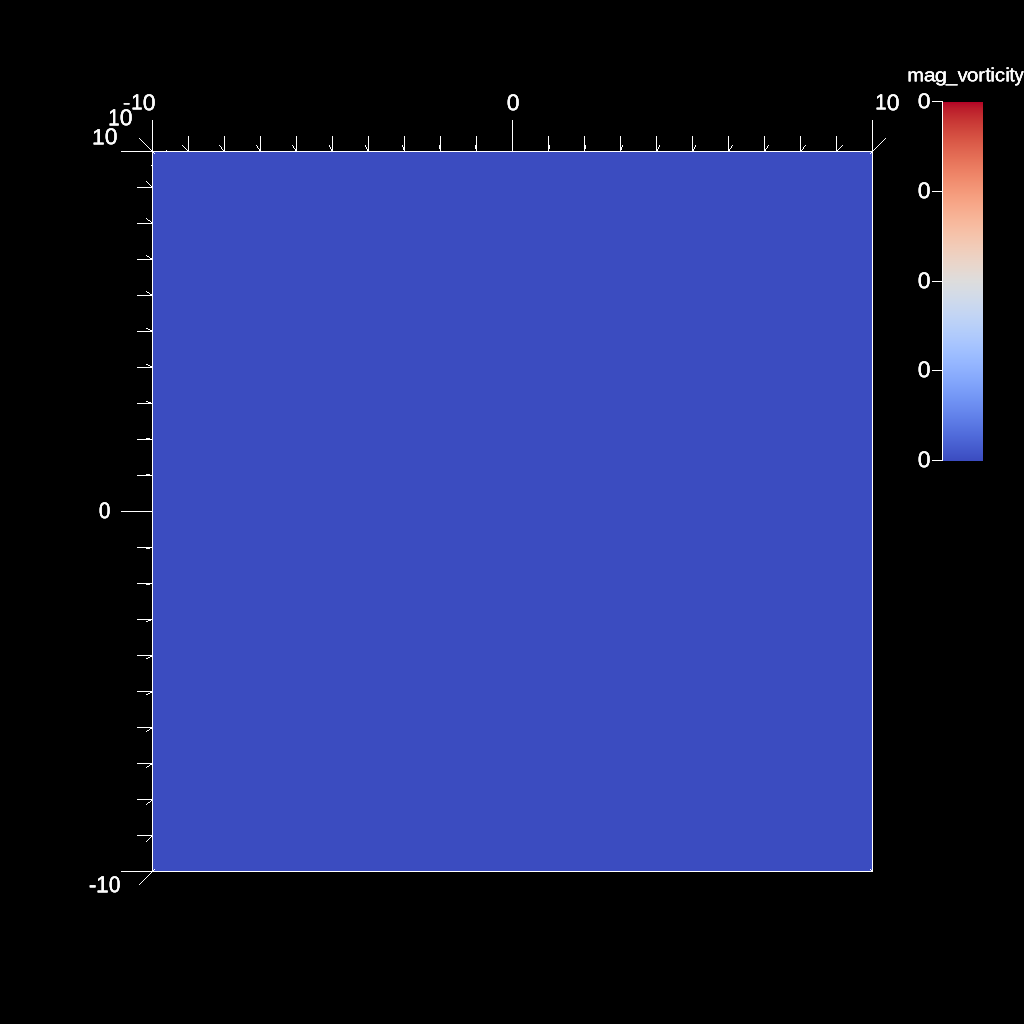
An example of using the gradient filter and plotting the magnitude.
YAML actions:
#An example of using the gradient filter and plotting the magnitude.

-
  action: "add_pipelines"
  pipelines:
    pl1:
      f2:
        type: "vorticity"
        params:
          field: "vel"
          output_name: "vel_vorticity"
          use_cell_gradient: "false"
      f1:
        type: "vector_magnitude"
        params:
          field: "vel_vorticity"
          output_name: "mag_vorticity"
-
  action: "add_scenes"
  scenes:
    s1:
      plots:
        p1:
          type: "pseudocolor"
          field: "mag_vorticity"
          pipeline: "pl1"
      image_prefix: "/Users/harrison37/Work/alpine/ascent/build-debug/tests/_output/tout_vorticity_vel"
Resulting image:
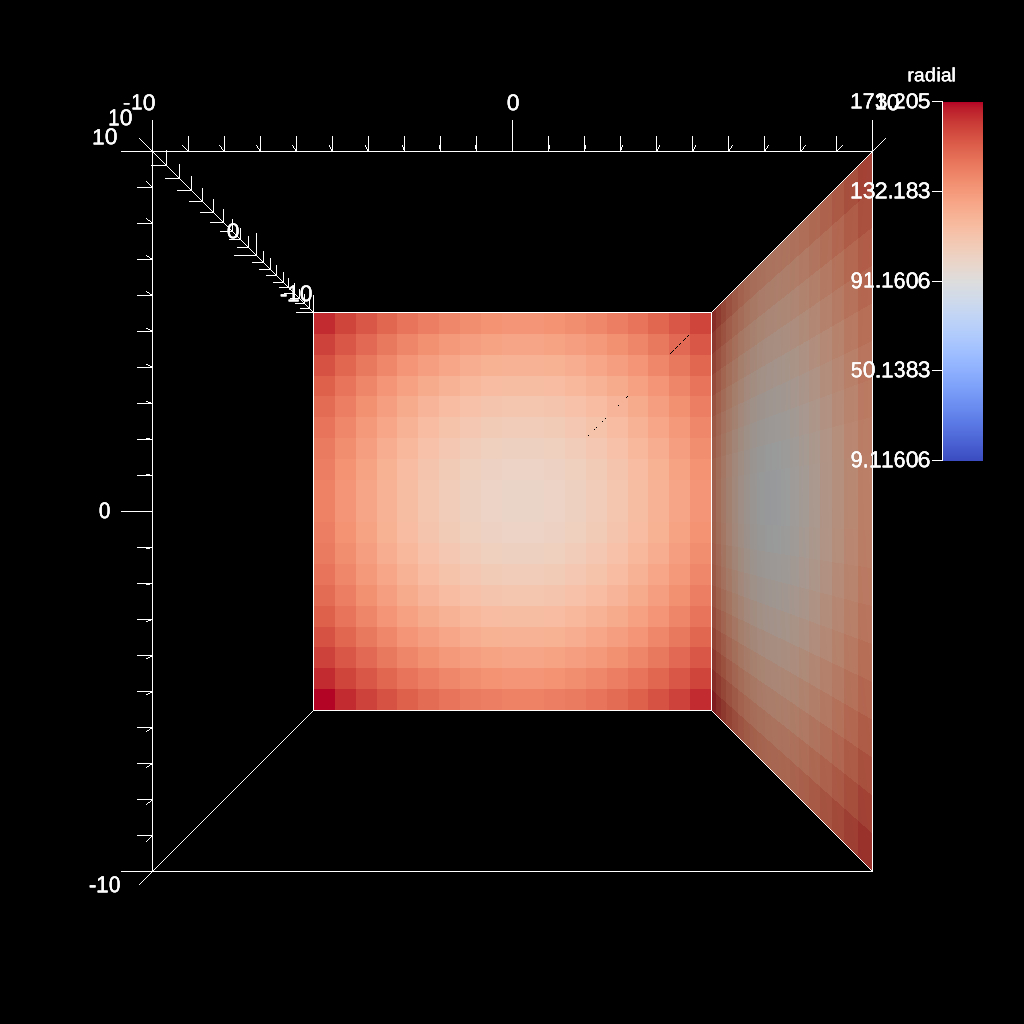
An example of the three slice filter.
YAML actions:
#An example of the three slice filter.

-
  action: "add_pipelines"
  pipelines:
    pl1:
      f1:
        type: "3slice"
        params:
          x_offset: 1.0
          y_offset: 0.0
          z_offset: -1.0
-
  action: "add_scenes"
  scenes:
    s1:
      plots:
        p1:
          type: "pseudocolor"
          field: "radial"
          pipeline: "pl1"
      image_prefix: "/Users/harrison37/Work/alpine/ascent/build-debug/tests/_output/tout_3slice_3d"
Resulting image:
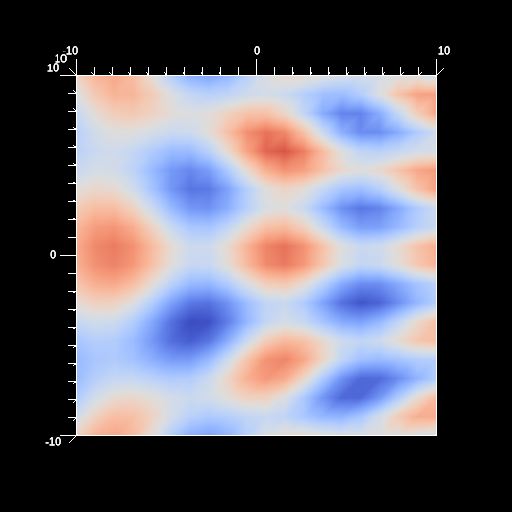
An example of disabling a color table.
YAML actions:
#An example of disabling a color table.

-
  action: "add_scenes"
  scenes:
    s1:
      plots:
        p1:
          type: "pseudocolor"
          field: "braid"
          color_table:
            annotation: "false"
      image_prefix: "/Users/harrison37/Work/alpine/ascent/build-debug/tests/_output/no_color_bar"
      renders:
        r1:
          image_width: 512
          image_height: 512
          image_prefix: "/Users/harrison37/Work/alpine/ascent/build-debug/tests/_output/no_color_bar"
Resulting image:
An example of using the volume (unstructured grid) extract with min and max values.
YAML actions:
#An example of using the volume (unstructured grid) extract with min and max values.

-
  action: "add_extracts"
  extracts:
    e1:
      type: "volume"
      params:
        field: "radial"
        min_value: -1.0
        emission: "radial"
        precision: "double"
        filename: "/Users/larsen30/research/test_builds/devil_ray/ascent/build/tests/_output/tout_rover_volume_min_max"
Resulting image:
An example of filtering fields not present in the actions file.
YAML actions:
#An example of filtering fields not present in the actions file.

-
  action: "add_scenes"
  scenes:
    s1:
      plots:
        p1:
          type: "pseudocolor"
          field: "braid"
      image_prefix: "/Users/harrison37/Work/alpine/ascent/build-debug/tests/_output/tout_field_filtering"
Resulting image:
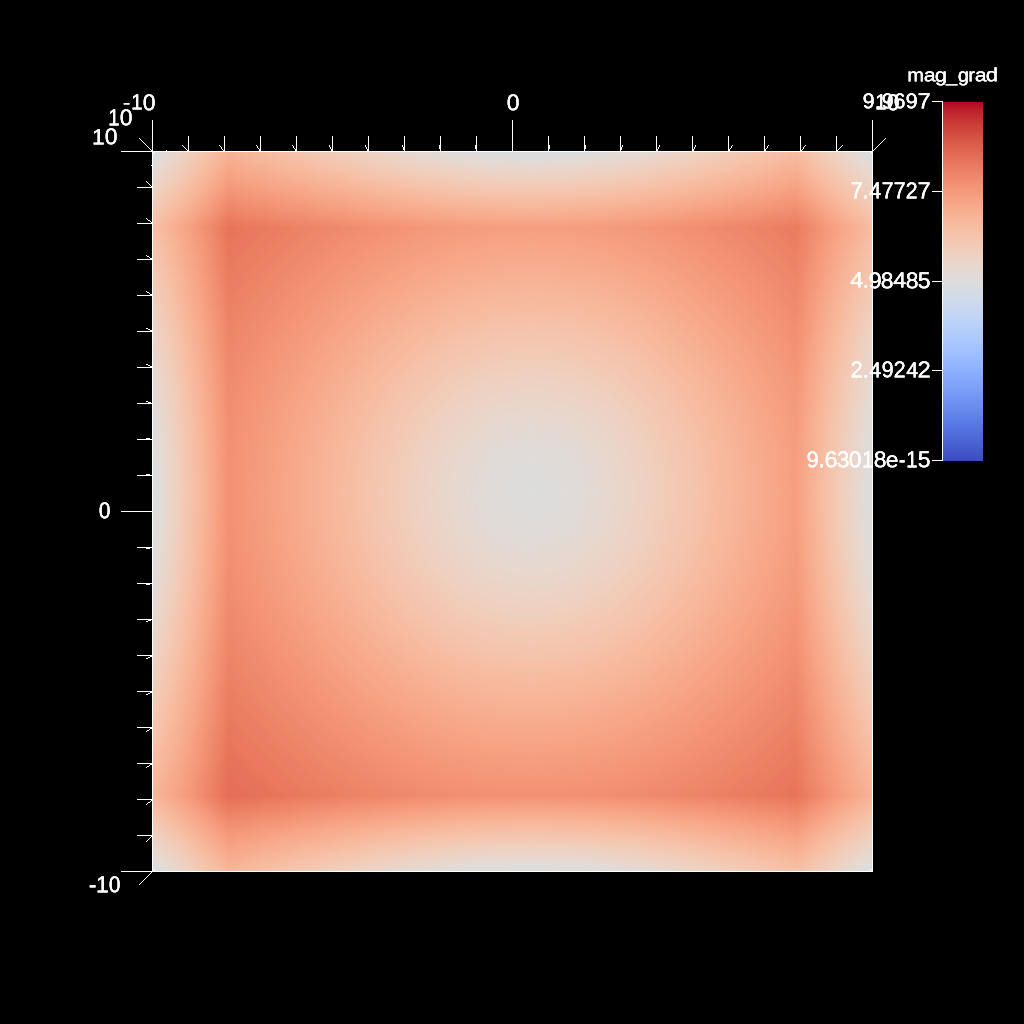
An example of using the gradient filter on a element centered field and plotting the magnitude.
YAML actions:
#An example of using the gradient filter on a element centered fieldand plotting the magnitude.

-
  action: "add_pipelines"
  pipelines:
    pl1:
      f2:
        type: "gradient"
        params:
          field: "radial"
          output_name: "radial_gradient"
      f1:
        type: "vector_magnitude"
        params:
          field: "radial_gradient"
          output_name: "mag_grad"
-
  action: "add_scenes"
  scenes:
    s1:
      plots:
        p1:
          type: "pseudocolor"
          field: "mag_grad"
          pipeline: "pl1"
      image_prefix: "/Users/harrison37/Work/alpine/ascent/build-debug/tests/_output/tout_gradient_mag_radial"
Resulting image:
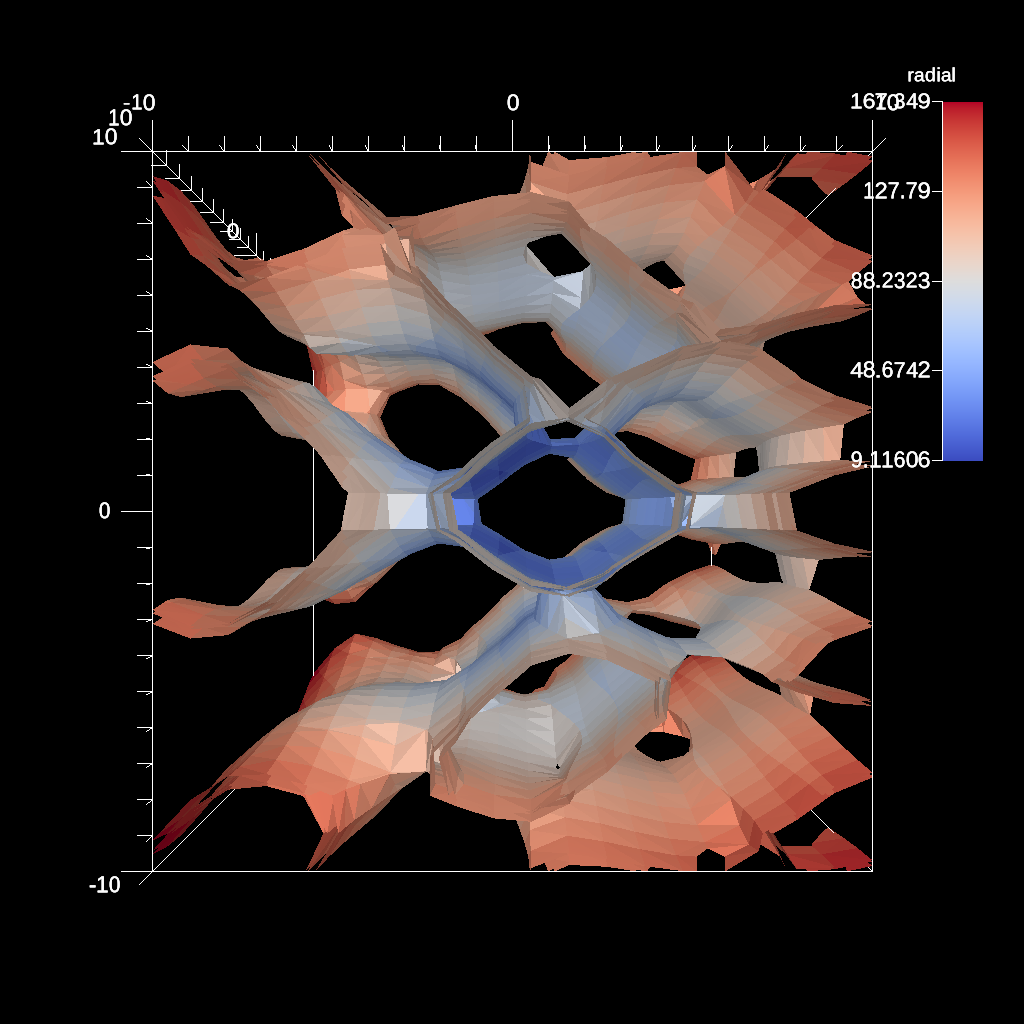
An example of the contour filter with a multiple iso values.
YAML actions:
#An example of the contour filter with a multiple iso values.

-
  action: "add_pipelines"
  pipelines:
    pl1:
      f1:
        type: "contour"
        params:
          field: "braid"
          iso_values: [-0.4, 0.2, 0.4]
-
  action: "add_scenes"
  scenes:
    s1:
      plots:
        p1:
          type: "pseudocolor"
          field: "radial"
          pipeline: "pl1"
      image_prefix: "/Users/harrison37/Work/alpine/ascent/build-debug/tests/_output/tout_multi_contour_3d"
Resulting image:
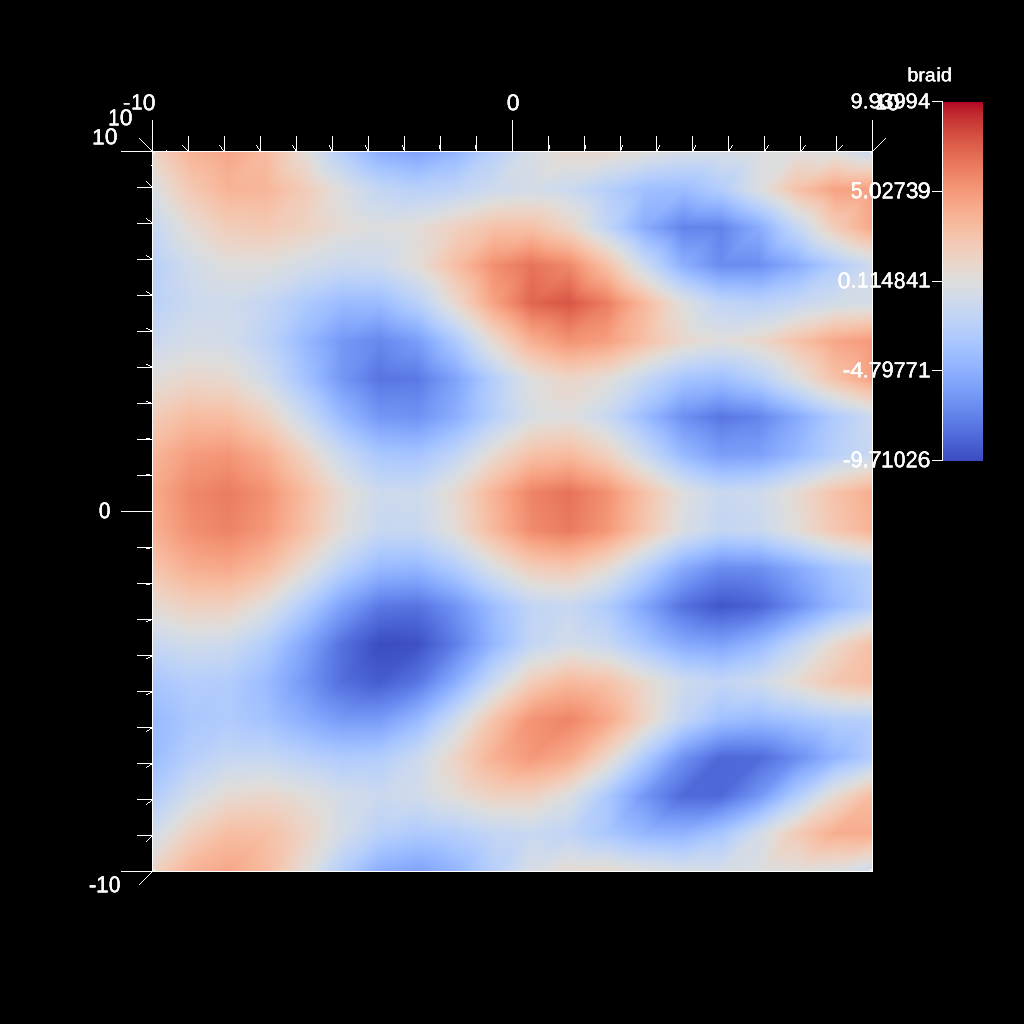
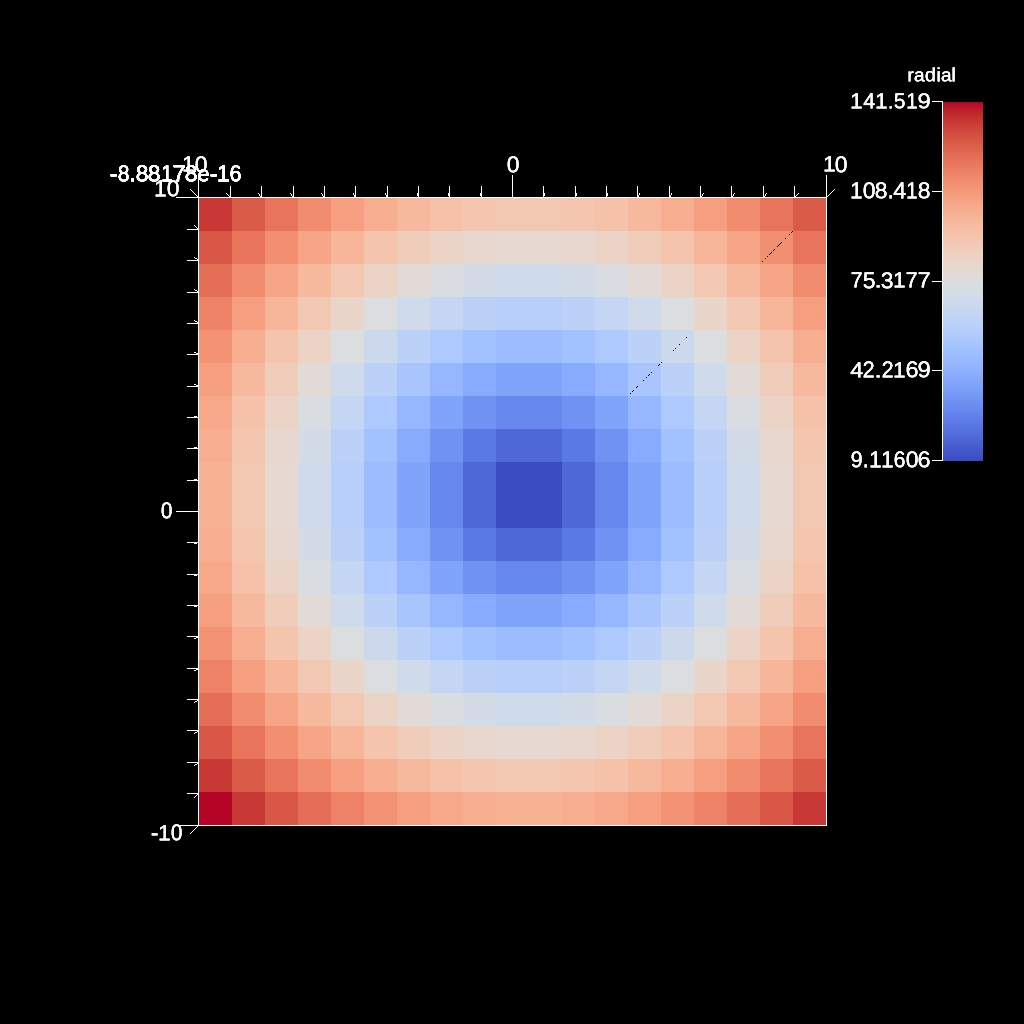
An example of the slice filter with a single plane.
YAML actions:
#An example of the slice filter with a single plane.

-
  action: "add_pipelines"
  pipelines:
    pl1:
      f1:
        type: "slice"
        params:
          point:
            x: 0.0
            y: 0.0
            z: 0.0
          normal:
            x: 0.0
            y: 0.0
            z: 1.0
-
  action: "add_scenes"
  scenes:
    s1:
      plots:
        p1:
          type: "pseudocolor"
          field: "radial"
          pipeline: "pl1"
      image_prefix: "/Users/harrison37/Work/alpine/ascent/build-debug/tests/_output/tout_slice_3d"
Resulting image:
An example of creating a mesh plot of a contour.
YAML actions:
#An example of creating a mesh plot of a contour.

-
  action: "add_pipelines"
  pipelines:
    pl1:
      f1:
        type: "contour"
        params:
          field: "braid"
          iso_values: 0.0
-
  action: "add_scenes"
  scenes:
    s1:
      plots:
        p1:
          type: "pseudocolor"
          field: "radial"
          pipeline: "pl1"
        p2:
          type: "mesh"
          pipeline: "pl1"
      image_prefix: "/Users/harrison37/Work/alpine/ascent/build-debug/tests/_output/tout_render_3d_multi_mesh"
Resulting image:
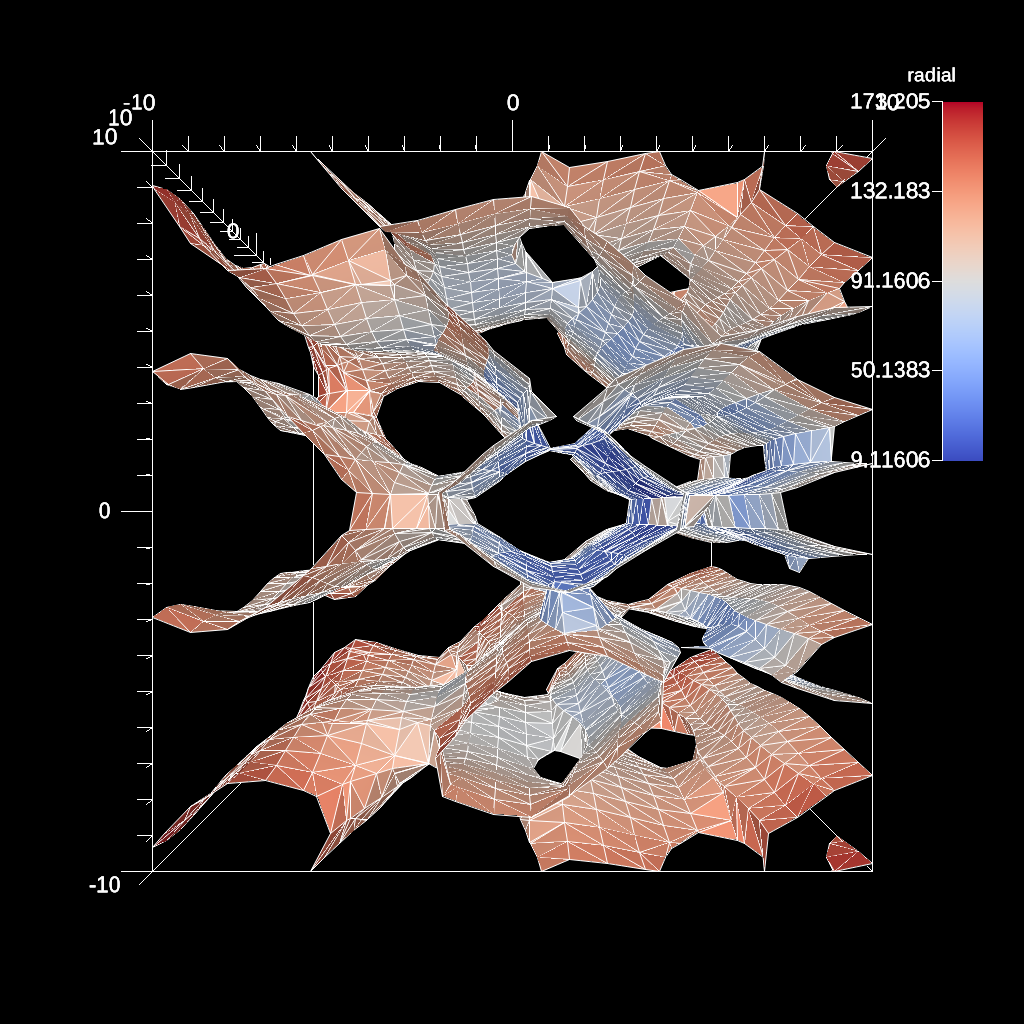
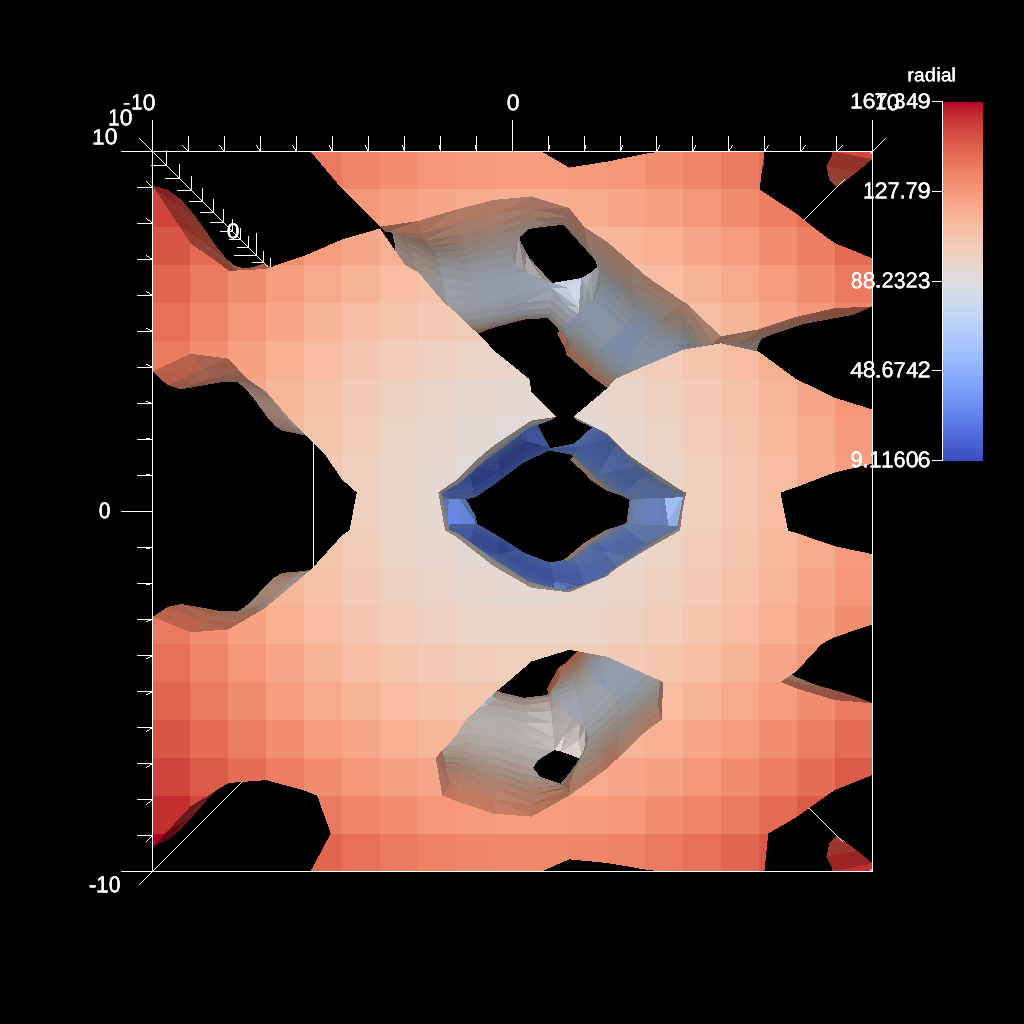
An example of using inverted clip with field.
YAML actions:
#An example of using inverted clip with field.

-
  action: "add_pipelines"
  pipelines:
    pl1:
      f1:
        type: "clip_with_field"
        params:
          field: "braid"
          clip_value: 0.0
          invert: "true"
-
  action: "add_scenes"
  scenes:
    s1:
      plots:
        p1:
          type: "pseudocolor"
          field: "radial"
          pipeline: "pl1"
      image_prefix: "/Users/harrison37/Work/alpine/ascent/build-debug/tests/_output/tout_clip_with_field_inverted"
Resulting image:
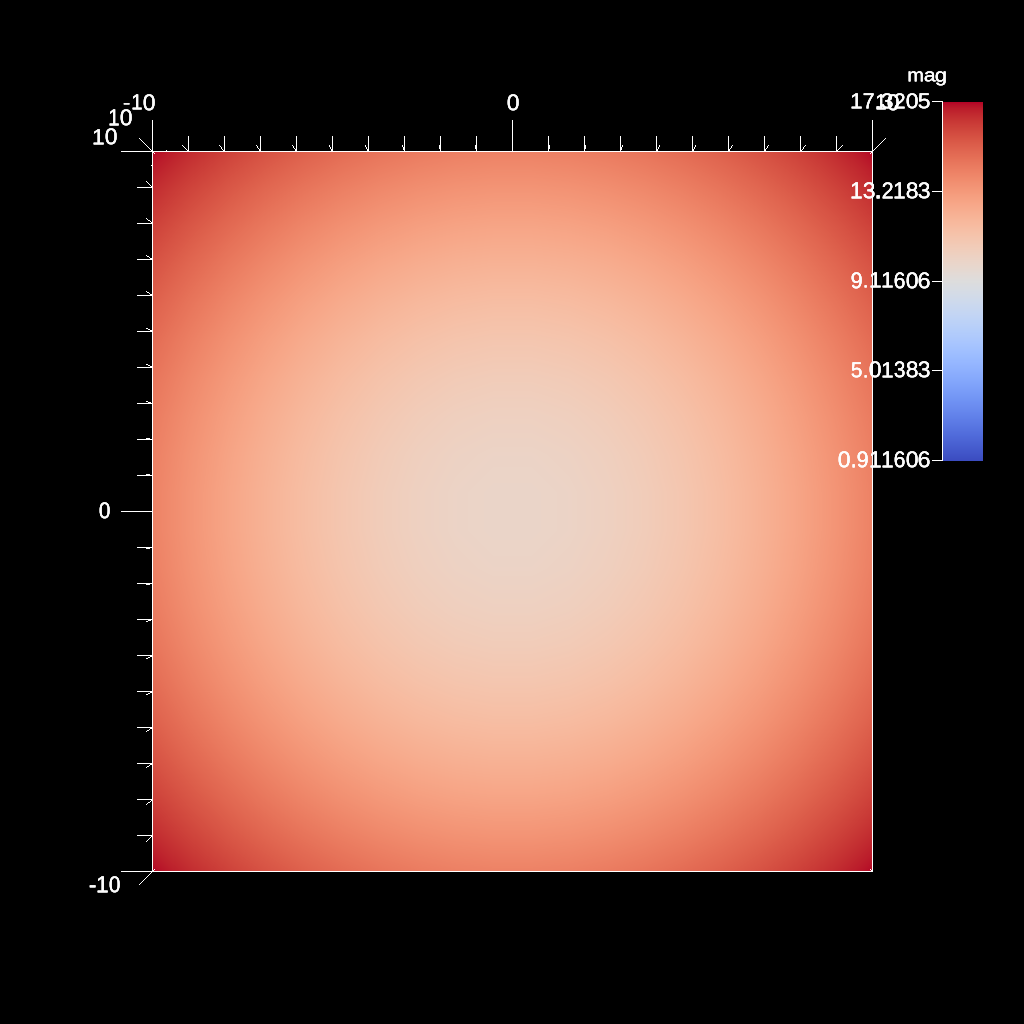
An example if using the vector magnitude filter.
YAML actions:
#An example if using the vector magnitude filter.

-
  action: "add_pipelines"
  pipelines:
    pl1:
      f1:
        type: "vector_magnitude"
        params:
          field: "vel"
          output_name: "mag"
-
  action: "add_scenes"
  scenes:
    s1:
      plots:
        p1:
          type: "pseudocolor"
          field: "mag"
          pipeline: "pl1"
      image_prefix: "/Users/harrison37/Work/alpine/ascent/build-debug/tests/_output/tout_vec_mag"
Resulting image:
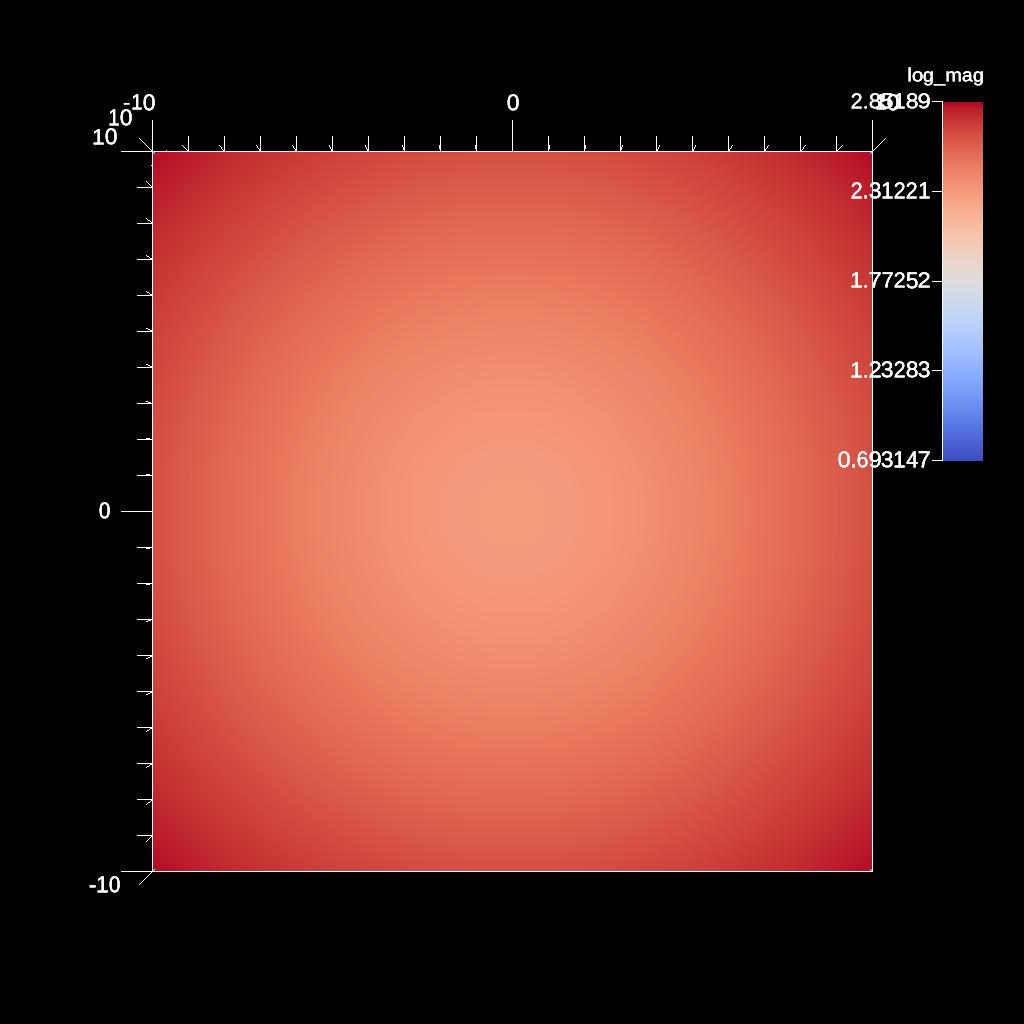
An example of using the log filter and clamping the min value. This can help when there are negative values present.
YAML actions:
#An example of using the log filter and clamping the min value. This can help when there are negative values present.

-
  action: "add_pipelines"
  pipelines:
    pl1:
      f1:
        type: "vector_magnitude"
        params:
          field: "vel"
          output_name: "mag"
      f2:
        type: "log"
        params:
          field: "mag"
          output_name: "log_mag"
          clamp_min_value: 2.0
-
  action: "add_scenes"
  scenes:
    s1:
      plots:
        p1:
          type: "pseudocolor"
          field: "log_mag"
          pipeline: "pl1"
      image_prefix: "/Users/harrison37/Work/alpine/ascent/build-debug/tests/_output/tout_log_field_clamp"
Resulting image:
An example of the slice filter with a single plane (off-axis).
YAML actions:
#An example of the slice filter with a single plane (off-axis).

-
  action: "add_pipelines"
  pipelines:
    pl1:
      f1:
        type: "slice"
        params:
          point:
            x: 1.0
            y: 1.0
            z: 1.0
          normal:
            x: 0.0
            y: 0.0
            z: 1.0
-
  action: "add_scenes"
  scenes:
    s1:
      plots:
        p1:
          type: "pseudocolor"
          field: "radial"
          pipeline: "pl1"
      image_prefix: "/Users/harrison37/Work/alpine/ascent/build-debug/tests/_output/tout_slice_3d_off_axis"
Resulting image:
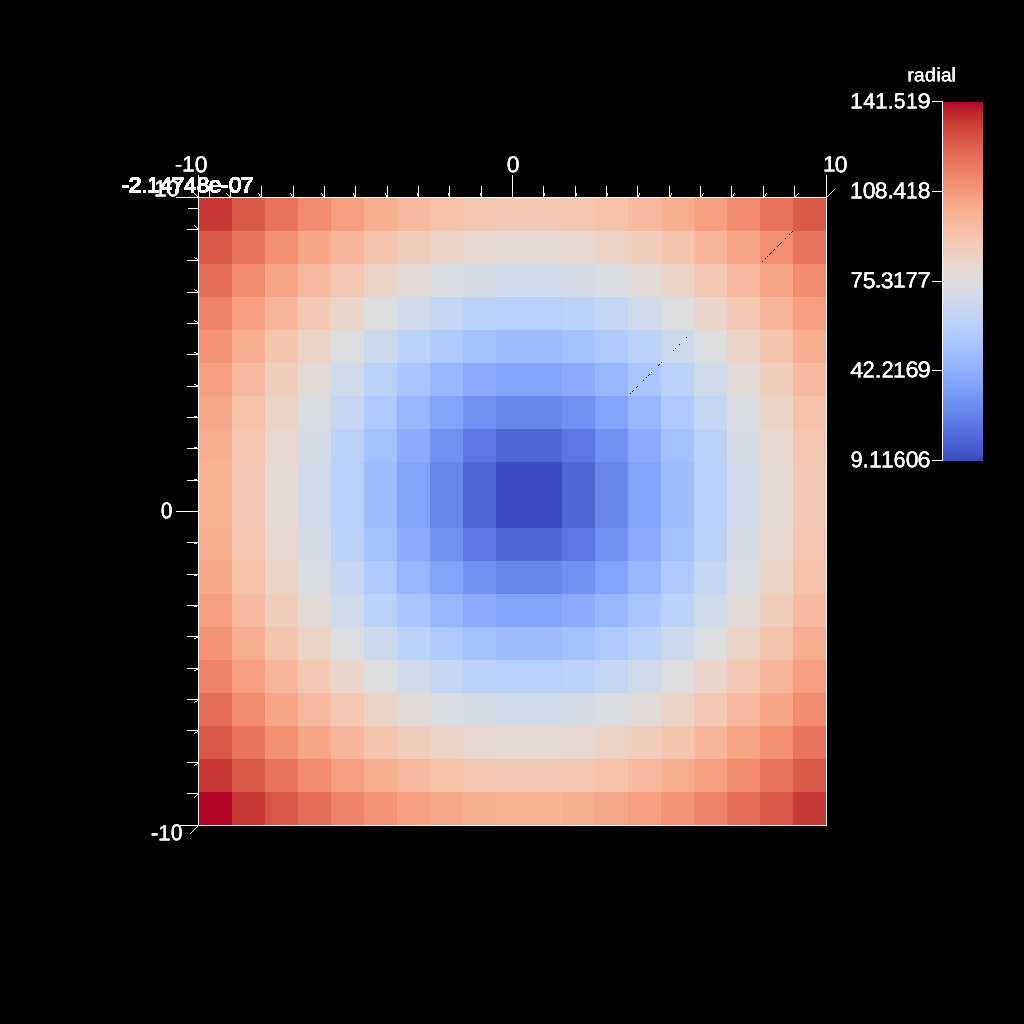
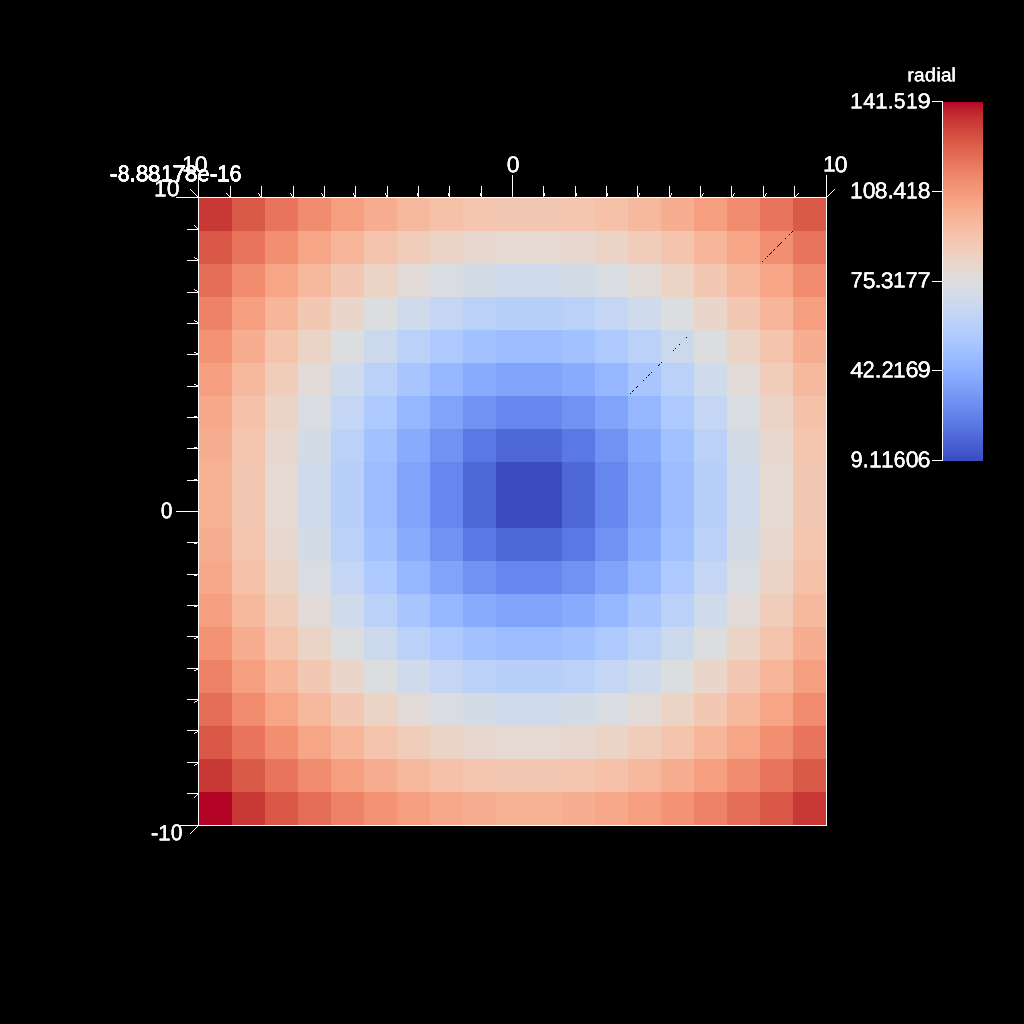
An example of the slice filter with a single plane.
YAML actions:
#An example of the slice filter with a single plane.

-
  action: "add_pipelines"
  pipelines:
    pl1:
      f1:
        type: "exaslice"
        params:
          point:
            x: 0.0
            y: 0.0
            z: 0.0
          normal:
            x: 0.0
            y: 0.0
            z: 1.0
-
  action: "add_scenes"
  scenes:
    s1:
      plots:
        p1:
          type: "pseudocolor"
          field: "radial"
          pipeline: "pl1"
      image_prefix: "/Users/harrison37/Work/alpine/ascent/build-debug/tests/_output/tout_exaslice_3d"
Resulting image:
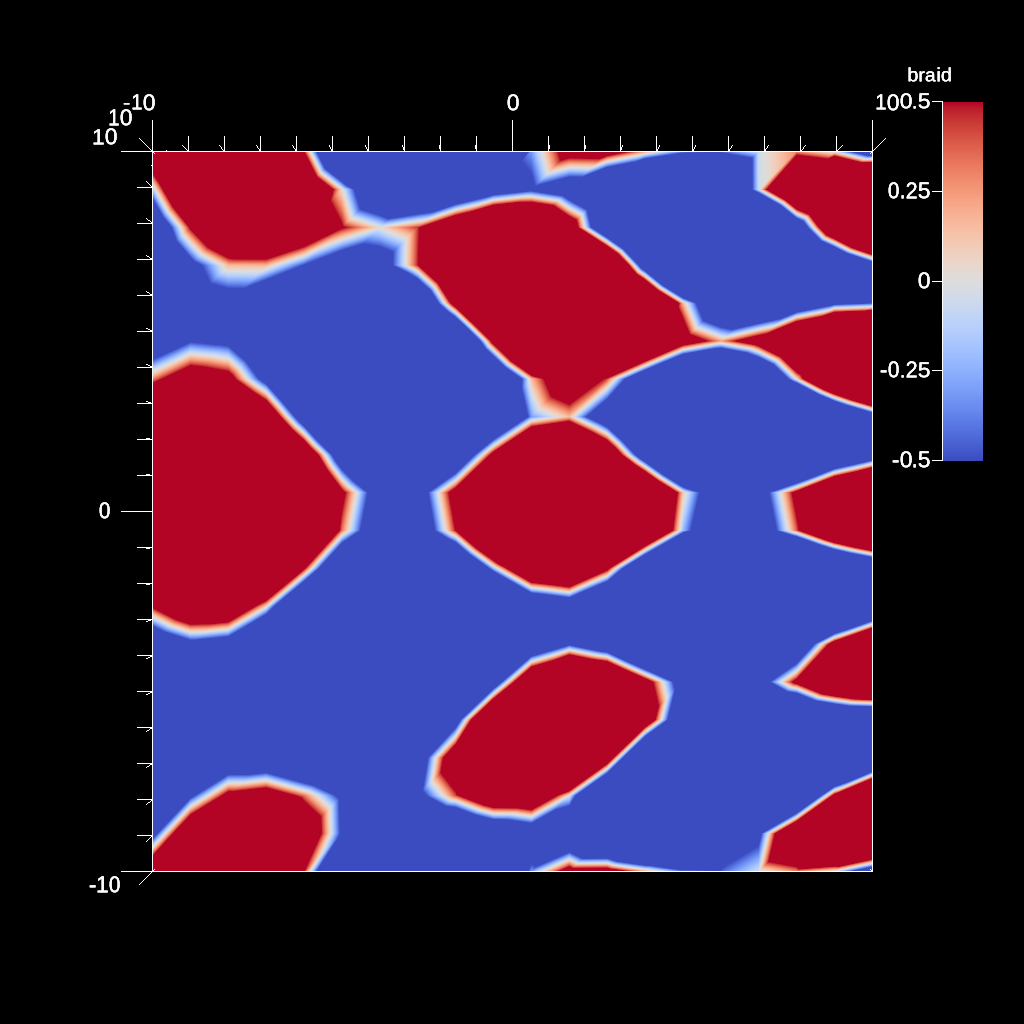
An example of creating a plot specifying the min and max values of the scalar range.
YAML actions:
#An example of creating a plot specifying the min and max values of the scalar range.

-
  action: "add_scenes"
  scenes:
    s1:
      plots:
        p1:
          type: "pseudocolor"
          field: "braid"
          min_value: -0.5
          max_value: 0.5
      image_prefix: "/Users/harrison37/Work/alpine/ascent/build-debug/tests/_output/tout_render_3d_ascent_min_max"
Resulting image:
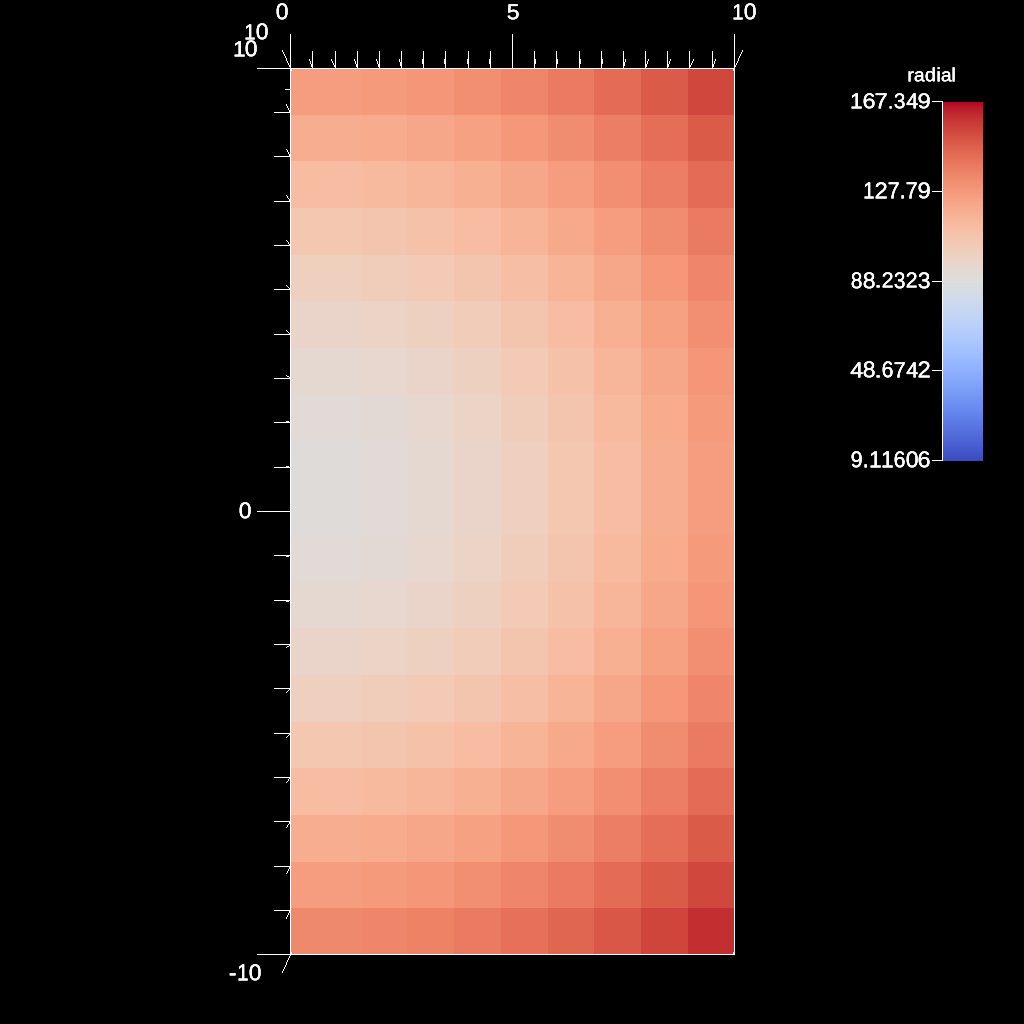
An example a plane clip defined with a point and a normal
YAML actions:
#An example a plane clip defined with a point and a normal

-
  action: "add_pipelines"
  pipelines:
    pl1:
      f1:
        type: "clip"
        params:
          plane:
            point:
              x: 0.0
              y: 0.0
              z: 0.0
            normal:
              x: 1.0
              y: 0.0
              z: 0
-
  action: "add_scenes"
  scenes:
    s1:
      plots:
        p1:
          type: "pseudocolor"
          field: "radial"
          pipeline: "pl1"
      image_prefix: "/Users/harrison37/Work/alpine/ascent/build-debug/tests/_output/tout_clip_plane"
Resulting image:
An example of using clip with field.
YAML actions:
#An example of using clip with field.

-
  action: "add_pipelines"
  pipelines:
    pl1:
      f1:
        type: "clip_with_field"
        params:
          field: "braid"
          clip_value: 0.0
-
  action: "add_scenes"
  scenes:
    s1:
      plots:
        p1:
          type: "pseudocolor"
          field: "radial"
          pipeline: "pl1"
      image_prefix: "/Users/harrison37/Work/alpine/ascent/build-debug/tests/_output/tout_clip_with_field"
Resulting image:
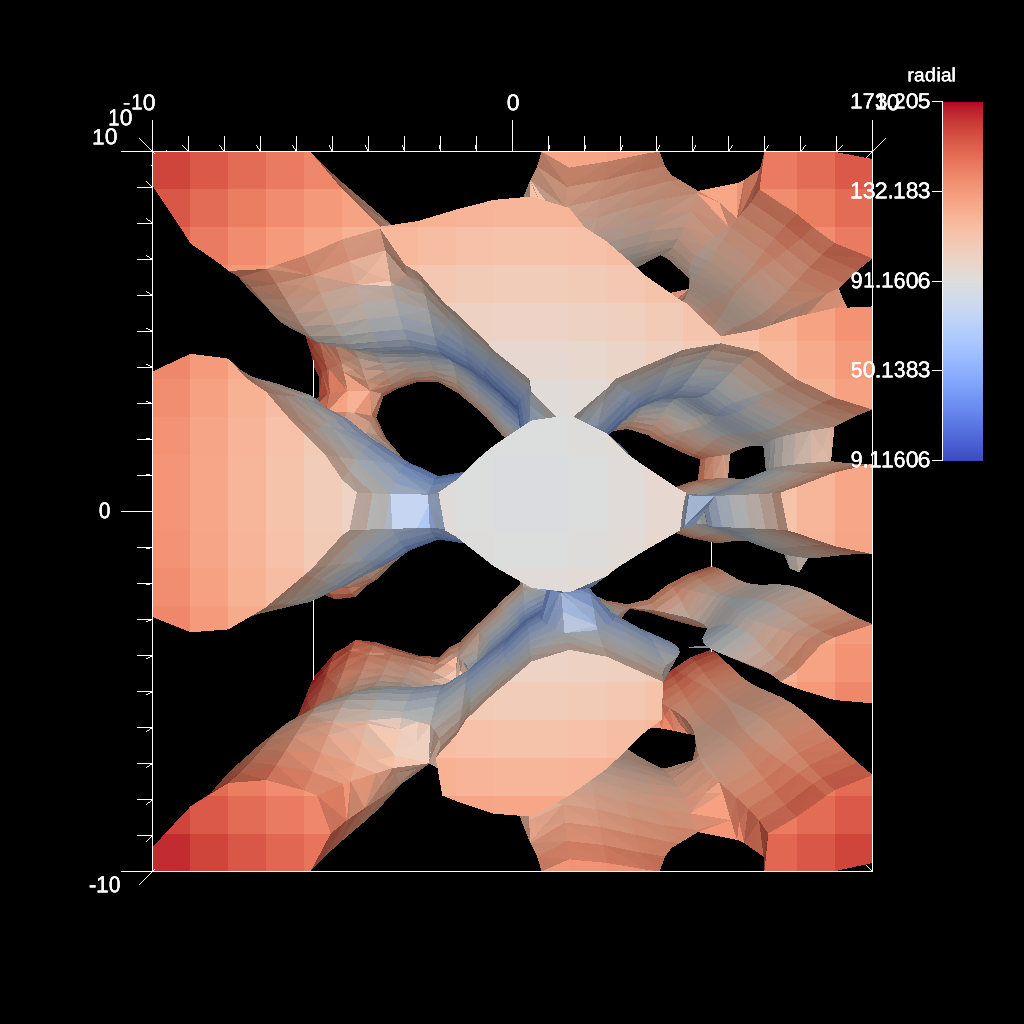
An example if using the re-center filter (to vertex).
YAML actions:
#An example if using the re-center filter (to vertex).

-
  action: "add_pipelines"
  pipelines:
    pl1:
      f1:
        type: "recenter"
        params:
          field: "radial"
          association: "vertex"
-
  action: "add_scenes"
  scenes:
    s1:
      plots:
        p1:
          type: "pseudocolor"
          field: "radial"
          pipeline: "pl1"
      image_prefix: "/Users/harrison37/Work/alpine/ascent/build-debug/tests/_output/tout_recenter_element"
Resulting image:
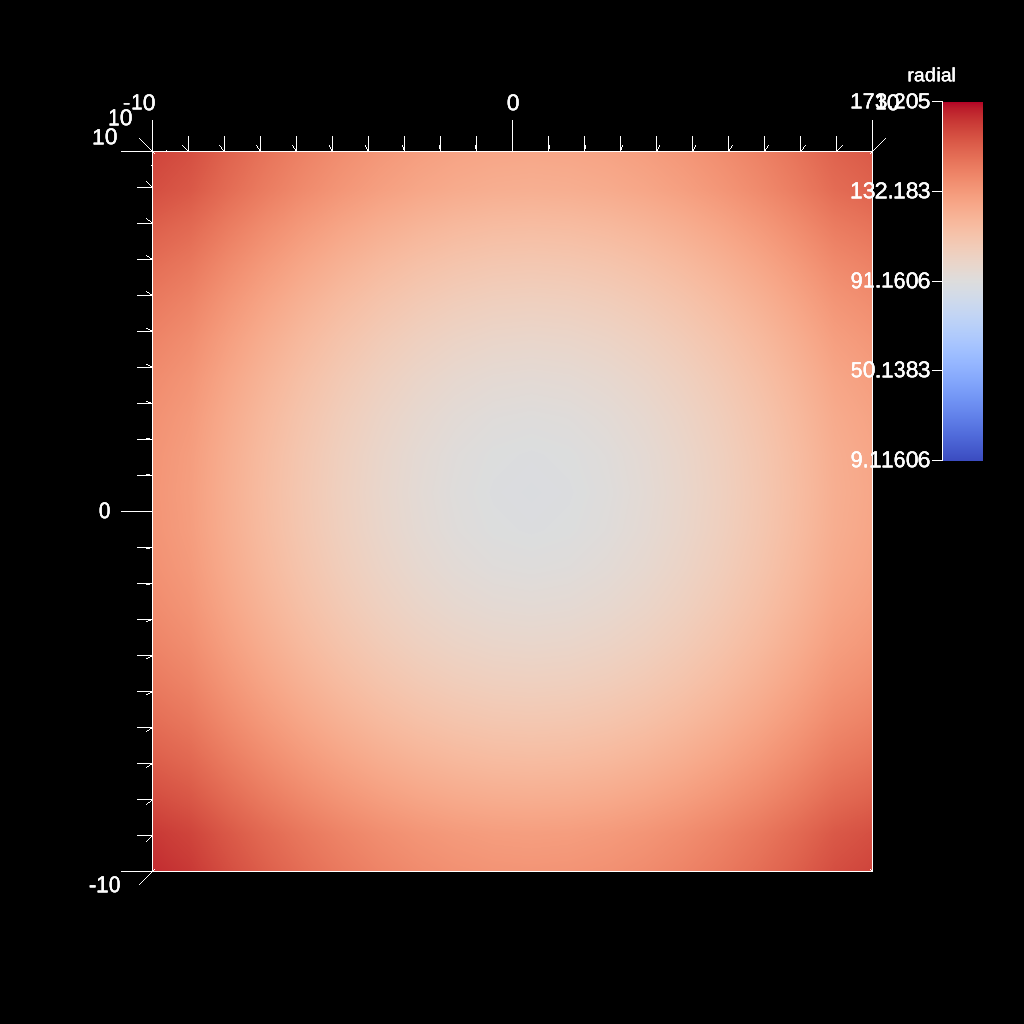
An example of rendering with no annotations.
YAML actions:
#An example of rendering with no annotations.

-
  action: "add_scenes"
  scenes:
    s1:
      plots:
        p1:
          type: "pseudocolor"
          field: "braid"
      renders:
        r1:
          image_prefix: "/Users/harrison37/Work/alpine/ascent/build-debug/tests/_output/tout_render_3d_no_annotations"
          annotations: "false"
Resulting image:
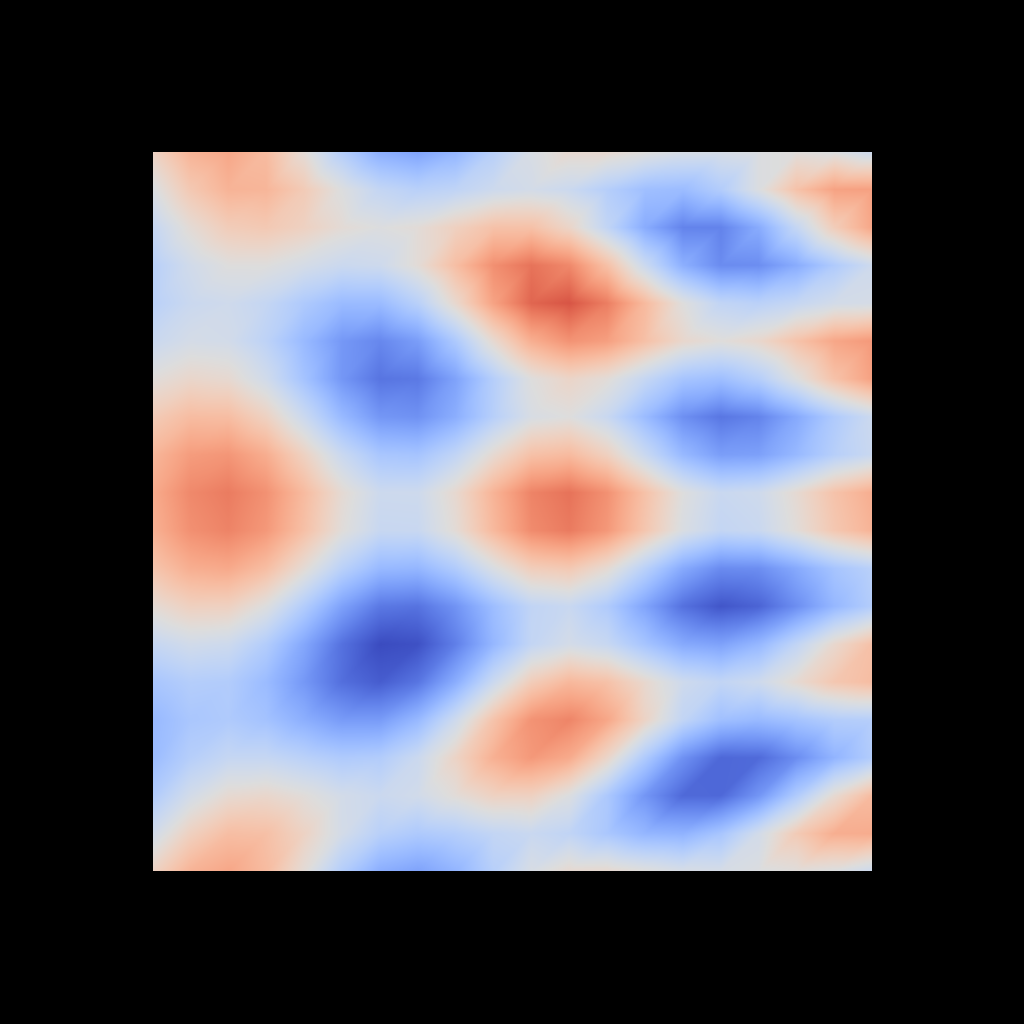
An example of rendering custom background and foreground colors.
YAML actions:
#An example of rendering custom background and foreground colors.

-
  action: "add_scenes"
  scenes:
    s1:
      plots:
        p1:
          type: "pseudocolor"
          field: "braid"
      renders:
        r1:
          image_prefix: "/Users/harrison37/Work/alpine/ascent/build-debug/tests/_output/tout_render_3d_bg_fg_colors"
          bg_color: [1.0, 1.0, 1.0]
          fg_color: [0.0, 0.0, 0.0]
Resulting image:
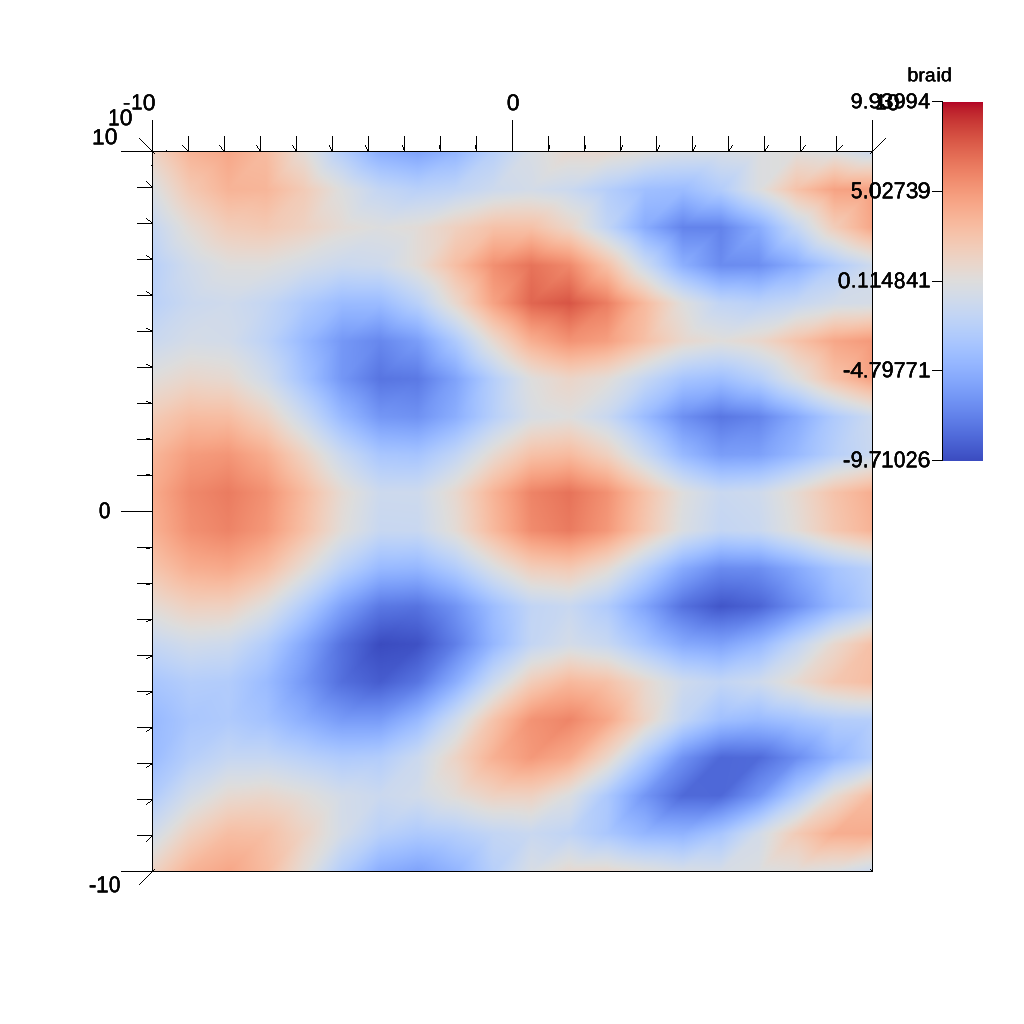
An example of using the isovolume filter.
YAML actions:
#An example of using the isovolume filter.

-
  action: "add_pipelines"
  pipelines:
    pl1:
      f1:
        type: "isovolume"
        params:
          field: "braid"
          min_value: 5.0
          max_value: 10.0
-
  action: "add_scenes"
  scenes:
    s1:
      plots:
        p1:
          type: "pseudocolor"
          field: "radial"
          pipeline: "pl1"
      image_prefix: "/Users/harrison37/Work/alpine/ascent/build-debug/tests/_output/tout_iso_volume"
Resulting image:
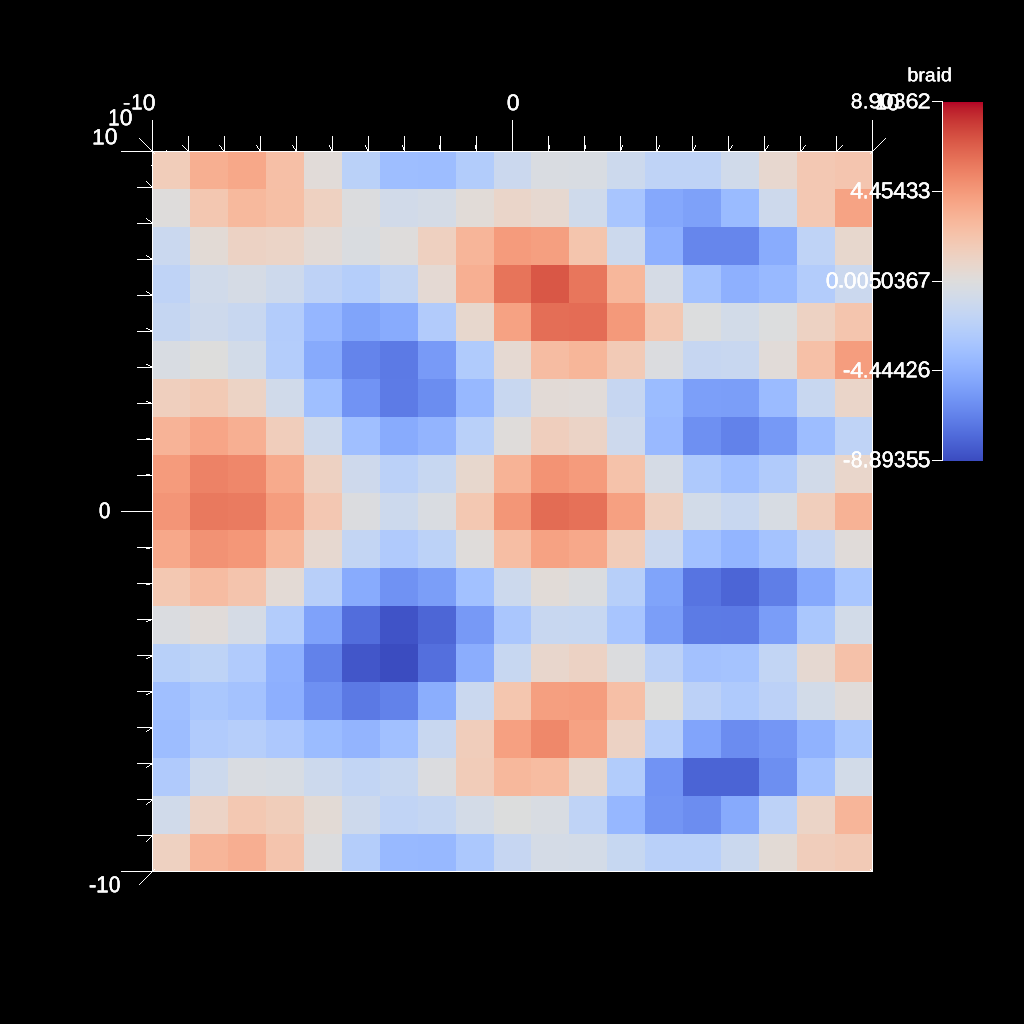
An example if using the re-center filter (to element).
YAML actions:
#An example if using the re-center filter (to element).

-
  action: "add_pipelines"
  pipelines:
    pl1:
      f1:
        type: "recenter"
        params:
          field: "braid"
          association: "element"
-
  action: "add_scenes"
  scenes:
    s1:
      plots:
        p1:
          type: "pseudocolor"
          field: "braid"
          pipeline: "pl1"
      image_prefix: "/Users/harrison37/Work/alpine/ascent/build-debug/tests/_output/tout_recenter_vertex"
Resulting image:
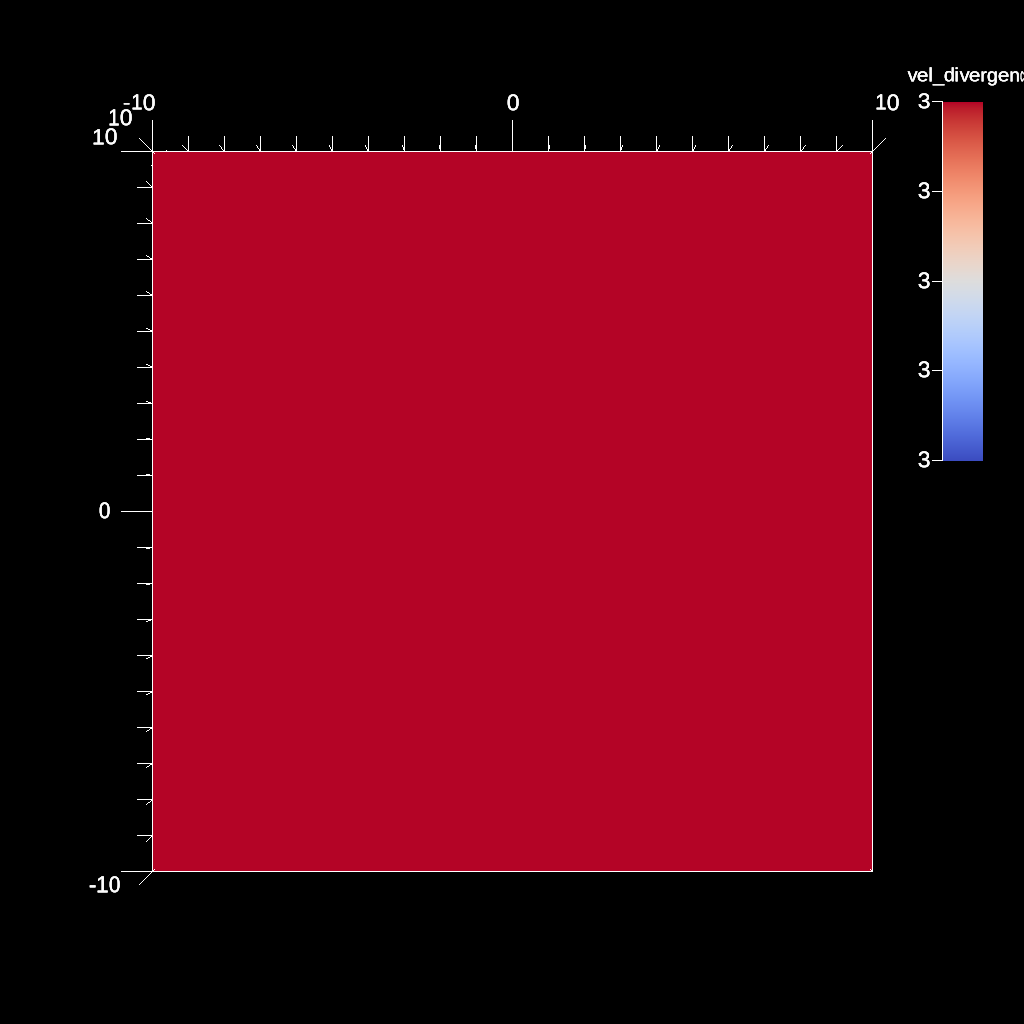
An example of using the gradient filter and plotting the magnitude.
YAML actions:
#An example of using the gradient filter and plotting the magnitude.

-
  action: "add_pipelines"
  pipelines:
    pl1:
      f2:
        type: "divergence"
        params:
          field: "vel"
          output_name: "vel_divergence"
          use_cell_gradient: "false"
-
  action: "add_scenes"
  scenes:
    s1:
      plots:
        p1:
          type: "pseudocolor"
          field: "vel_divergence"
          pipeline: "pl1"
      image_prefix: "/Users/harrison37/Work/alpine/ascent/build-debug/tests/_output/tout_divergence_vel"
Resulting image:
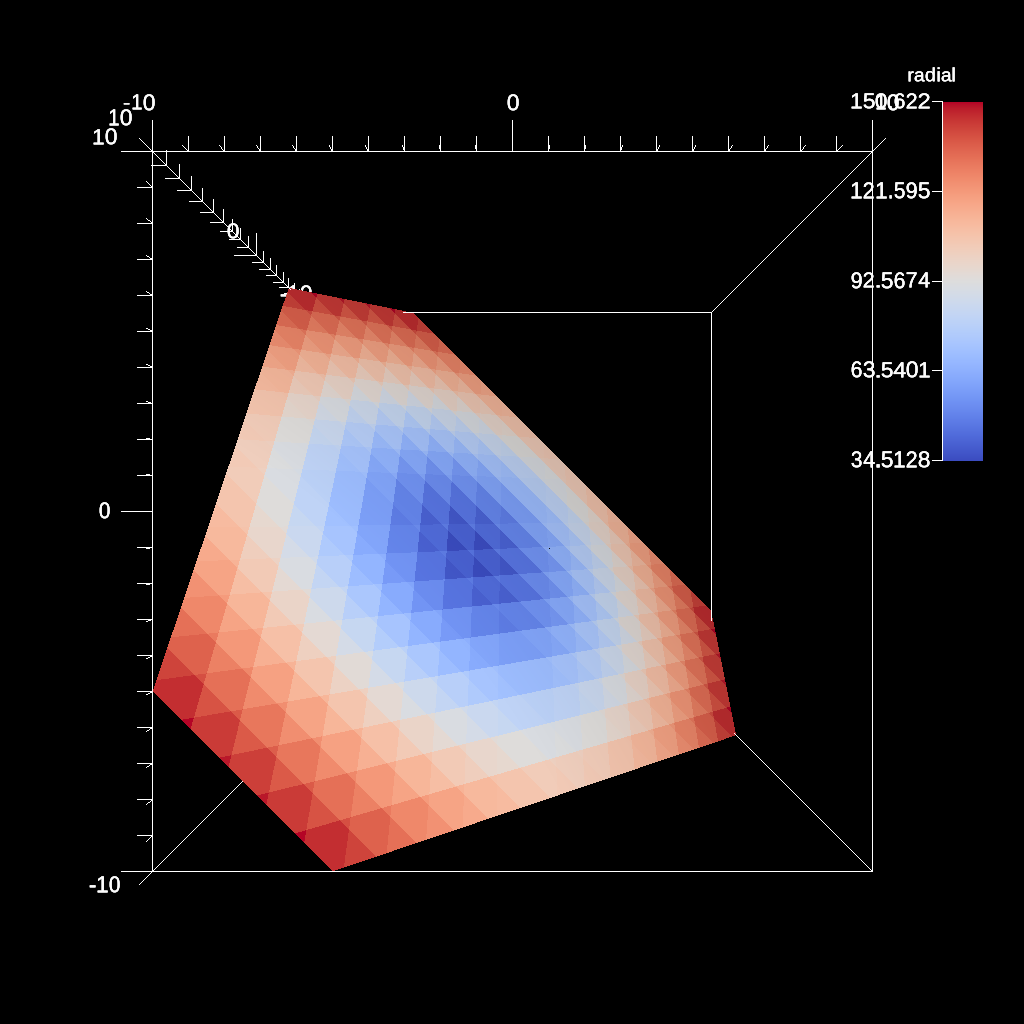
An example of the slice filter with a single plane.
YAML actions:
#An example of the slice filter with a single plane.

-
  action: "add_pipelines"
  pipelines:
    pl1:
      f1:
        type: "slice"
        params:
          point:
            x_offset: 0.0
            y_offset: -0.5
            z_offset: 0.0
          normal:
            x: 1.0
            y: 1.0
            z: 1.0
-
  action: "add_scenes"
  scenes:
    s1:
      plots:
        p1:
          type: "pseudocolor"
          field: "radial"
          pipeline: "pl1"
      image_prefix: "/Users/harrison37/Work/alpine/ascent/build-debug/tests/_output/tout_slice_offset_3d"
Resulting image:
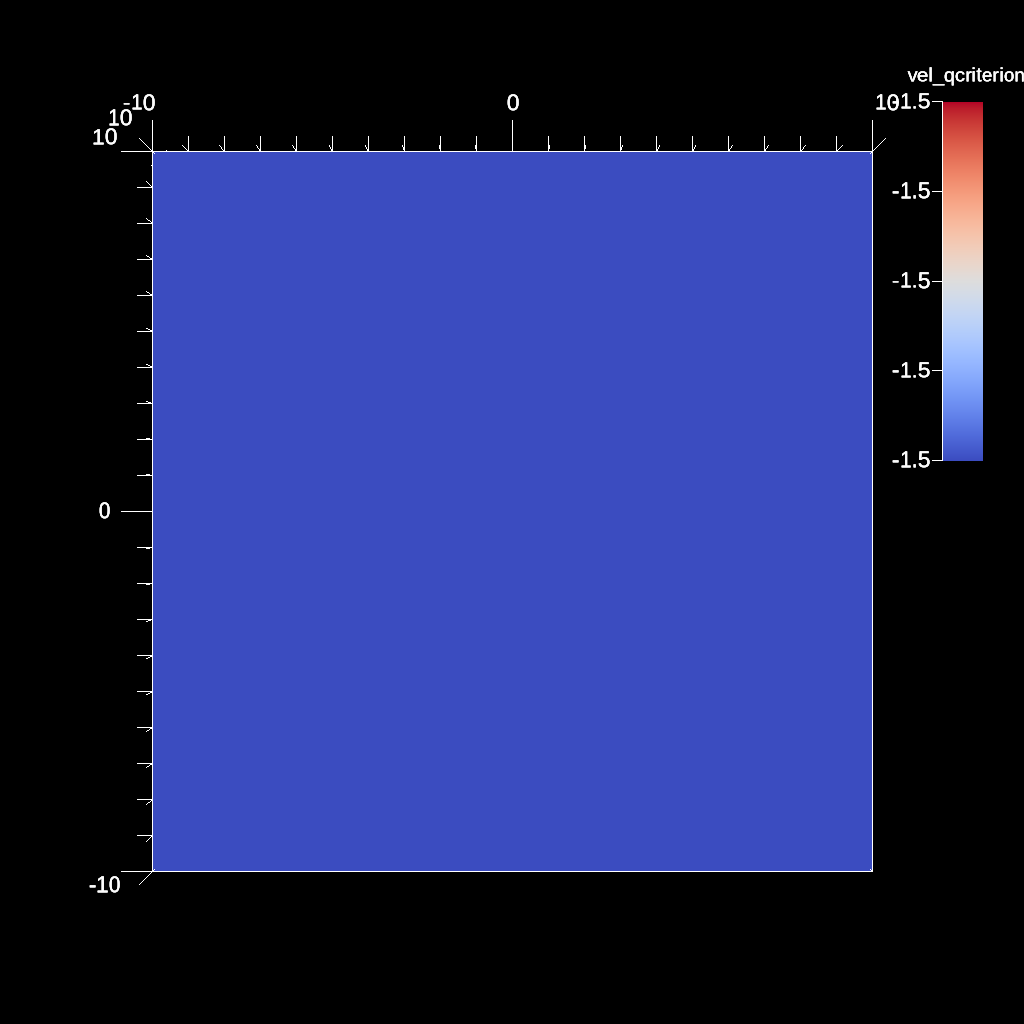
An example of using the gradient filter and plotting the magnitude.
YAML actions:
#An example of using the gradient filter and plotting the magnitude.

-
  action: "add_pipelines"
  pipelines:
    pl1:
      f2:
        type: "qcriterion"
        params:
          field: "vel"
          output_name: "vel_qcriterion"
          use_cell_gradient: "false"
-
  action: "add_scenes"
  scenes:
    s1:
      plots:
        p1:
          type: "pseudocolor"
          field: "vel_qcriterion"
          pipeline: "pl1"
      image_prefix: "/Users/harrison37/Work/alpine/ascent/build-debug/tests/_output/tout_qcriterion_vel"
Resulting image:
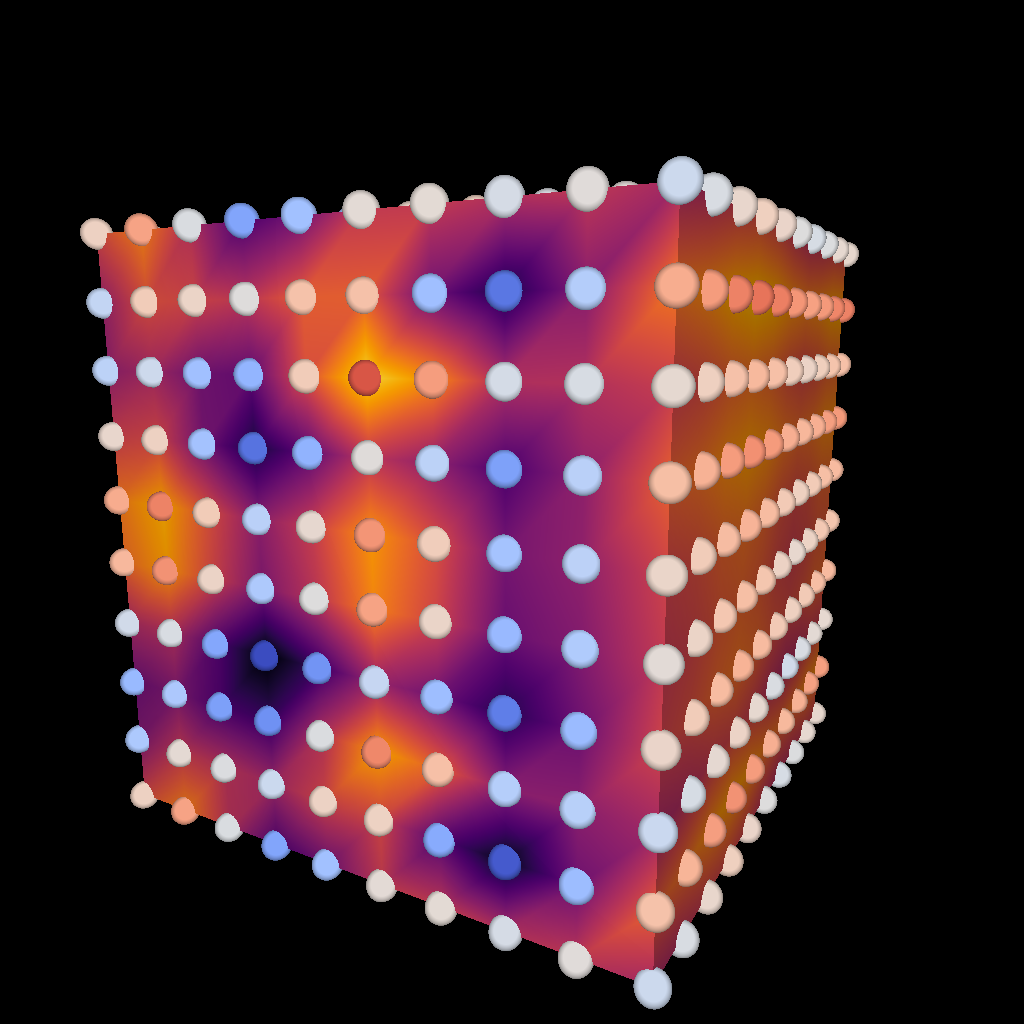
Example of rendering multiple topologies
YAML actions:
#Example of rendering multiple topologies

-
  action: "add_scenes"
  scenes:
    s1:
      plots:
        p1:
          type: "pseudocolor"
          field: "braid"
          color_table:
            name: "Inferno"
        p2:
          type: "pseudocolor"
          field: "point_braid"
          points:
            radius: 0.5
      renders:
        r1:
          image_prefix: "/Users/harrison37/Work/alpine/ascent/build-debug/tests/_output/tout_multi_topo"
          annotations: "false"
          camera:
            azimuth: 30
            elevation: 11
Resulting image:
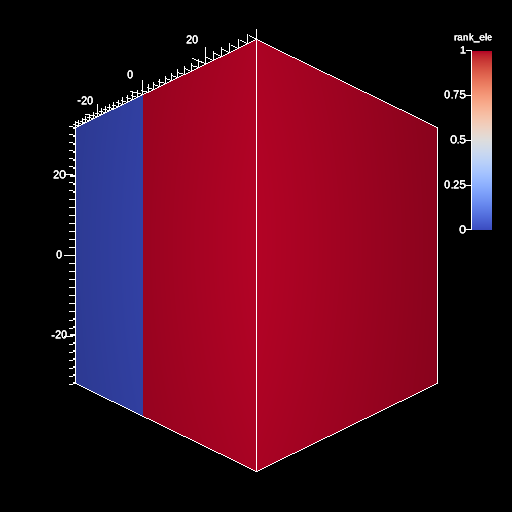
An example of creating a render specifying the image size.
YAML actions:
#An example of creating a render specifying the image size.

-
  action: "add_scenes"
  scenes:
    s1:
      plots:
        p1:
          type: "pseudocolor"
          field: "rank_ele"
      renders:
        r1:
          image_width: 512
          image_height: 512
          image_prefix: "/Users/harrison37/Work/alpine/ascent/build-debug/tests/_output/tout_render_3d_domain_overload"
          camera:
            azimuth: 45.0
Resulting image:
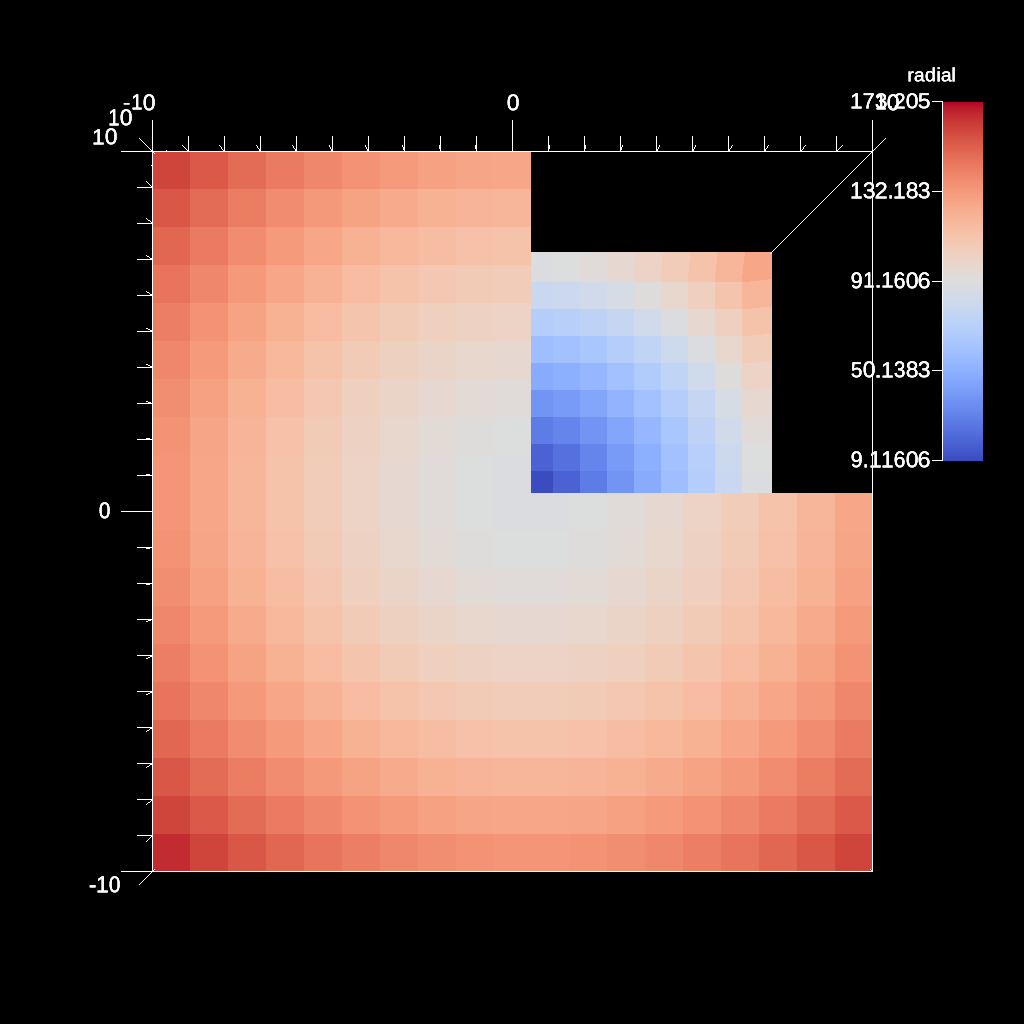
An example a box clip
YAML actions:
#An example a box clip

-
  action: "add_pipelines"
  pipelines:
    pl1:
      f1:
        type: "clip"
        params:
          box:
            min:
              x: 0.0
              y: 0.0
              z: 0.0
            max:
              x: 10.01
              y: 10.01
              z: 10.01
-
  action: "add_scenes"
  scenes:
    s1:
      plots:
        p1:
          type: "pseudocolor"
          field: "radial"
          pipeline: "pl1"
      image_prefix: "/Users/harrison37/Work/alpine/ascent/build-debug/tests/_output/tout_clip_box"
Resulting image:
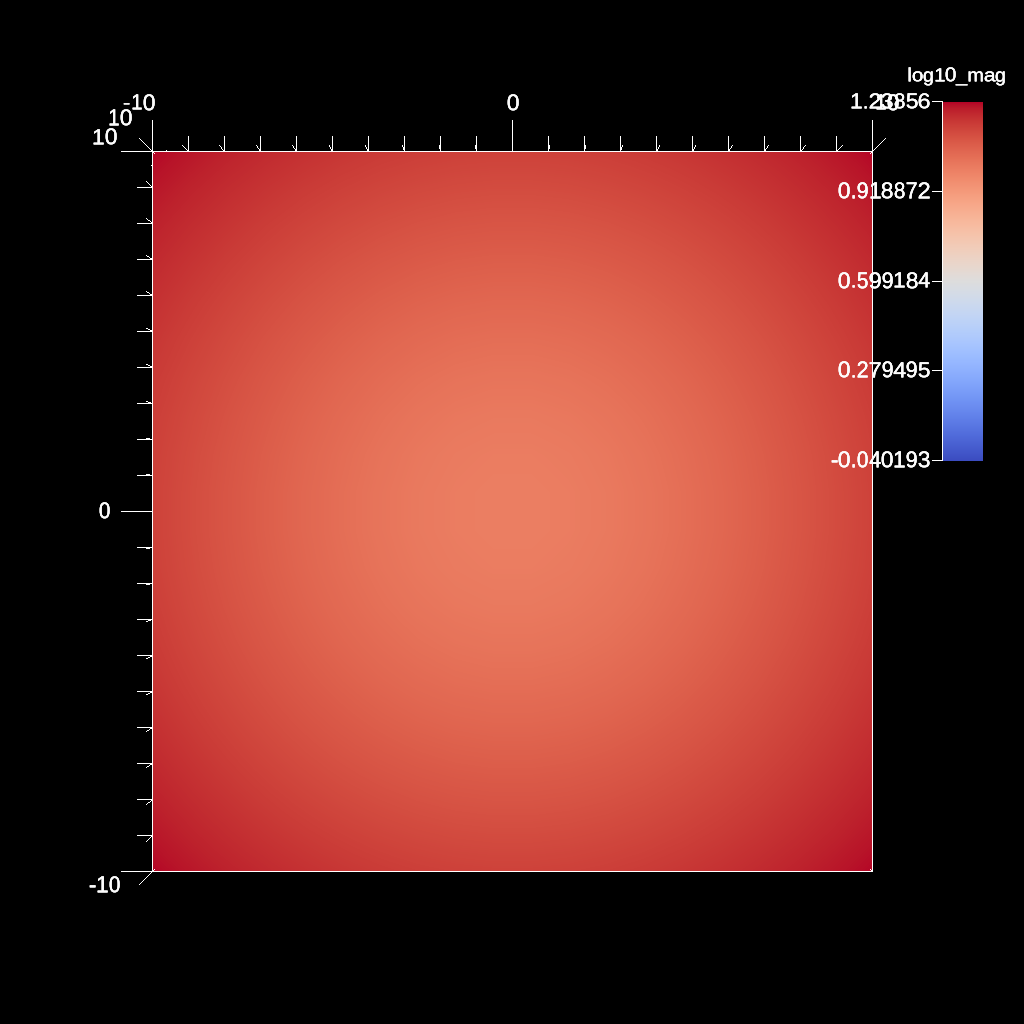
An example of using the log10 filter.
YAML actions:
#An example of using the log10 filter.

-
  action: "add_pipelines"
  pipelines:
    pl1:
      f1:
        type: "vector_magnitude"
        params:
          field: "vel"
          output_name: "mag"
      f2:
        type: "log10"
        params:
          field: "mag"
          output_name: "log10_mag"
-
  action: "add_scenes"
  scenes:
    s1:
      plots:
        p1:
          type: "pseudocolor"
          field: "log10_mag"
          pipeline: "pl1"
      image_prefix: "/Users/harrison37/Work/alpine/ascent/build-debug/tests/_output/tout_log10_field"
Resulting image:
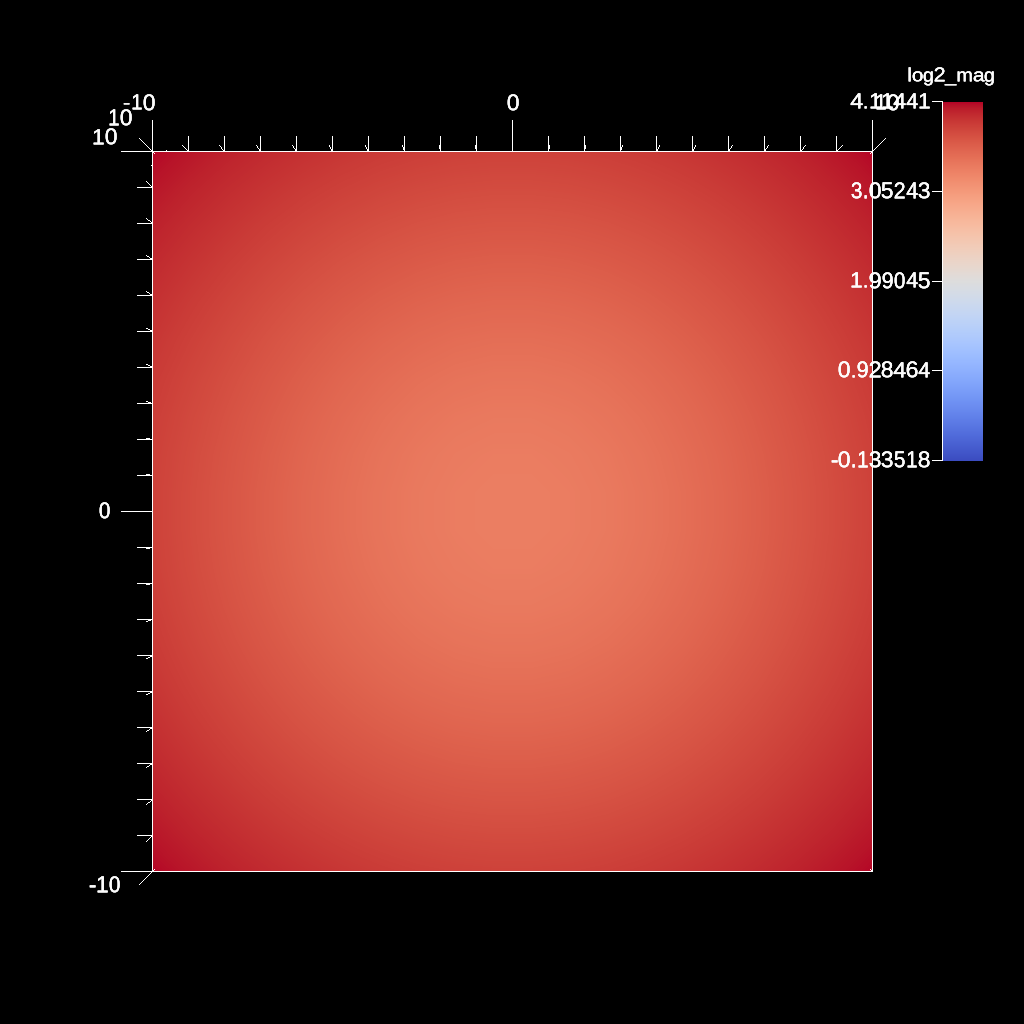
An example of using the log2 filter.
YAML actions:
#An example of using the log2 filter.

-
  action: "add_pipelines"
  pipelines:
    pl1:
      f1:
        type: "vector_magnitude"
        params:
          field: "vel"
          output_name: "mag"
      f2:
        type: "log2"
        params:
          field: "mag"
          output_name: "log2_mag"
-
  action: "add_scenes"
  scenes:
    s1:
      plots:
        p1:
          type: "pseudocolor"
          field: "log2_mag"
          pipeline: "pl1"
      image_prefix: "/Users/harrison37/Work/alpine/ascent/build-debug/tests/_output/tout_log2_field"
Resulting image:
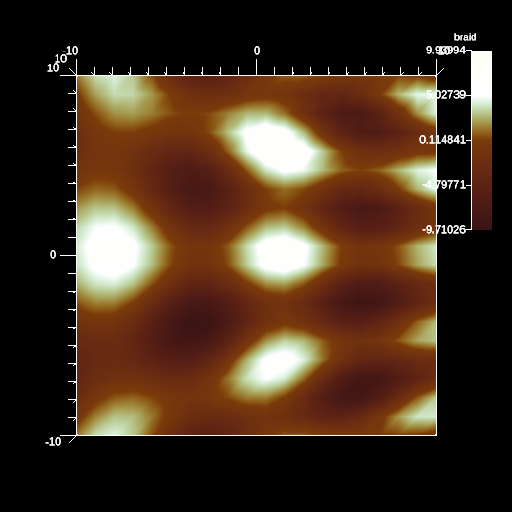
An example of creating a custom color map.
YAML actions:
#An example of creating a custom color map.

-
  action: "add_scenes"
  scenes:
    s1:
      plots:
        p1:
          type: "pseudocolor"
          field: "braid"
          color_table:
            control_points:
              -
                type: "rgb"
                position: 0.0
                color: [0.23, 0.08, 0.08]
              -
                type: "rgb"
                position: 0.5
                color: [0.48, 0.23, 0.04]
              -
                type: "rgb"
                position: 1.0
                color: [0.99, 1.0, 0.96]
      image_prefix: "/Users/harrison37/Work/alpine/ascent/build-debug/tests/_output/milk_chocolate"
      renders:
        r1:
          image_width: 512
          image_height: 512
          image_prefix: "/Users/harrison37/Work/alpine/ascent/build-debug/tests/_output/milk_chocolate"
Resulting image:
An example of creating a custom color map using a compressed format.
YAML actions:
#An example of creating a custom color map.

-
  action: "add_scenes"
  scenes:
    s1:
      plots:
        p1:
          type: "pseudocolor"
          field: "braid"
          color_table:
            control_points:
                r: [0.23, 0.48, 0.99]
                g: [0.08, 0.23, 1.0]
                b: [0.08, 0.04, 0.9]
                a: [1.0, 1.0, 1.0]
                position: [0.0, 0.5, 1.0]
      image_prefix: "/Users/harrison37/Work/alpine/ascent/build-debug/tests/_output/milk_chocolate"
      renders:
        r1:
          image_width: 512
          image_height: 512
          image_prefix: "/Users/harrison37/Work/alpine/ascent/build-debug/tests/_output/milk_chocolate"
Resulting image:
An example of passing a color table using yaml include
YAML actions:
-
  action: "add_scenes"
  scenes:
    s1:
      plots:
        p1:
          type: "pseudocolor"
          field: "braid"
          include: "./src/docs/sphinx/Actions/examples/color_table.yaml"
      image_prefix: "./_output/milk_chocolate"
      renders:
        r1:
          image_width: 512
          image_height: 512
          image_prefix: "./_output/milk_chocolate"
Included YAML with color table information:
color_table:
  control_points:
    r: [0.23, 0.48, 0.99]
    g: [0.08, 0.23, 1.0]
    b: [0.08, 0.04, 0.9]
    a: [1.0, 1.0, 1.0]
    position: [0.0, 0.5, 1.0]
Resulting image:
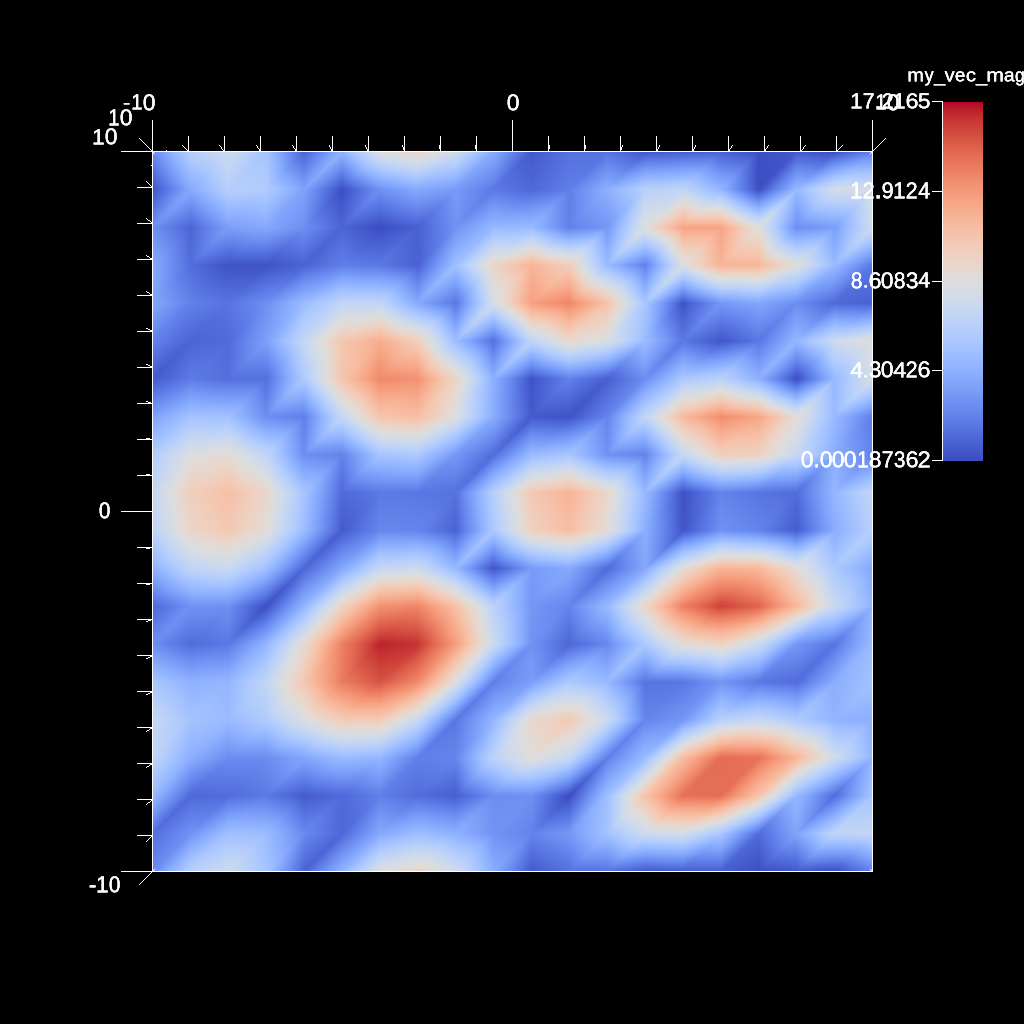
An example if using the composite vector filter to compose three scalar fields into a vector.
YAML actions:
#An example if using the composite vector filter  to compose three scalar fields into a vector.

-
  action: "add_pipelines"
  pipelines:
    pl1:
      f1:
        type: "composite_vector"
        params:
          field1: "braid"
          field2: "braid"
          field3: "braid"
          output_name: "my_vec"
      f2:
        type: "vector_magnitude"
        params:
          field: "my_vec"
          output_name: "my_vec_mag"
-
  action: "add_scenes"
  scenes:
    s1:
      plots:
        p1:
          type: "pseudocolor"
          field: "my_vec_mag"
          pipeline: "pl1"
      image_prefix: "/Users/harrison37/Work/alpine/ascent/build-debug/tests/_output/tout_composite_vector"
Resulting image:
An example a sphere clip using a center and radius
YAML actions:
#An example a sphere clip using a center and radius

-
  action: "add_pipelines"
  pipelines:
    pl1:
      f1:
        type: "clip"
        params:
          sphere:
            radius: 11.0
            center:
              x: 0.0
              y: 0.0
              z: 0.0
-
  action: "add_scenes"
  scenes:
    s1:
      plots:
        p1:
          type: "pseudocolor"
          field: "radial"
          pipeline: "pl1"
      image_prefix: "/Users/harrison37/Work/alpine/ascent/build-debug/tests/_output/tout_clip_sphere"
Resulting image:
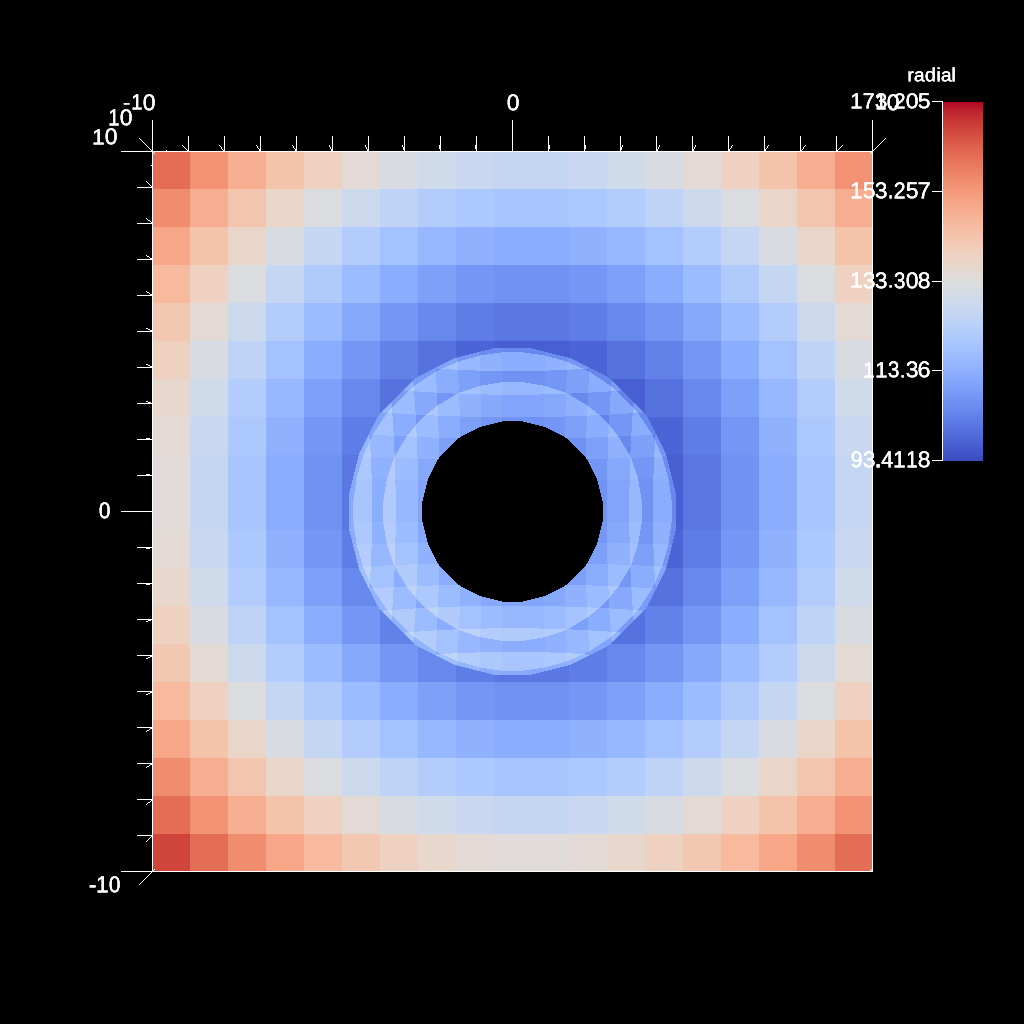
Example of adding 1 ghost field with 2 topologies
YAML actions:
#Example of adding 1 ghost field with 2 topologies

-
  action: "add_scenes"
  scenes:
    s1:
      plots:
        p1:
          type: "pseudocolor"
          field: "braid"
        p2:
          type: "pseudocolor"
          field: "point_braid"
          points:
            radius: 0.5
      renders:
        r1:
          image_prefix: "/Users/harrison37/Work/alpine/ascent/build-debug/tests/_output/tout_multi_topo_single_ghost"
          annotations: "false"
          camera:
            azimuth: 30
            elevation: 11
Resulting image:
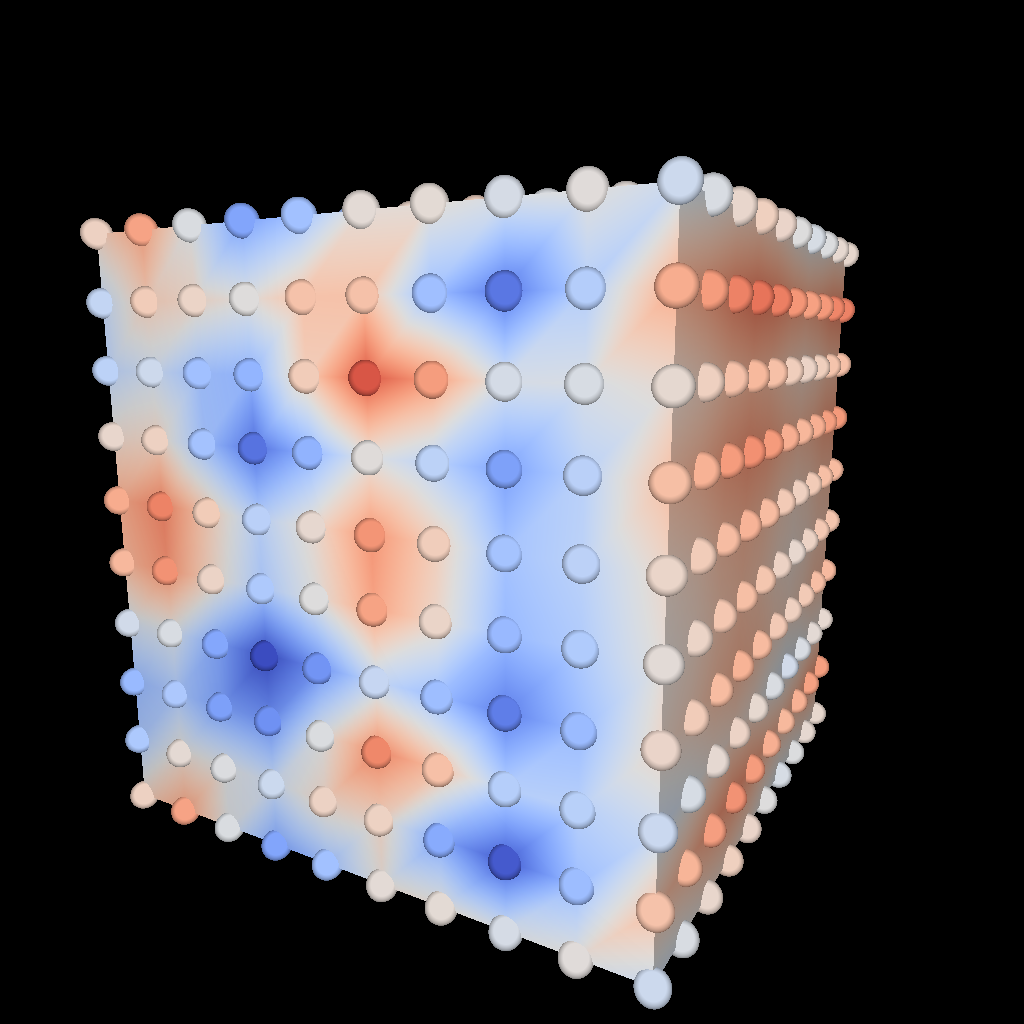
An example of using the gradient filter and plotting the magnitude.
YAML actions:
#An example of using the gradient filter and plotting the magnitude.

-
  action: "add_pipelines"
  pipelines:
    pl1:
      f2:
        type: "gradient"
        params:
          field: "braid"
          output_name: "braid_gradient"
          use_cell_gradient: "true"
      f1:
        type: "vector_magnitude"
        params:
          field: "braid_gradient"
          output_name: "mag_grad"
-
  action: "add_scenes"
  scenes:
    s1:
      plots:
        p1:
          type: "pseudocolor"
          field: "mag_grad"
          pipeline: "pl1"
      image_prefix: "/Users/harrison37/Work/alpine/ascent/build-debug/tests/_output/tout_cell_gradient_mag_braid"
Resulting image:
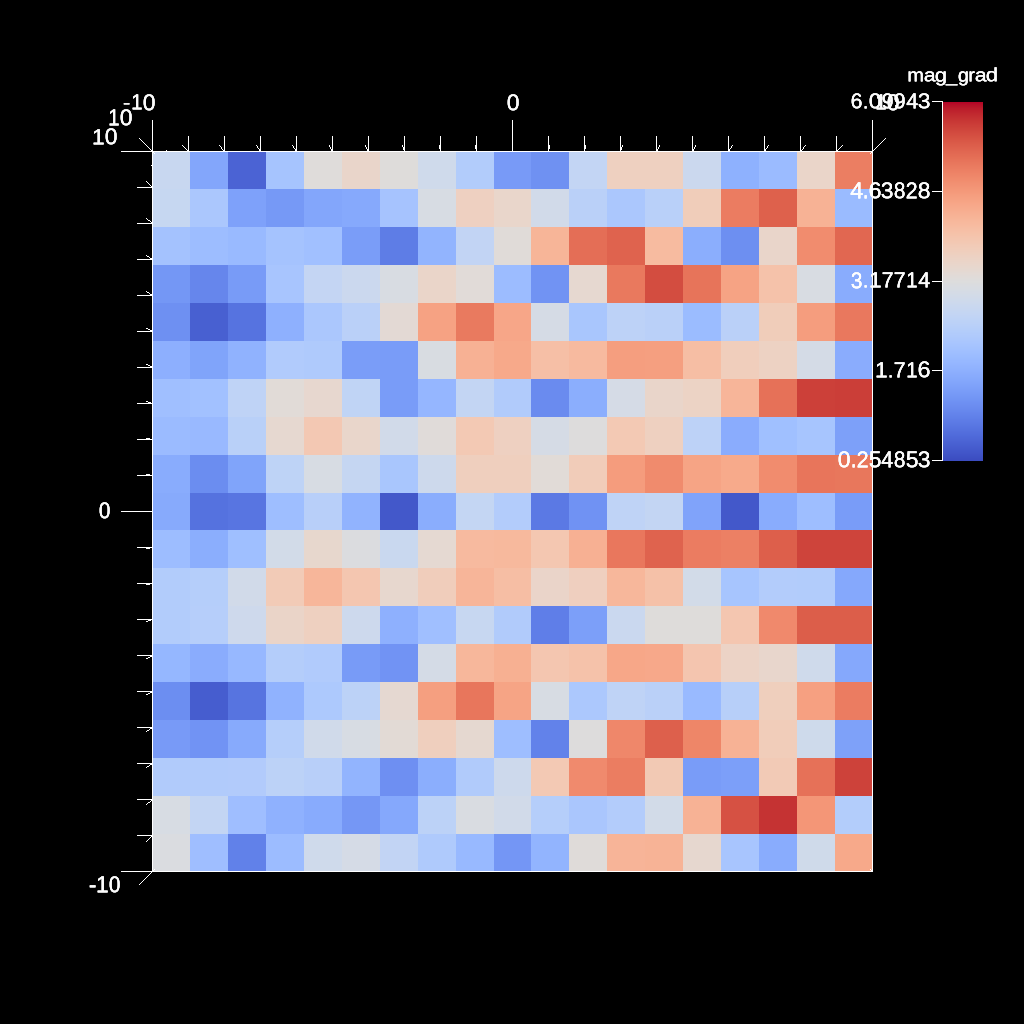
An example of using queries in filter parameters.
YAML actions:
#An example of using queries in filter parameters.

-
  action: "add_queries"
  queries:
    q1:
      params:
        expression: "min(field('braid')).value"
        name: "min_value"
    q2:
      params:
        expression: "max(field('braid')).value"
        name: "max_value"
    q3:
      params:
        expression: "max_value - min_value"
        name: "length"
-
  action: "add_pipelines"
  pipelines:
    pl1:
      f1:
        type: "threshold"
        params:
          field: "braid"
          min_value: "0.75 * length + min_value"
          max_value: "max_value"
-
  action: "add_scenes"
  scenes:
    s1:
      plots:
        p1:
          type: "pseudocolor"
          field: "braid"
          pipeline: "pl1"
      image_prefix: "/Users/harrison37/Work/alpine/ascent/build-debug/tests/_output/tout_filter_params_query"
Resulting image:
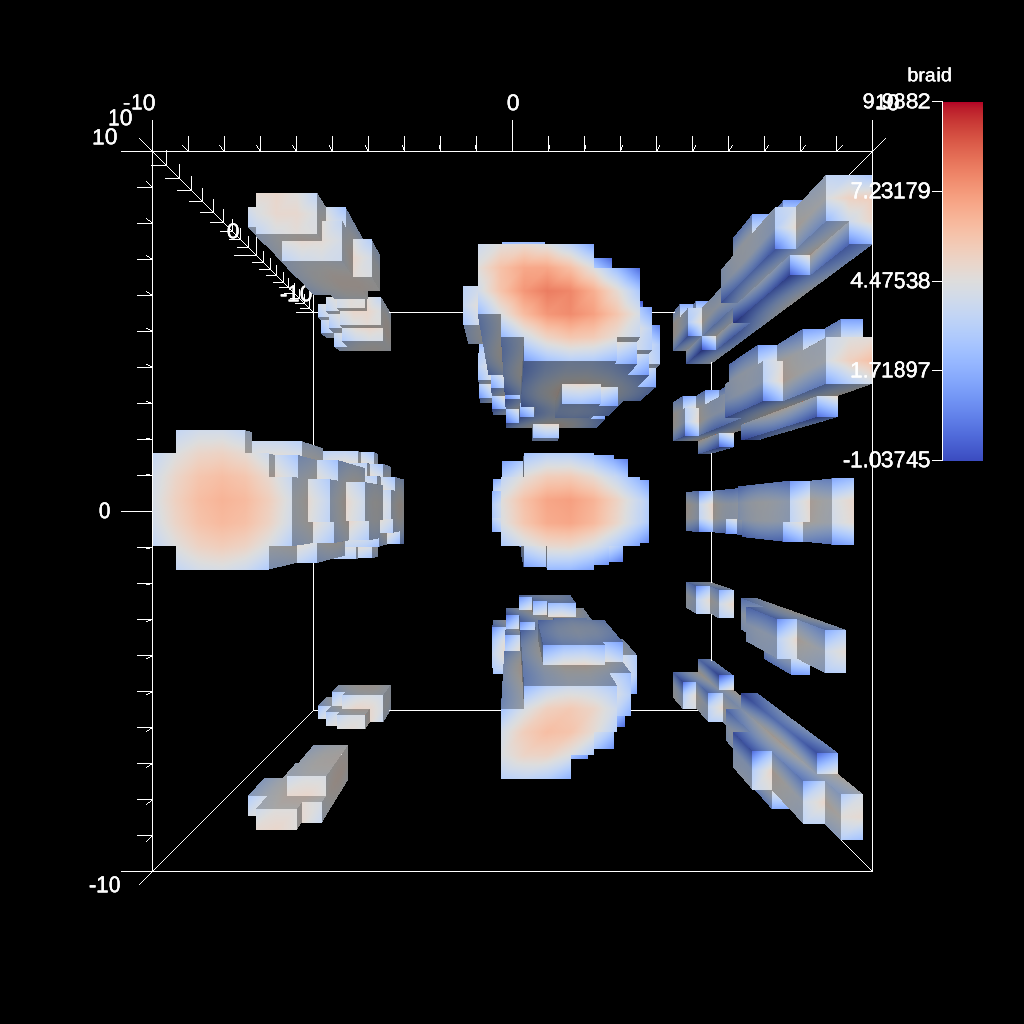
An example of rendering a point field with variable radius.
YAML actions:
#An example of rendering a point field with variable radius.

-
  action: "add_scenes"
  scenes:
    s1:
      plots:
        p1:
          type: "pseudocolor"
          field: "braid"
          points:
            radius: 0.25
            radius_delta: 2.0
      image_prefix: "/Users/harrison37/Work/alpine/ascent/build-debug/tests/_output/tout_render_3d_points_variable_radius"
Resulting image:
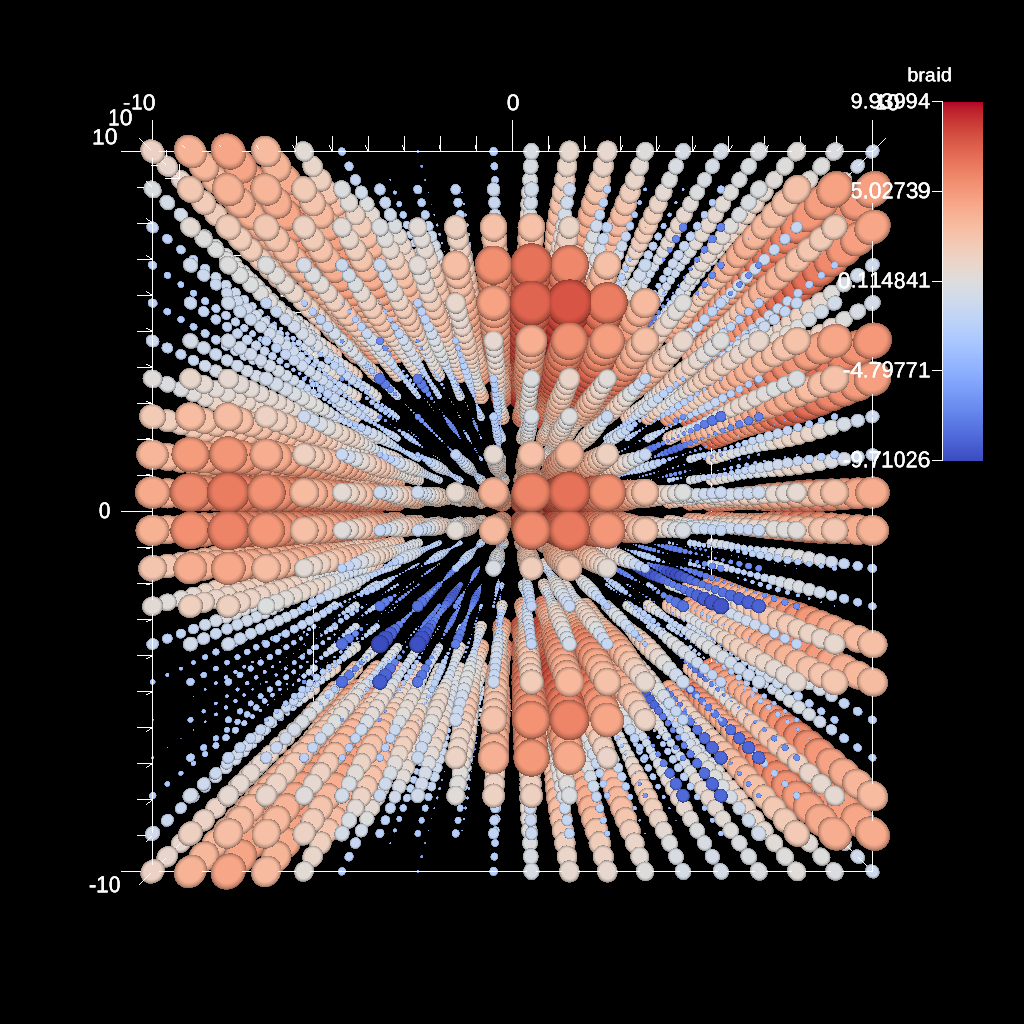
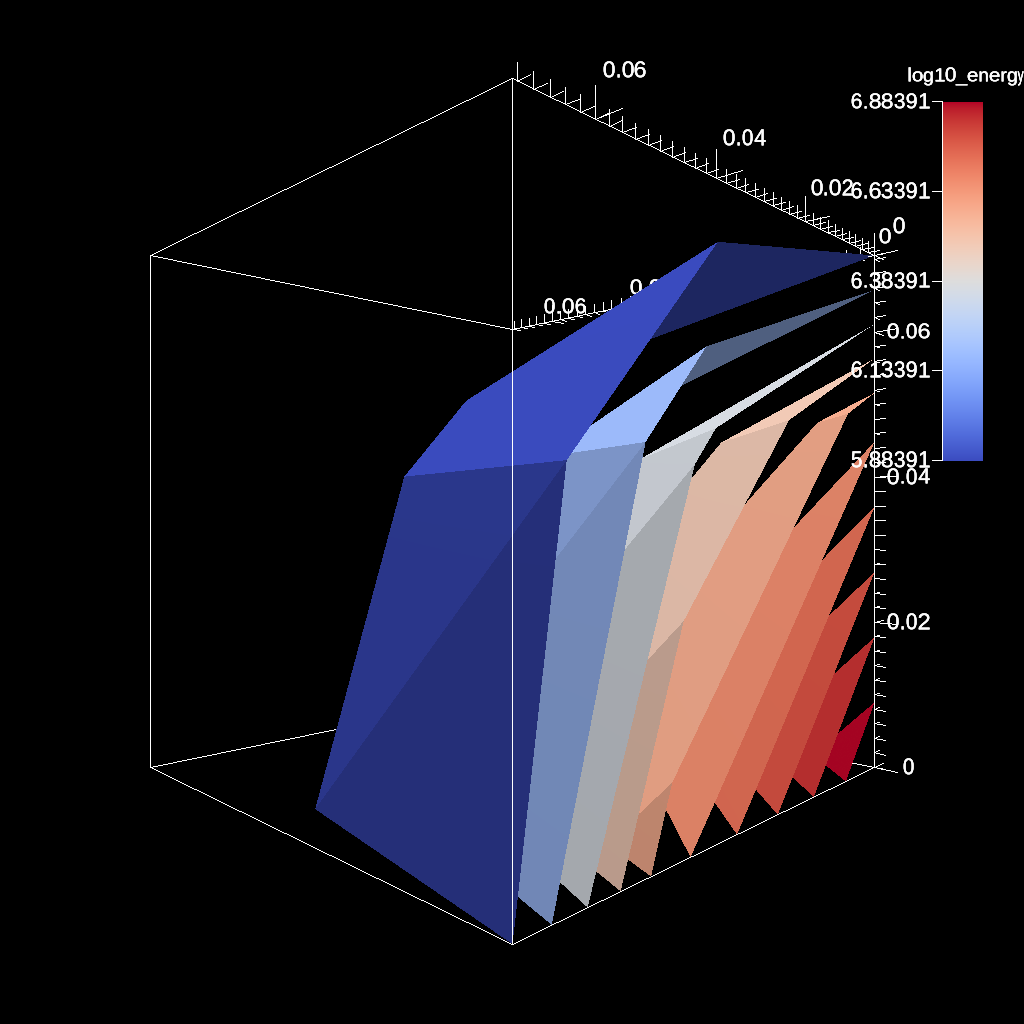
YAML actions:
-
  action: "add_pipelines"
  pipelines:
    pl1:
      f1:
        type: "contour"
        params:
          field: "e"
          levels: 10
      f2:
        type: "log10"
        params:
          field: "e"
          output_name: "log10_energy"
          clamp_min_value: 1.0
-
  action: "add_scenes"
  scenes:
    s1:
      plots:
        p1:
          type: "pseudocolor"
          field: "log10_energy"
          pipeline: "pl1"
      renders:
        r1:
          image_prefix: "contour_log10_energy_%04d"
          camera:
            azimuth: 135
Resulting image:
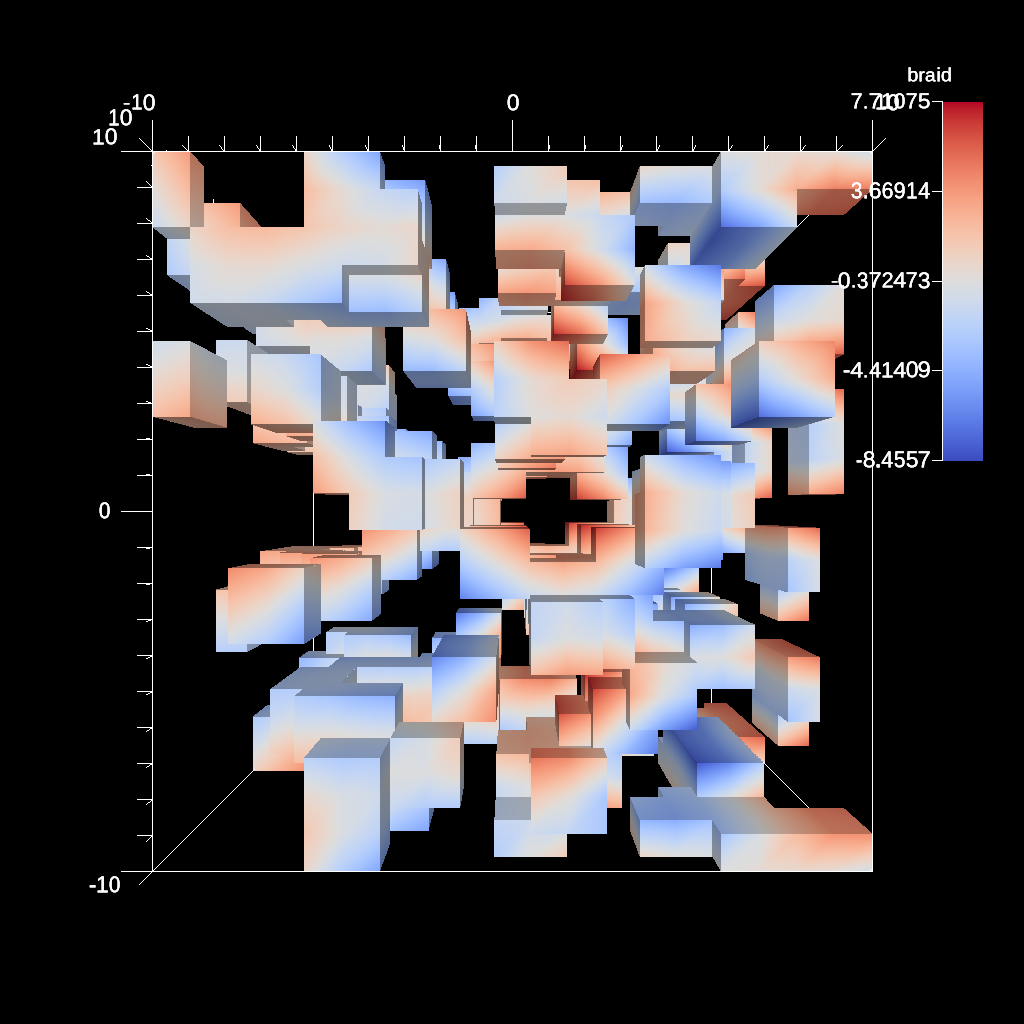
An example of using the threshold filter.
YAML actions:
#An example of using the threshold filter.

-
  action: "add_pipelines"
  pipelines:
    pl1:
      f1:
        type: "threshold"
        params:
          field: "braid"
          min_value: -0.2
          max_value: 0.2
-
  action: "add_scenes"
  scenes:
    s1:
      plots:
        p1:
          type: "pseudocolor"
          field: "braid"
          pipeline: "pl1"
      image_prefix: "/Users/harrison37/Work/alpine/ascent/build-debug/tests/_output/tout_threshold_3d"
Resulting image:
A more complex trigger example using several functions that evaluate positions on the mesh.
YAML actions:
#A more complex trigger example using several functions that evaluate positons on the mesh.

-
  action: "add_triggers"
  triggers:
    t1:
      params:
        condition: "magnitude(max(field('braid')).position - vector(0,0,0)) > 0"
        actions_file: "/Users/harrison37/Work/alpine/ascent/build-debug/tests/_output/complex_trigger_actions"
Resulting image:
Example of adding multiple ghosts with 2 topologies
YAML actions:
#Example of adding multple ghosts with 2 topologies

-
  action: "add_scenes"
  scenes:
    s1:
      plots:
        p1:
          type: "pseudocolor"
          field: "braid"
        p2:
          type: "pseudocolor"
          field: "point_braid"
          points:
            radius: 0.5
      renders:
        r1:
          image_prefix: "/Users/harrison37/Work/alpine/ascent/build-debug/tests/_output/tout_multi_topo_ghosts"
          annotations: "false"
          camera:
            azimuth: 30
            elevation: 11
Resulting image:
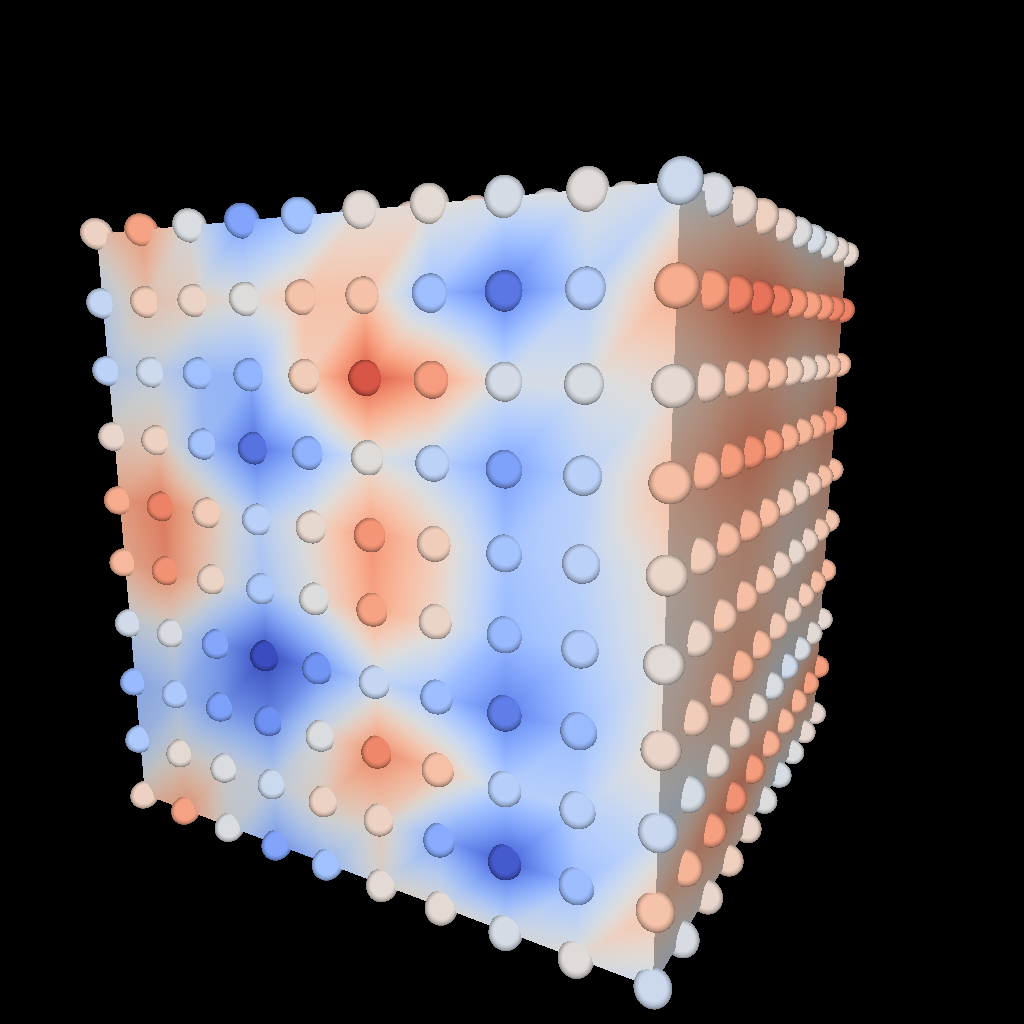
An example of using the gradient filter and plotting the magnitude.
YAML actions:
#An example of using the gradient filter and plotting the magnitude.

-
  action: "add_pipelines"
  pipelines:
    pl1:
      f2:
        type: "gradient"
        params:
          field: "braid"
          output_name: "braid_gradient"
      f1:
        type: "vector_magnitude"
        params:
          field: "braid_gradient"
          output_name: "mag_grad"
-
  action: "add_scenes"
  scenes:
    s1:
      plots:
        p1:
          type: "pseudocolor"
          field: "mag_grad"
          pipeline: "pl1"
      image_prefix: "/Users/harrison37/Work/alpine/ascent/build-debug/tests/_output/tout_gradient_mag_braid"
Resulting image:
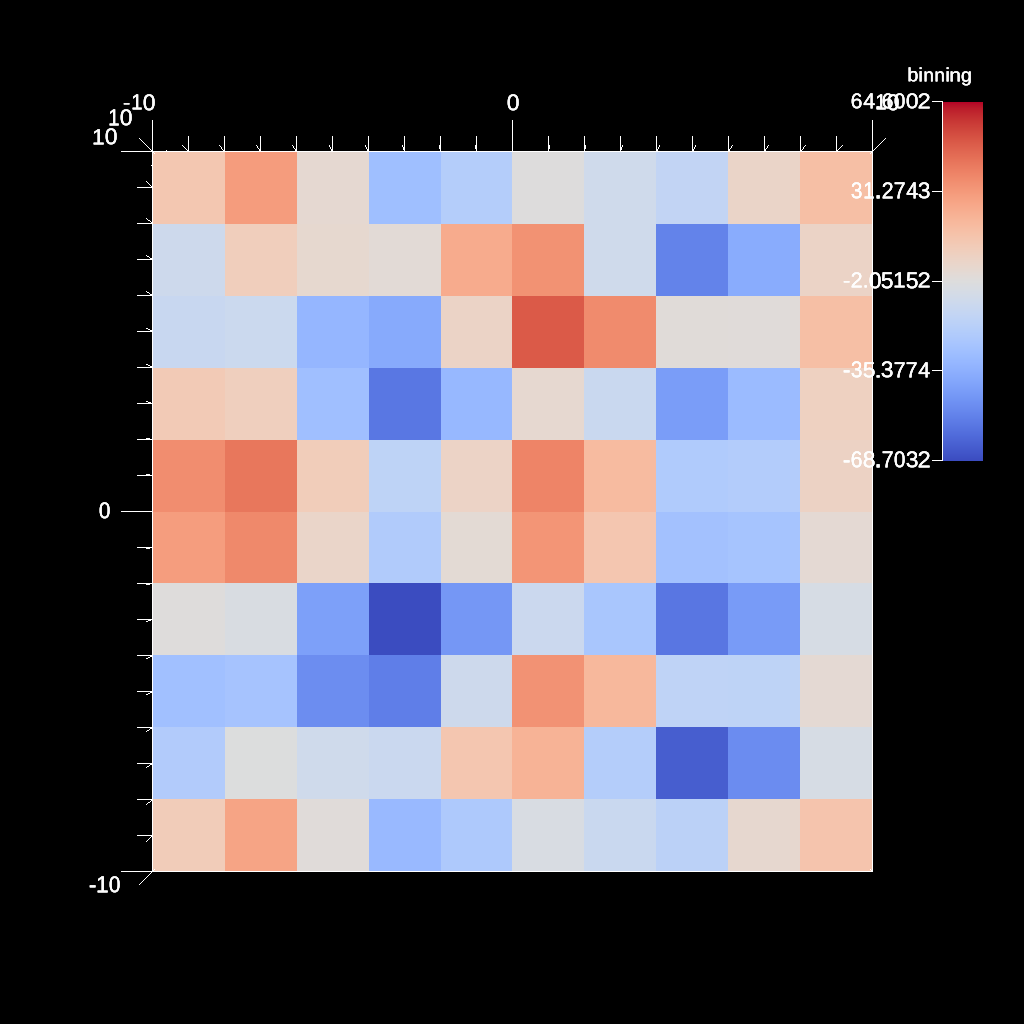
An example of data binning, binning spatially and summing a field.
YAML actions:
#An example of data binning, binning spatially and summing a field.

-
  action: "add_pipelines"
  pipelines:
    pl1:
      f1:
        type: "binning"
        params:
          reduction_op: "sum"
          reduction_field: "braid"
          output_field: "binning"
          output_type: "bins"
          axes:
            -
              field: "x"
              num_bins: 10
              min_val: -10.0
              max_val: 10.0
              clamp: 1
            -
              field: "y"
              num_bins: 10
              clamp: 0
            -
              field: "z"
              num_bins: 10
              clamp: 10
-
  action: "add_scenes"
  scenes:
    s1:
      plots:
        p1:
          type: "pseudocolor"
          field: "binning"
          pipeline: "pl1"
      image_prefix: "/Users/harrison37/Work/alpine/ascent/build-debug/tests/_output/tout_binning_filter_bins"
Resulting image:
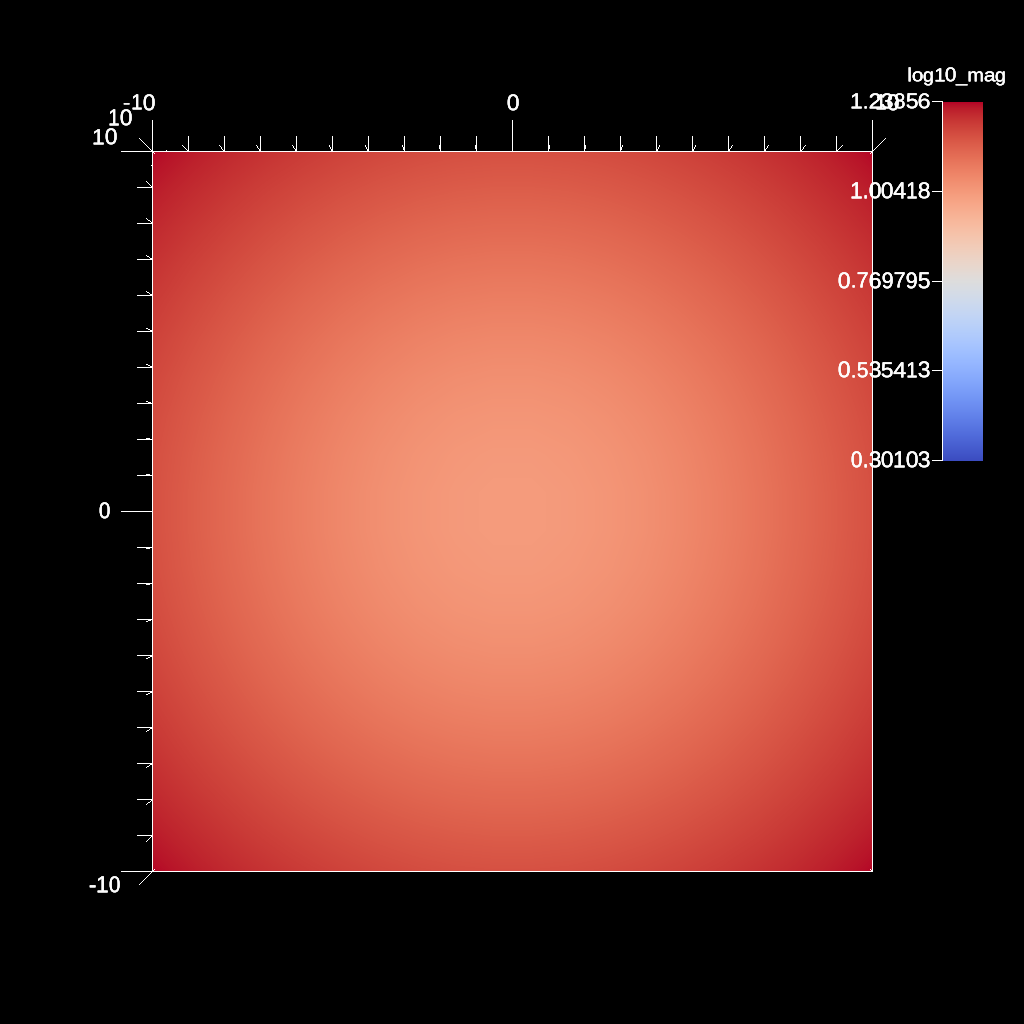
An example of using the log10 filter and clamping the min value. This can help when there are negative values present.
YAML actions:
#An example of using the log10 filter and clamping the min value. This can help when there are negative values present.

-
  action: "add_pipelines"
  pipelines:
    pl1:
      f1:
        type: "vector_magnitude"
        params:
          field: "vel"
          output_name: "mag"
      f2:
        type: "log10"
        params:
          field: "mag"
          output_name: "log10_mag"
          clamp_min_value: 2.0
-
  action: "add_scenes"
  scenes:
    s1:
      plots:
        p1:
          type: "pseudocolor"
          field: "log10_mag"
          pipeline: "pl1"
      image_prefix: "/Users/harrison37/Work/alpine/ascent/build-debug/tests/_output/tout_log10_field_clamp"
Resulting image:
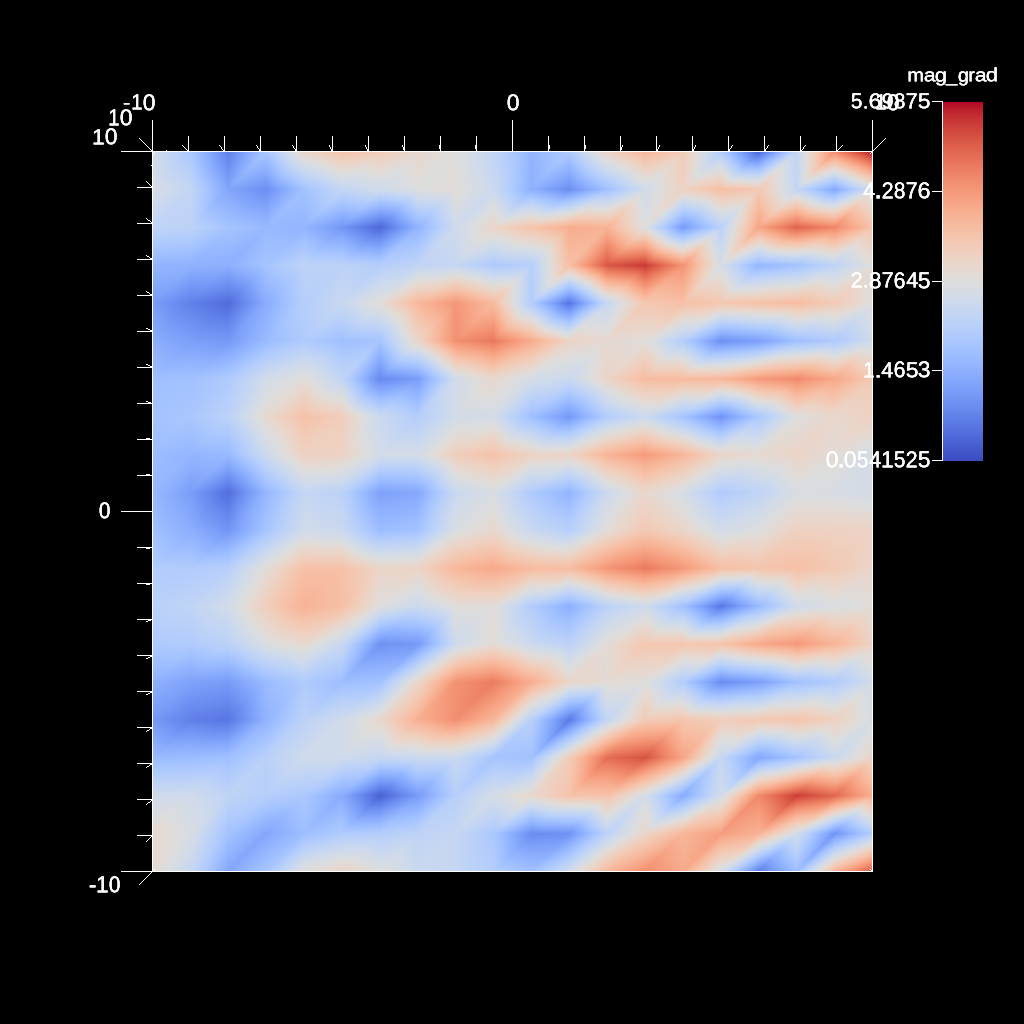
An example of using the gradient filter using cell gradients on a element centered field and plotting the magnitude.
YAML actions:
#An example of using the gradient filter using cell gradients on a element centered field and plotting the magnitude.

-
  action: "add_pipelines"
  pipelines:
    pl1:
      f2:
        type: "gradient"
        params:
          field: "radial"
          output_name: "radial_gradient"
          use_cell_gradient: "true"
      f1:
        type: "vector_magnitude"
        params:
          field: "radial_gradient"
          output_name: "mag_grad"
-
  action: "add_scenes"
  scenes:
    s1:
      plots:
        p1:
          type: "pseudocolor"
          field: "mag_grad"
          pipeline: "pl1"
      image_prefix: "/Users/harrison37/Work/alpine/ascent/build-debug/tests/_output/tout_cell_gradient_mag_radial"
Resulting image:
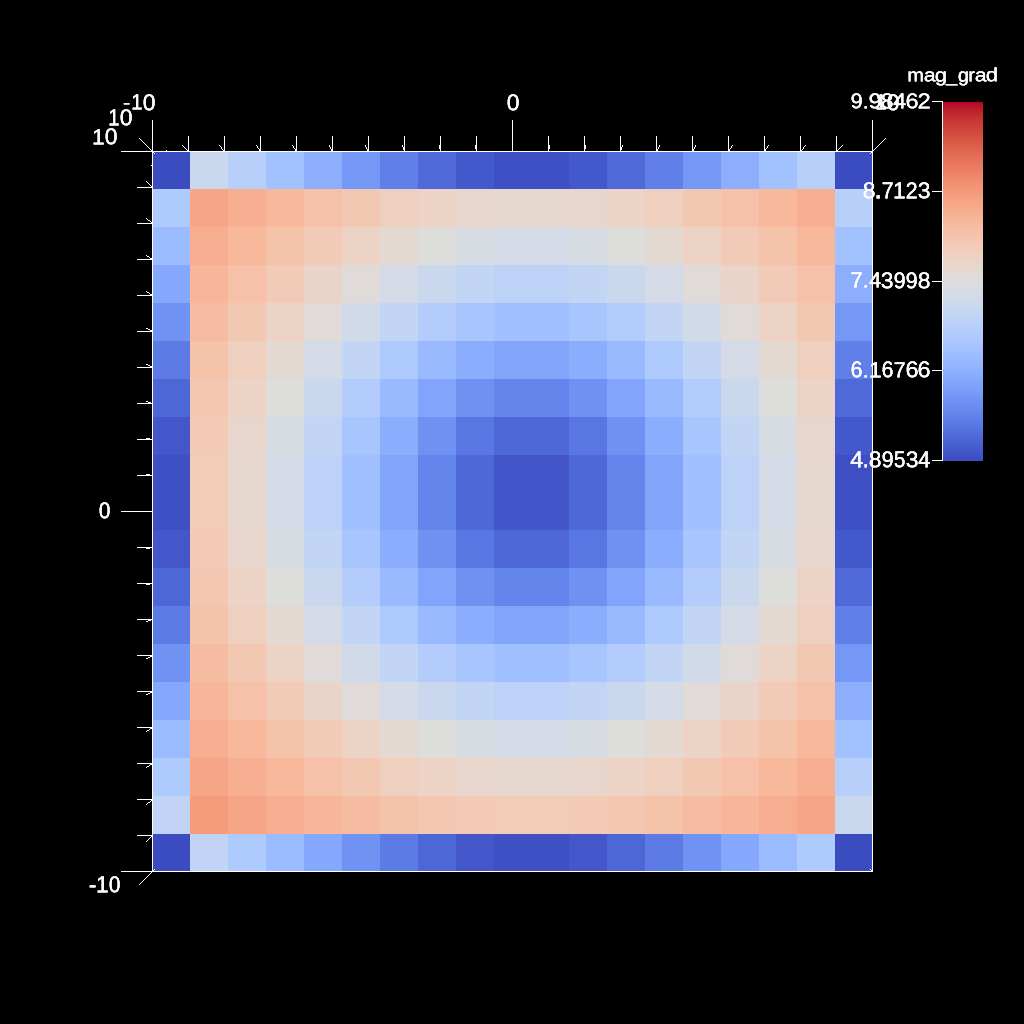
An example of using the sample filter to sample a 2D line.
YAML actions:
#An example of using the sample filter to sample points along a 2d line.

-
  action: "add_pipelines"
  pipelines:
    pl1:
      f1:
        type: "sample"
        params:
          fields:
            - "braid"
          line:
            num_samples: 100
            start:
              x: 1.0
              y: 1.0
            end:
              x: 0.0
              y: 0.0
          invalid_value: -10.0
-
  action: "add_extracts"
  extracts:
    e1:
      pipeline: "pl1"
      type: "relay"
      params:
        protocol: "hdf5"
        path: "/home/user/sandbox/ascent/scripts/build_ascent/build/ascent-checkout/tests/_output/tout_sample_line_2d"
An example of using the sample filter to sample a 3D line.
YAML actions:
#An example of using the sample filter to sample points along a 3d line.

-
  action: "add_pipelines"
  pipelines:
    pl1:
      f1:
        type: "sample"
        params:
          fields:
            - "braid"
          line:
            num_samples: 100
            start:
              x: 1.0
              y: 1.0
              z: 1.0
            end:
              x: 0.0
              y: 0.0
              z: 0.0
          invalid_value: -10.0
-
  action: "add_extracts"
  extracts:
    e1:
      pipeline: "pl1"
      type: "relay"
      params:
        protocol: "hdf5"
        path: "/home/user/sandbox/ascent/scripts/build_ascent/build/ascent-checkout/tests/_output/tout_sample_line_3d"
An example of using the sample filter to sample a list of 2D points.
YAML actions:
#An example of using the sample filter to sample a list of 2d points.

-
  action: "add_pipelines"
  pipelines:
    pl1:
      f1:
        type: "sample"
        params:
          fields:
            - "braid"
            - "radial"
          points:
            x: [-9.0, 0.0, 3.0, 0.0, 3.0, -5.0, 7.24, -7.24, 9.0]
            y: [-9.0, 0.0, 3.0, 3.0, 0.0, -5.0, -8.34, 8.34, 9.0]
          invalid_value: -10.0
-
  action: "add_extracts"
  extracts:
    e1:
      pipeline: "pl1"
      type: "relay"
      params:
        protocol: "hdf5"
        path: "/home/user/sandbox/ascent/scripts/build_ascent/build/ascent-checkout/tests/_output/tout_sample_pts_2d"
An example of using the sample filter to sample a 2D plane.
YAML actions:
#An example of using the sample filter to sample points on a plane.

-
  action: "add_pipelines"
  pipelines:
    pl1:
      f1:
        type: "sample"
        params:
          fields:
            - "braid"
          plane:
            point:
              x: 0.0
              y: 0.0
              z: 0.0
            normal:
              x: 0.0
              y: 1.0
              z: 0.0
            dims:
              i: 5.0
              k: 5.0
            spacing:
              dx: 1.0
              dz: 1.0
          invalid_value: -10.0
-
  action: "add_extracts"
  extracts:
    e1:
      pipeline: "pl1"
      type: "relay"
      params:
        protocol: "hdf5"
        path: "/usr/WS1/nicolem/sadbox/ascent/scripts/build_ascent/build/ascent-checkout/tests/_output/tout_sample_plane"
An example of using the sample filter to sample a list of 3D points.
YAML actions:
#An example of using the sample filter to sample a list of 3d points.

-
  action: "add_pipelines"
  pipelines:
    pl1:
      f1:
        type: "sample"
        params:
          fields:
            - "braid"
            - "radial"
          points:
            x: [-9.0, 0.0, 3.0, 0.0, 0.0, 0.0, 3.0, 3.0, -5.0, 7.24, -7.24, 9.0]
            y: [-9.0, 0.0, 3.0, 3.0, 0.0, 3.0, 3.0, 0.0, -5.0, -8.34, 8.34, 9.0]
            z: [-9.0, 0.0, 3.0, 0.0, 3.0, 3.0, 0.0, 3.0, -5.0, 4.78, 4.78, 9.0]
          invalid_value: -10.0
-
  action: "add_extracts"
  extracts:
    e1:
      pipeline: "pl1"
      type: "relay"
      params:
        protocol: "hdf5"
        path: "/home/user/sandbox/ascent/scripts/build_ascent/build/ascent-checkout/tests/_output/tout_sample_pts_3d"
An example of using the sample filter to sample a 3D box.
YAML actions:
#An example of using the sample filter to sample points 3d box.

-
  action: "add_pipelines"
  pipelines:
    pl1:
      f1:
        type: "sample"
        params:
          fields:
            - "braid"
          box:
            dims:
              i: 5.0
              j: 5.0
              k: 5.0
            max:
              x: "max"
              y: "max"
              z: "max"
            min:
              x: 0.0
              y: 0.0
              z: 0.0
          invalid_value: -10.0
-
  action: "add_scenes"
  scenes:
    s1:
      plots:
        p1:
          type: "pseudocolor"
          field: "braid"
          pipeline: "pl1"
      image_prefix: "/home/user/sandbox/ascent/scripts/build_ascent/build/ascent-checkout/tests/_output/tout_sample_box_3d"
-
  action: "add_extracts"
  extracts:
    e1:
      pipeline: "pl1"
      type: "relay"
      params:
        protocol: "hdf5"
        path: "/home/user/sandbox/ascent/scripts/build_ascent/build/ascent-checkout/tests/_output/tout_sample_box_3d"
Resulting image:
An example of using the uniform sample grid filter on a 20x20x20 hexahedron mesh to sample a grid that is smaller in each dimension by 10.
YAML actions:
#An example of using the sample filter with the uniform grid parameter with smaller dims.

-
  action: "add_pipelines"
  pipelines:
    pl1:
      f1:
        type: "sample"
        params:
          fields:
            - "braid"
          uniform_grid:
            dims:
              i: 10
              j: 10
              k: 10
            origin:
              x: -10
              y: -10
              z: -10
            spacing:
              dx: 1
              dy: 1
              dz: 1
          invalid_value: -10.0
-
  action: "add_scenes"
  scenes:
    s1:
      plots:
        p1:
          type: "pseudocolor"
          field: "braid"
          pipeline: "pl1"
      renders:
        r1:
          image_prefix: "/home/user/sandbox/ascent/scripts/build_ascent/build/ascent-checkout/tests/_output/tout_uniform_smaller_by10_grid"
Resulting image:
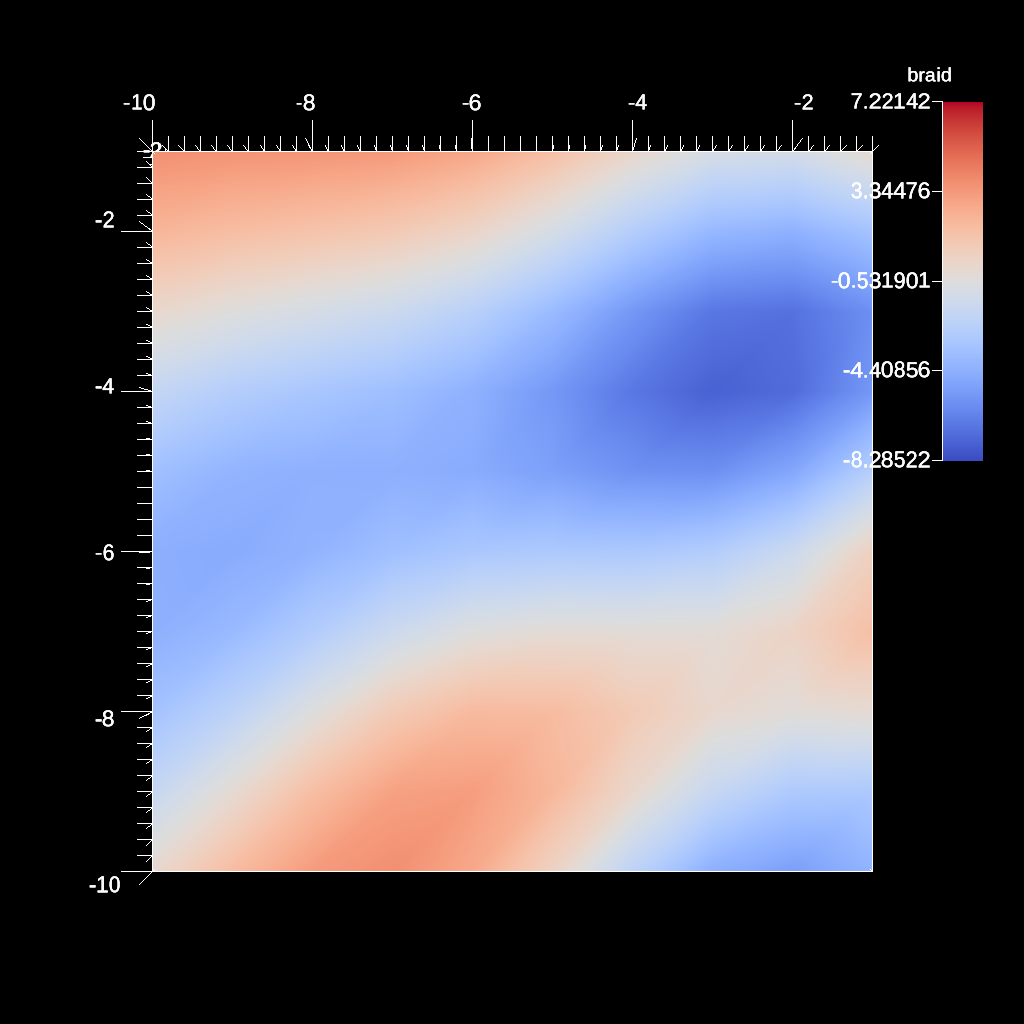
An example of using the uniform sample grid filter on a 20x20x20 hexahedron mesh to sample a grid that is equal in dimensions to the input mesh.
YAML actions:
#An example of using the sample filter with the uniform grid parameter with dims equal to the input dims.

-
  action: "add_pipelines"
  pipelines:
    pl1:
      f1:
        type: "sample"
        params:
          fields:
            - "braid"
          uniform_grid:
            dims:
              i: 20
              j: 20
              k: 20
            origin:
              x: -10
              y: -10
              z: -10
            spacing:
              dx: 1
              dy: 1
              dz: 1
          invalid_value: -10.0
-
  action: "add_scenes"
  scenes:
    s1:
      plots:
        p1:
          type: "pseudocolor"
          field: "braid"
          pipeline: "pl1"
      renders:
        r1:
          image_prefix: "/home/user/sandbox/ascent/scripts/build_ascent/build/ascent-checkout/tests/_output/tout_uniform_grid_sample_input_dims"
Resulting image:
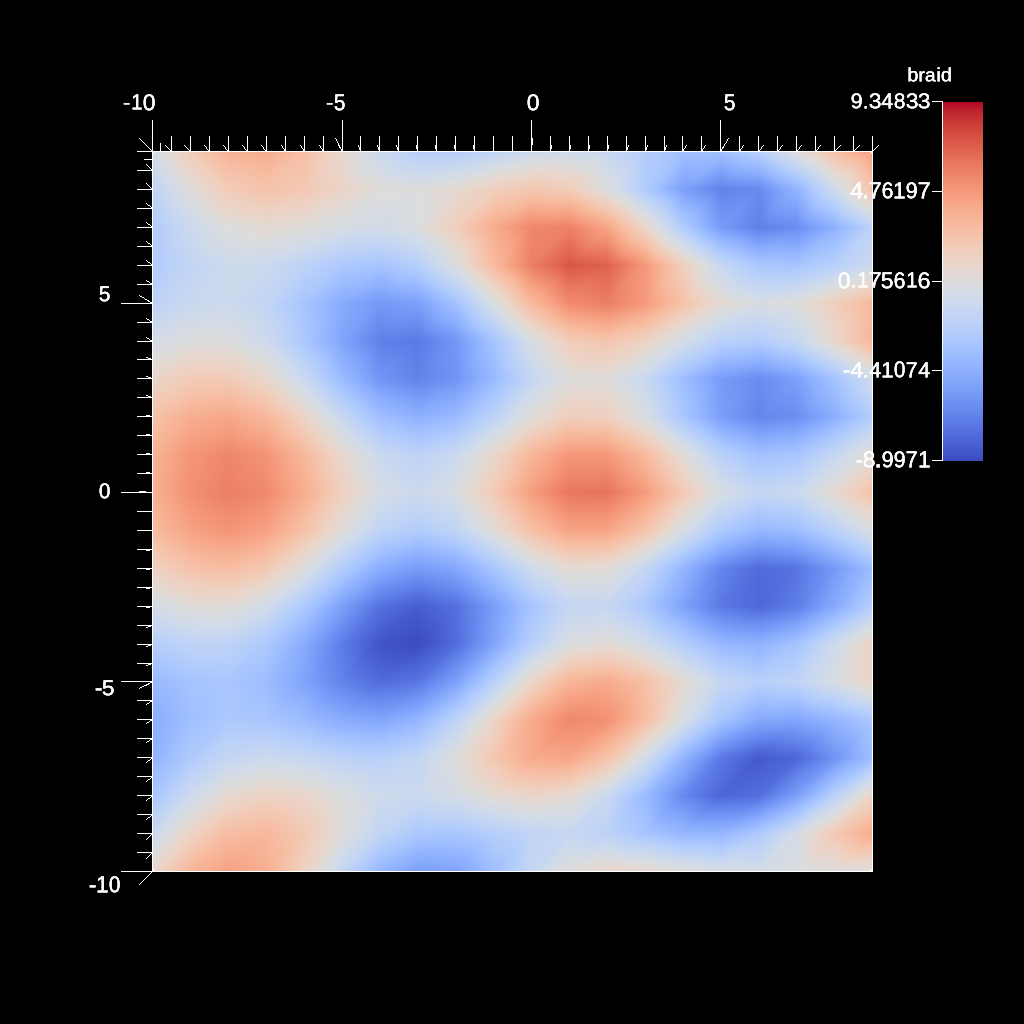
An example of using the uniform sample grid filter on a 20x20x20 hexahedron mesh to sample a grid that is equal in dimensions but with smaller spacing between points.
YAML actions:
#An example of using the sample filter with the uniform grid parameter with decreased spacing.

-
  action: "add_pipelines"
  pipelines:
    pl1:
      f1:
        type: "sample"
        params:
          fields:
            - "braid"
          uniform_grid:
            spacing:
              dx: 0.5
              dy: 0.5
              dz: 0.5
          invalid_value: -10.0
-
  action: "add_scenes"
  scenes:
    s1:
      plots:
        p1:
          type: "pseudocolor"
          field: "braid"
          pipeline: "pl1"
      renders:
        r1:
          image_prefix: "/home/user/sandbox/ascent/scripts/build_ascent/build/ascent-checkout/tests/_output/tout_uniform_grid_equal_dims_decrease_spacing"
Resulting image:
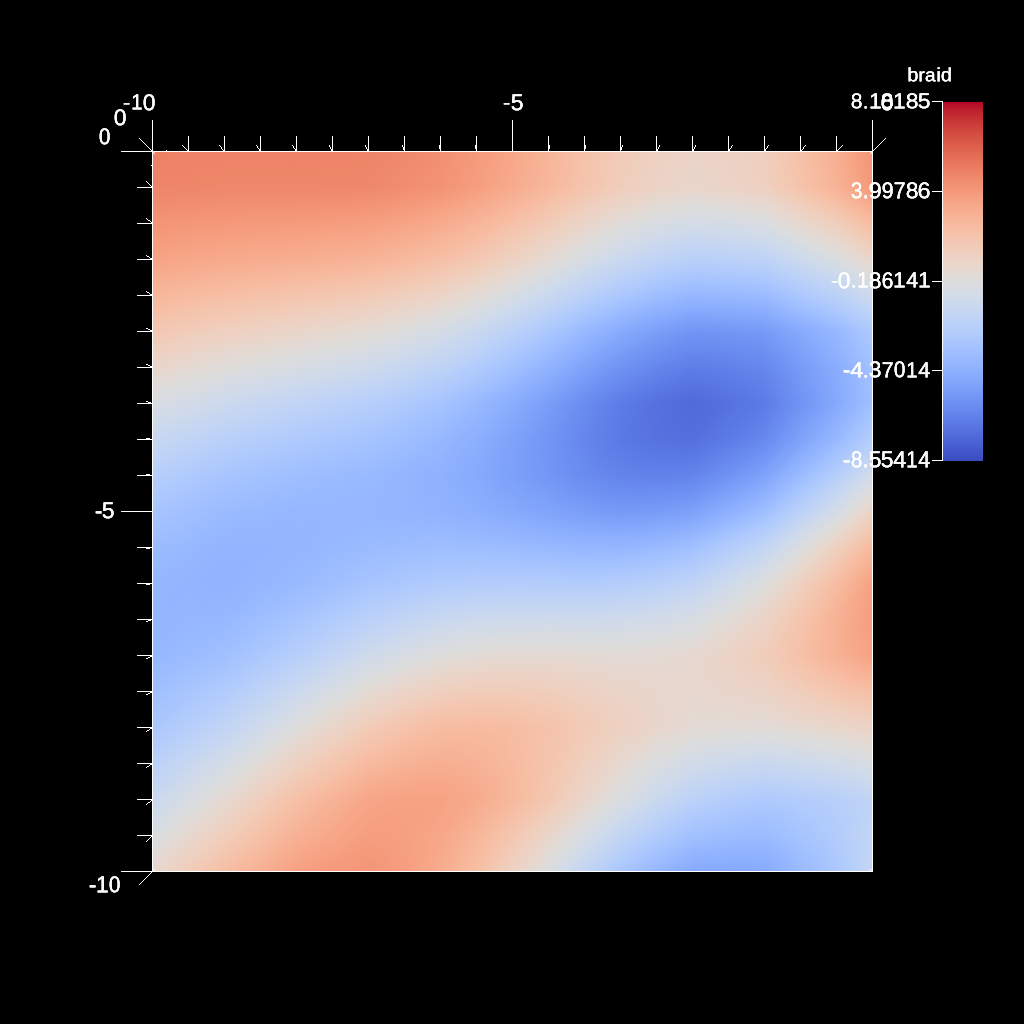
An example of using the uniform sample grid filter on a 20x20x20 hexahedron mesh to sample a grid that is equal in dimensions but with larger spacing between points.
YAML actions:
#An example of using the sample filter with the uniform grid parameter with increased spacing.

-
  action: "add_pipelines"
  pipelines:
    pl1:
      f1:
        type: "sample"
        params:
          fields:
            - "braid"
          uniform_grid:
            spacing:
              dx: 2.0
              dy: 2.0
              dz: 2.0
          invalid_value: -10.0
      f2:
        type: "slice"
        params:
          point:
            x: 0.0
            y: 0.0
            z: 0.0
          normal:
            x: 0.0
            y: 0.0
            z: 1.0
-
  action: "add_scenes"
  scenes:
    s1:
      plots:
        p1:
          type: "pseudocolor"
          field: "braid"
          pipeline: "pl1"
      renders:
        r1:
          image_prefix: "/home/user/sandbox/ascent/scripts/build_ascent/build/ascent-checkout/tests/_output/tout_uniform_grid_equal_dims_increase_spacing"
Resulting image:
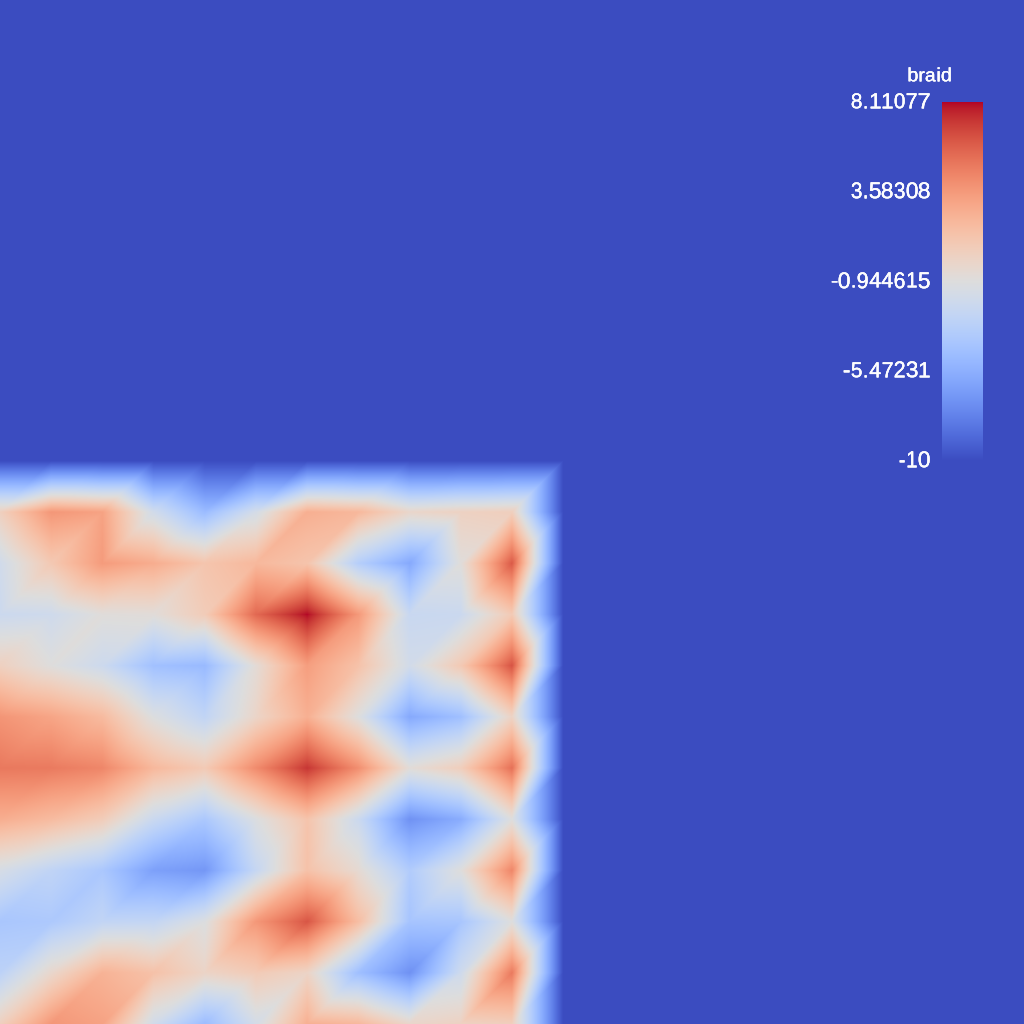
An example of using the uniform sample grid filter on a 20x20x20 hexahedron mesh to sample a grid that is equal in dimensions but with a shifted origin.
YAML actions:
#An example of using the sample filter with the uniform grid parameter with an origin shift.

-
  action: "add_pipelines"
  pipelines:
    pl1:
      f1:
        type: "sample"
        params:
          fields:
            - "braid"
          uniform_grid:
            origin:
              x: -5.0
              y: -5.0
              z: -5.0
          invalid_value: -10.0
      f2:
        type: "slice"
        params:
          point:
            x: 0.0
            y: 0.0
            z: 0.0
          normal:
            x: 0.0
            y: 0.0
            z: 1.0
-
  action: "add_scenes"
  scenes:
    s1:
      plots:
        p1:
          type: "pseudocolor"
          field: "braid"
          pipeline: "pl1"
      renders:
        r1:
          image_prefix: "/home/user/sandbox/ascent/scripts/build_ascent/build/ascent-checkout/tests/_output/tout_uniform_grid_shift_origin"
Resulting image:
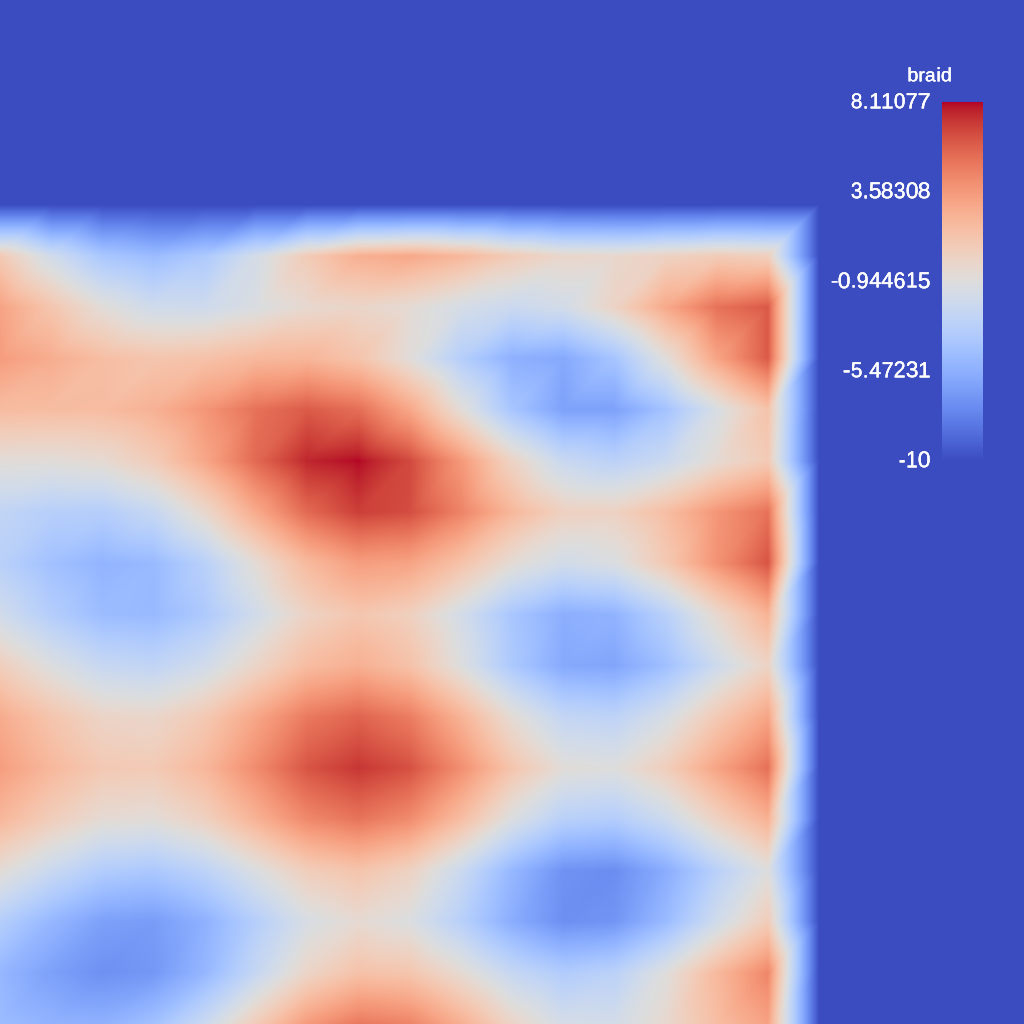
An example of using the uniform sample grid filter on a 20x20x20 hexahedron mesh to sample a grid that has larger dimensions by 5.
YAML actions:
#An example of using the sample filter with the uniform grid parameter with larger dimensions.

-
  action: "add_pipelines"
  pipelines:
    pl1:
      f1:
        type: "sample"
        params:
          fields:
            - "braid"
          uniform_grid:
            dims:
              i: 25
              j: 25
              k: 25
            origin:
              x: -10
              y: -10
              z: -10
            spacing:
              dx: 1
              dy: 1
              dz: 1
          invalid_value: -10.0
      f2:
        type: "slice"
        params:
          point:
            x: 0.0
            y: 0.0
            z: 0.0
          normal:
            x: 0.0
            y: 0.0
            z: 1.0
-
  action: "add_scenes"
  scenes:
    s1:
      plots:
        p1:
          type: "pseudocolor"
          field: "braid"
          pipeline: "pl1"
      renders:
        r1:
          image_prefix: "/home/user/sandbox/ascent/scripts/build_ascent/build/ascent-checkout/tests/_output/tout_uniform_larger_by5_grid"
Resulting image:
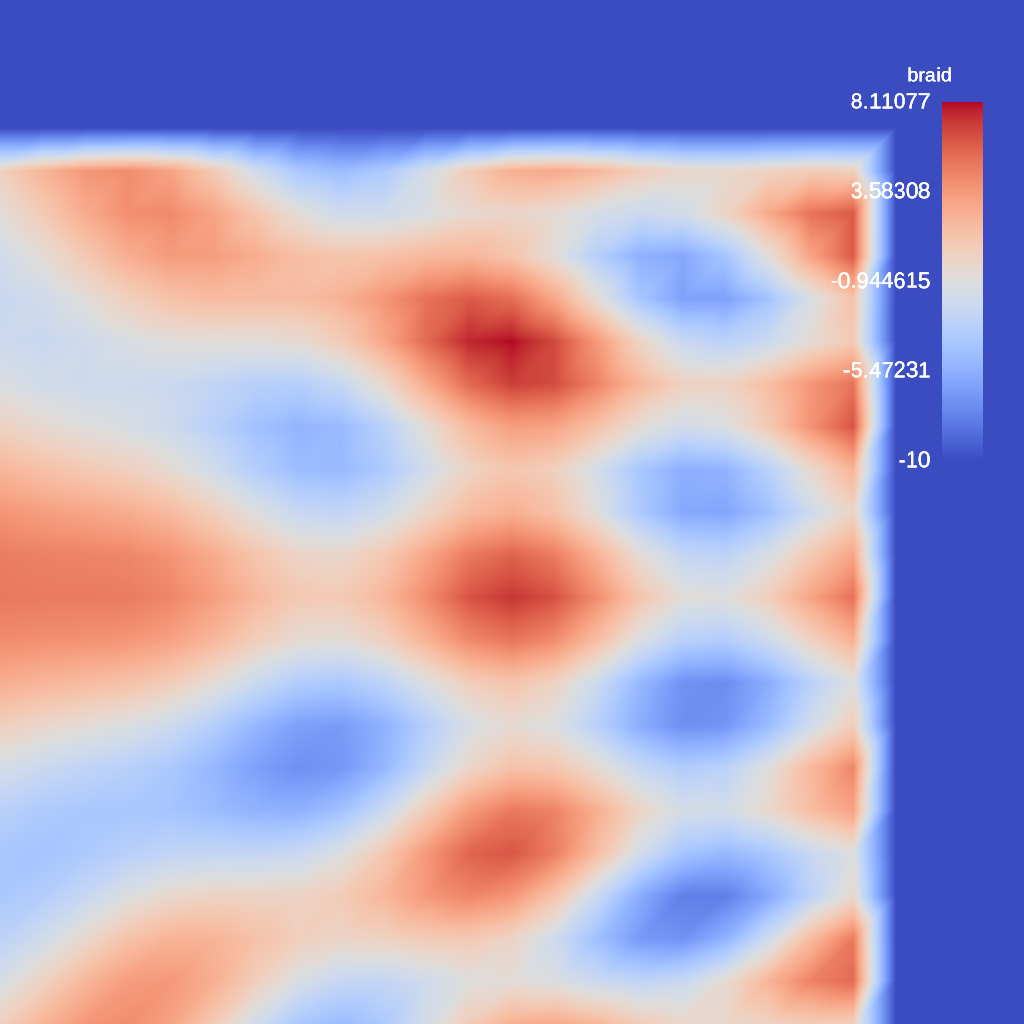
An example of using the uniform sample grid filter on a 20x20x20 hexahedron mesh to sample a grid that has larger dimensions by 5 and with a disproportionately large invalid_value.
YAML actions:
#An example of using the sample filter with the uniform grid parameter and sampling past the                       mesh dimensions with a large invalid_value.

-
  action: "add_pipelines"
  pipelines:
    pl1:
      f1:
        type: "sample"
        params:
          fields:
            - "braid"
          uniform_grid:
            dims:
              i: 25
              j: 25
              k: 25
            origin:
              x: -10
              y: -10
              z: -10
            spacing:
              dx: 1
              dy: 1
              dz: 1
          invalid_value: -100.0
      f2:
        type: "slice"
        params:
          point:
            x: 0.0
            y: 0.0
            z: 0.0
          normal:
            x: 0.0
            y: 0.0
            z: 1.0
-
  action: "add_scenes"
  scenes:
    s1:
      plots:
        p1:
          type: "pseudocolor"
          field: "braid"
          pipeline: "pl1"
      renders:
        r1:
          image_prefix: "/home/user/sandbox/ascent/scripts/build_ascent/build/ascent-checkout/tests/_output/tout_uniform_larger_by5_grid_with_invalid_value"
Resulting image:
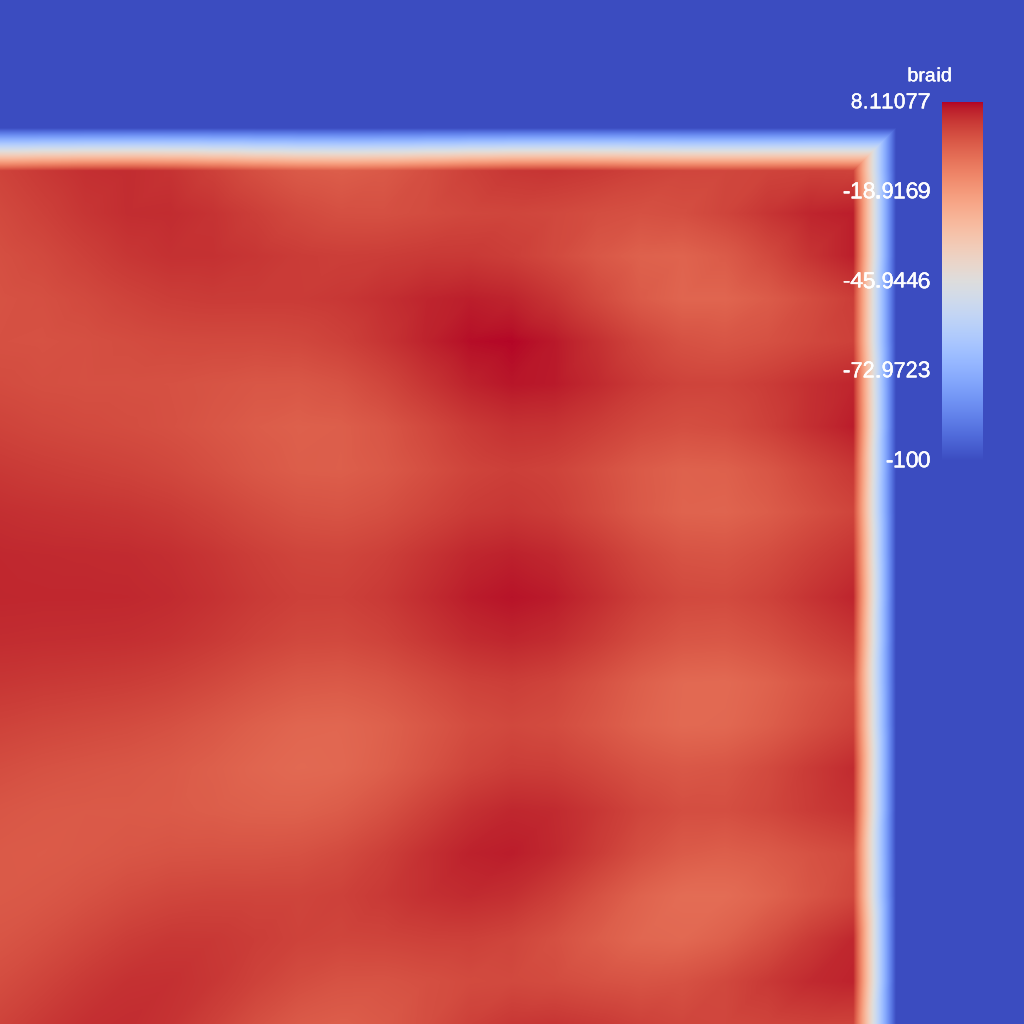
An example of using the streamline filter and associated tube parameters to produce a rendering.
YAML actions:
#An example of using the streamline filter and rendering the result.

-
  action: "add_pipelines"
  pipelines:
    pl1:
      f2:
        type: "streamline"
        params:
          field: "vel"
          num_seeds: 10
          num_steps: 100
          step_size: 0.01
          seed_bounding_box_x_min: 0.0
          seed_bounding_box_x_max: 1.0
          seed_bounding_box_y_min: 0.0
          seed_bounding_box_y_max: 1.0
          seed_bounding_box_z_min: 0.0
          seed_bounding_box_z_max: 1.0
          enable_tubes: "true"
          tube_capping: "false"
          tube_size: 0.1
          tube_sides: 4
          tube_value: 0.0
          output_name: "lines"
-
  action: "add_scenes"
  scenes:
    s1:
      plots:
        p1:
          type: "pseudocolor"
          field: "lines"
          pipeline: "pl1"
      image_prefix: "/Users/harrison37/Work/alpine/ascent/build-debug/tests/_output/tout_streamline_vel"
Resulting image:

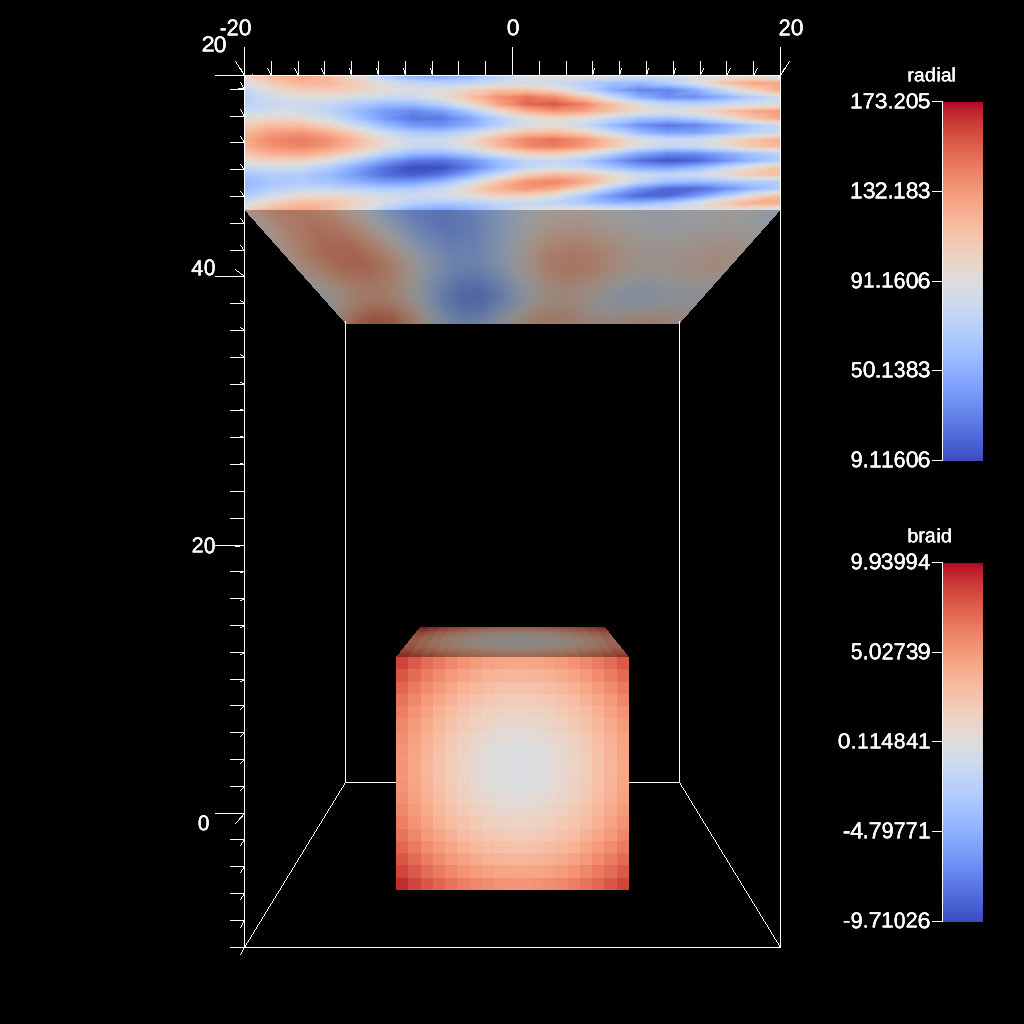
An example of using the transform filter with a matrix
YAML actions:
#An example transform filter rotating around an arbitrary axis.

-
  action: "add_pipelines"
  pipelines:
    pl1:
      f1:
        type: "transform"
        params:
          matrix: [2.0, 0.0, 0.0, 0.0, 0.0, 0.5, 0.0, 50.0, 0.0, 0.0, 2.0, 0.0, 0.0, 0.0, 0.0, 1.0]
-
  action: "add_scenes"
  scenes:
    s1:
      plots:
        p1:
          type: "pseudocolor"
          field: "braid"
          pipeline: "pl1"
        p2:
          type: "pseudocolor"
          field: "radial"
      image_prefix: "/home/user/sandbox/ascent/scripts/build_ascent/build/ascent-checkout/tests/_output/tout_transform_matrix"
Resulting image:
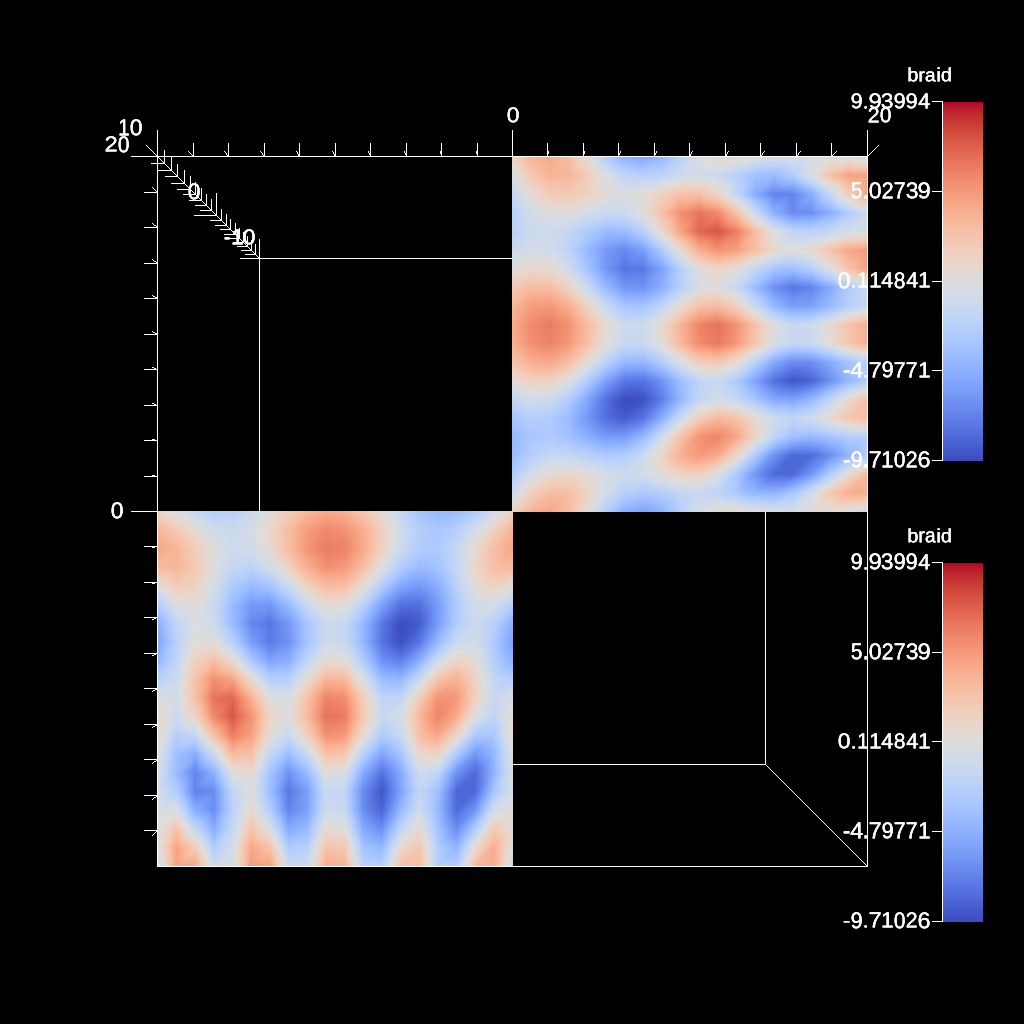
An example of using the transform filter to reflect over a specified normal
YAML actions:
#An example transform filter using reflect across arbitrary axis.

-
  action: "add_pipelines"
  pipelines:
    pl0:
      f1:
        type: "transform"
        params:
          translate:
            x: 10.0
            y: 10.0
    pl1:
      f1:
        type: "transform"
        params:
          reflect:
            normal:
              x: 1.0
              y: 1.0
      pipeline: "pl0"
-
  action: "add_scenes"
  scenes:
    s1:
      plots:
        p1:
          type: "pseudocolor"
          field: "braid"
          pipeline: "pl1"
        p2:
          type: "pseudocolor"
          field: "braid"
          pipeline: "pl0"
      image_prefix: "/home/user/sandbox/ascent/scripts/build_ascent/build/ascent-checkout/tests/_output/tout_transform_reflect_arb"
Resulting image:
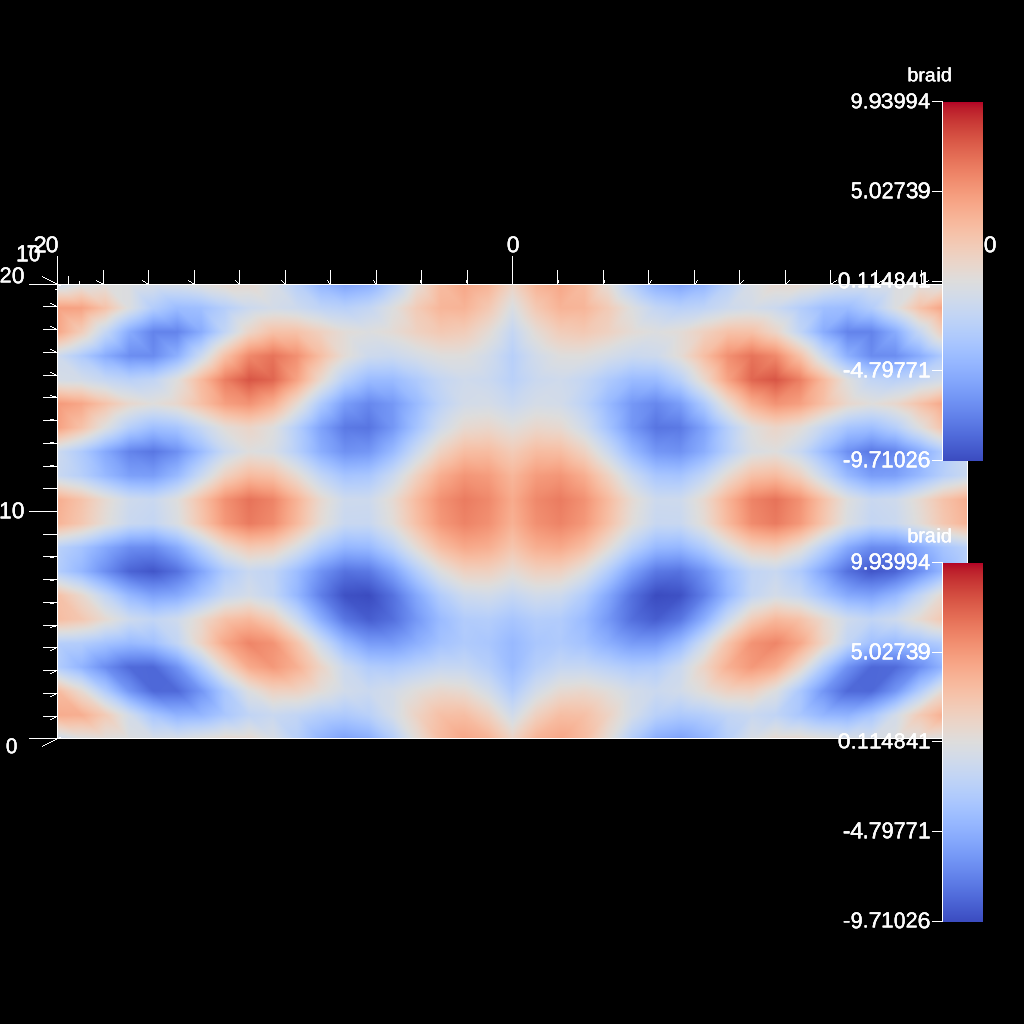
An example of using the transform filter to reflect over the x axis
YAML actions:
#An example transform filter using reflect across x axis.

-
  action: "add_pipelines"
  pipelines:
    pl0:
      f1:
        type: "transform"
        params:
          translate:
            x: 10.0
            y: 10.0
    pl1:
      f1:
        type: "transform"
        params:
          reflect:
            normal:
              x: 1.0
      pipeline: "pl0"
-
  action: "add_scenes"
  scenes:
    s1:
      plots:
        p1:
          type: "pseudocolor"
          field: "braid"
          pipeline: "pl1"
        p2:
          type: "pseudocolor"
          field: "braid"
          pipeline: "pl0"
      image_prefix: "/home/user/sandbox/ascent/scripts/build_ascent/build/ascent-checkout/tests/_output/tout_transform_reflect_x"
Resulting image:
An example of using the transform filter to reflect over the x axis max bounds
YAML actions:
#An example transform filter using reflect across the x-axis maximum.

-
  action: "add_pipelines"
  pipelines:
    pl0:
      f1:
        type: "transform"
        params:
          translate:
            x: 10.0
            y: 10.0
    pl1:
      f1:
        type: "transform"
        params:
          reflect:
            normal:
              x: 1.0
            point:
              x: "max"
      pipeline: "pl0"
-
  action: "add_scenes"
  scenes:
    s1:
      plots:
        p1:
          type: "pseudocolor"
          field: "braid"
          pipeline: "pl1"
        p2:
          type: "pseudocolor"
          field: "braid"
          pipeline: "pl0"
      image_prefix: "/home/user/sandbox/ascent/scripts/build_ascent/build/ascent-checkout/tests/_output/tout_transform_reflect_x_max"
Resulting image:
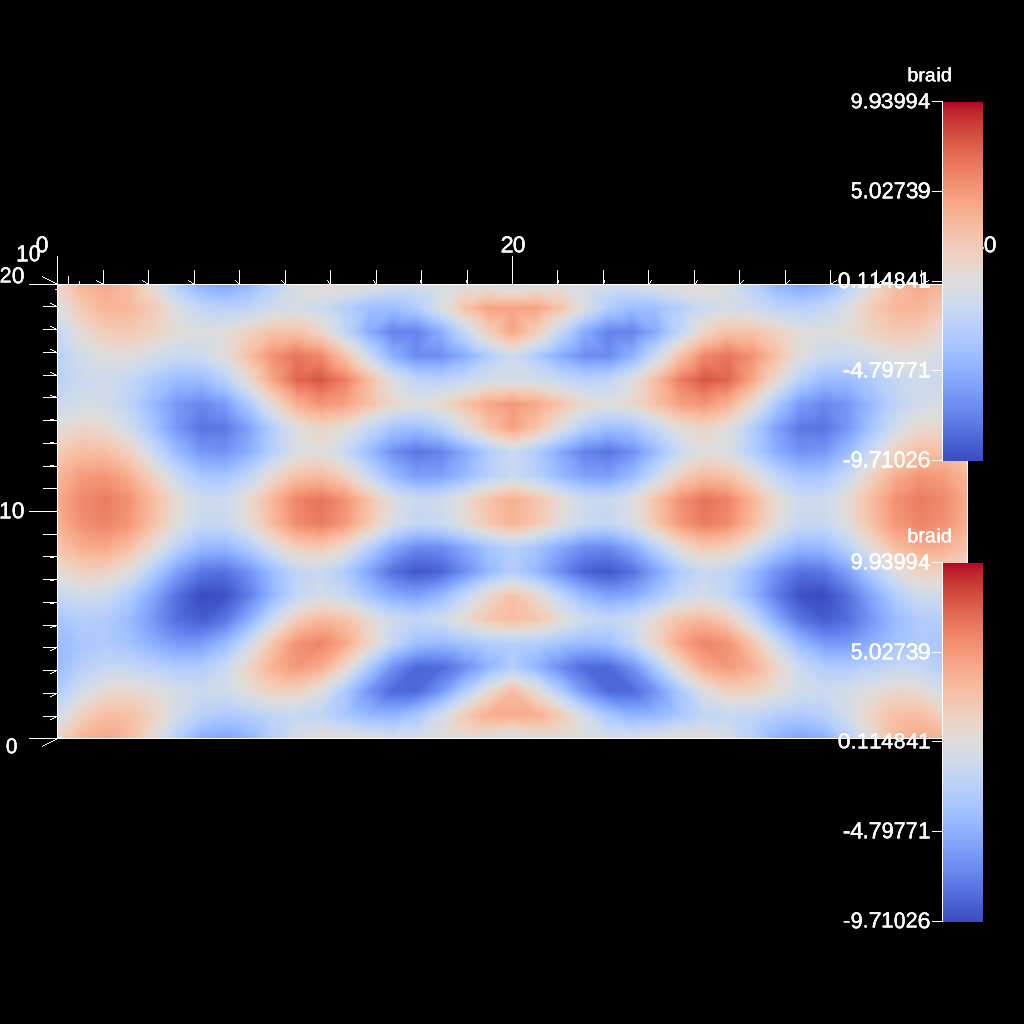
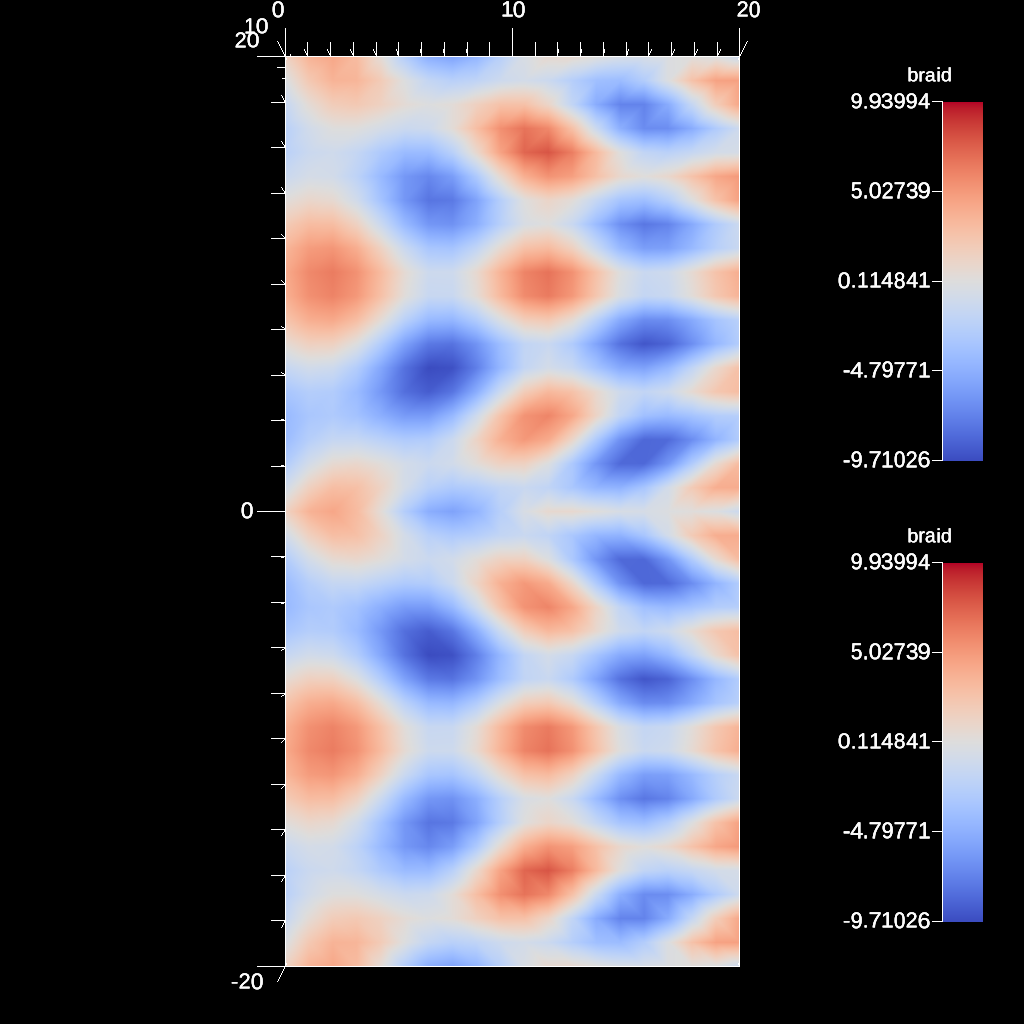
An example of using the transform filter to reflect over the y axis min bounds
YAML actions:
#An example transform filter using reflect across x axis.

-
  action: "add_pipelines"
  pipelines:
    pl0:
      f1:
        type: "transform"
        params:
          translate:
            x: 10.0
            y: 10.0
    pl1:
      f1:
        type: "transform"
        params:
          reflect:
            y: "min"
      pipeline: "pl0"
-
  action: "add_scenes"
  scenes:
    s1:
      plots:
        p1:
          type: "pseudocolor"
          field: "braid"
          pipeline: "pl1"
        p2:
          type: "pseudocolor"
          field: "braid"
          pipeline: "pl0"
      image_prefix: "/home/user/sandbox/ascent/scripts/build_ascent/build/ascent-checkout/tests/_output/tout_transform_reflect_y_min"
Resulting image:
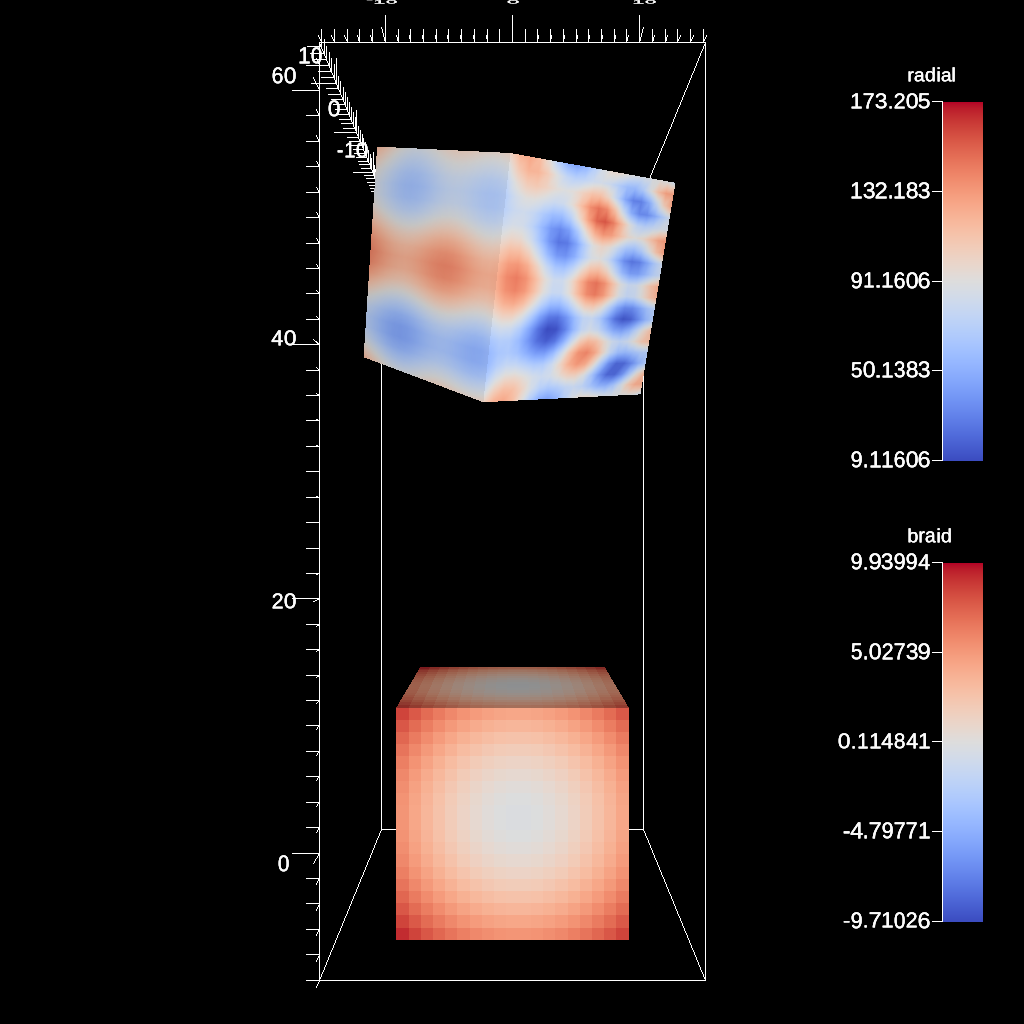
An example of using the transform filter to rotate around a specified normal
YAML actions:
#An example transform filter rotating around an arbitrary axis.

-
  action: "add_pipelines"
  pipelines:
    pl1:
      f1:
        type: "transform"
        params:
          rotate:
            angle: 45.0
            axis:
              x: 0.5
              y: 1.0
      f2:
        type: "transform"
        params:
          translate:
            y: 50.0
-
  action: "add_scenes"
  scenes:
    s1:
      plots:
        p1:
          type: "pseudocolor"
          field: "braid"
          pipeline: "pl1"
        p2:
          type: "pseudocolor"
          field: "radial"
      image_prefix: "/home/user/sandbox/ascent/scripts/build_ascent/build/ascent-checkout/tests/_output/tout_transform_rotate_arb"
Resulting image:
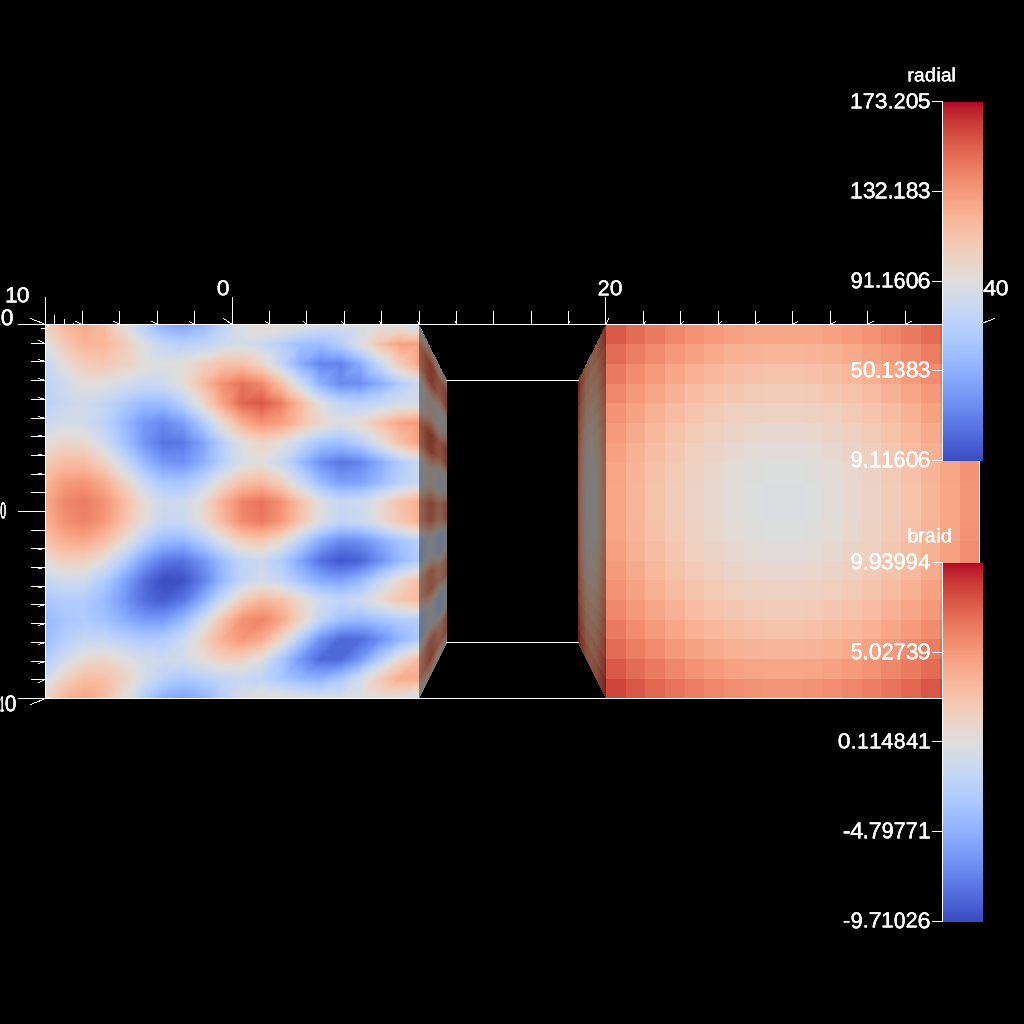
An example of using the transform filter to reflect over a specified point and normal
YAML actions:
#An example transform filter to reflect across a point.

-
  action: "add_pipelines"
  pipelines:
    pl0:
      f1:
        type: "transform"
        params:
          reflect:
            normal:
              x: 1
            point:
              x: 15
              y: 0
              z: 0
-
  action: "add_scenes"
  scenes:
    s1:
      plots:
        p1:
          type: "pseudocolor"
          field: "braid"
        p2:
          type: "pseudocolor"
          field: "radial"
          pipeline: "pl0"
      image_prefix: "/home/user/sandbox/ascent/scripts/build_ascent/build/ascent-checkout/tests/_output/tout_transform_reflect_over_point"
Resulting image:
An example of using the transform filter to reflect a 2D slice over the y axis minimum
YAML actions:
#An example transform filter using reflect a 2D slice across y's minimum.

-
  action: "add_pipelines"
  pipelines:
    pl0:
      f1:
        type: "transform"
        params:
          translate:
            x: 10.0
            y: 10.0
    pl1:
      f1:
        type: "slice"
        params:
          point:
            x: 0.0
            y: 0.0
            z: 0.0
          normal:
            x: 0.0
            y: 0.0
            z: 1.0
    pl2:
      f1:
        type: "transform"
        params:
          reflect:
            normal:
              y: 1
            point:
              y: "min"
      pipeline: "pl1"
-
  action: "add_scenes"
  scenes:
    s1:
      plots:
        p1:
          type: "pseudocolor"
          field: "braid"
          pipeline: "pl2"
        p2:
          type: "pseudocolor"
          field: "braid"
          pipeline: "pl1"
      image_prefix: "/home/user/sandbox/ascent/scripts/build_ascent/build/ascent-checkout/tests/_output/tout_transform_reflect_y_min_2d"
Resulting image:
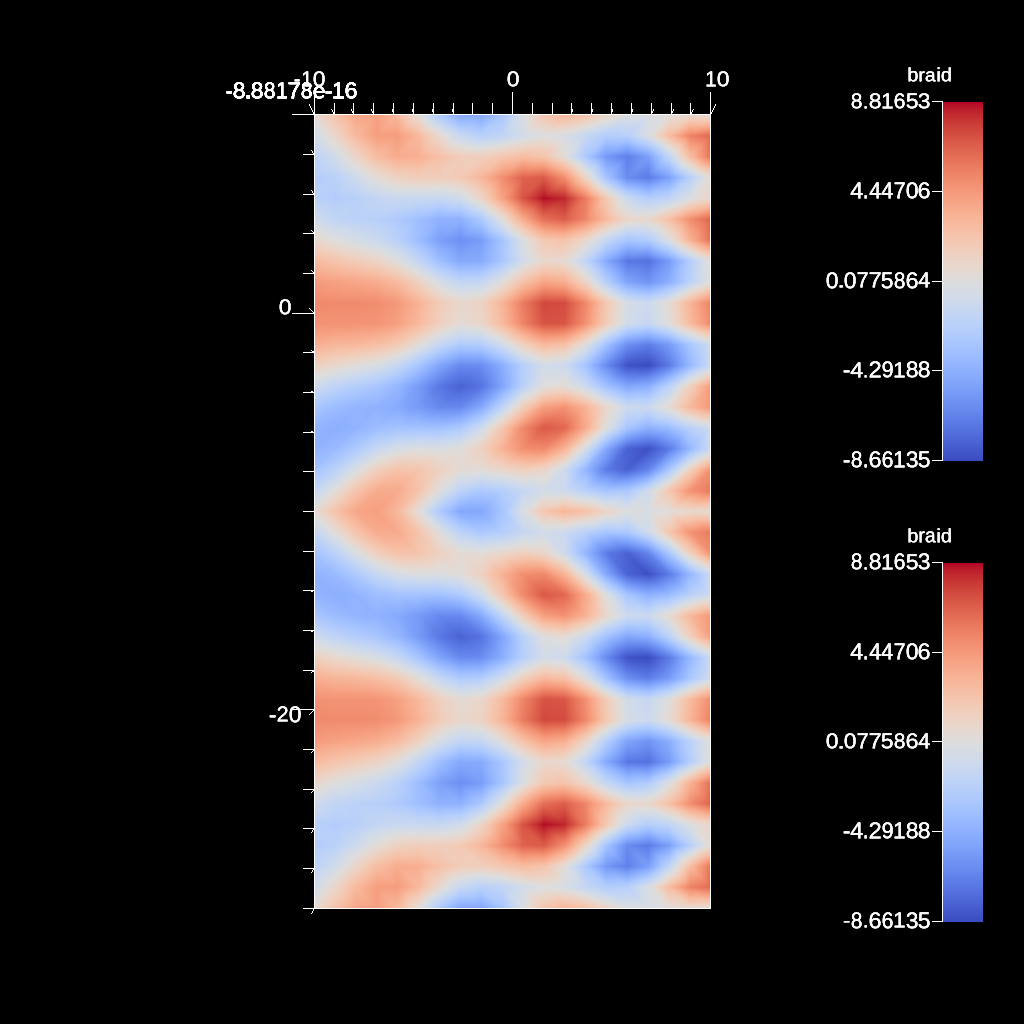
An example of using the transform filter to rotate around a point on the x axis
YAML actions:
#An example transform filter rotating around the x-axis.

-
  action: "add_pipelines"
  pipelines:
    pl1:
      f1:
        type: "transform"
        params:
          rotate:
            angle: 45.0
            axis:
              x: 1.0
      f2:
        type: "transform"
        params:
          translate:
            y: 50.0
-
  action: "add_scenes"
  scenes:
    s1:
      plots:
        p1:
          type: "pseudocolor"
          field: "braid"
          pipeline: "pl1"
        p2:
          type: "pseudocolor"
          field: "radial"
      image_prefix: "/home/user/sandbox/ascent/scripts/build_ascent/build/ascent-checkout/tests/_output/tout_transform_rotate_x"
Resulting image:
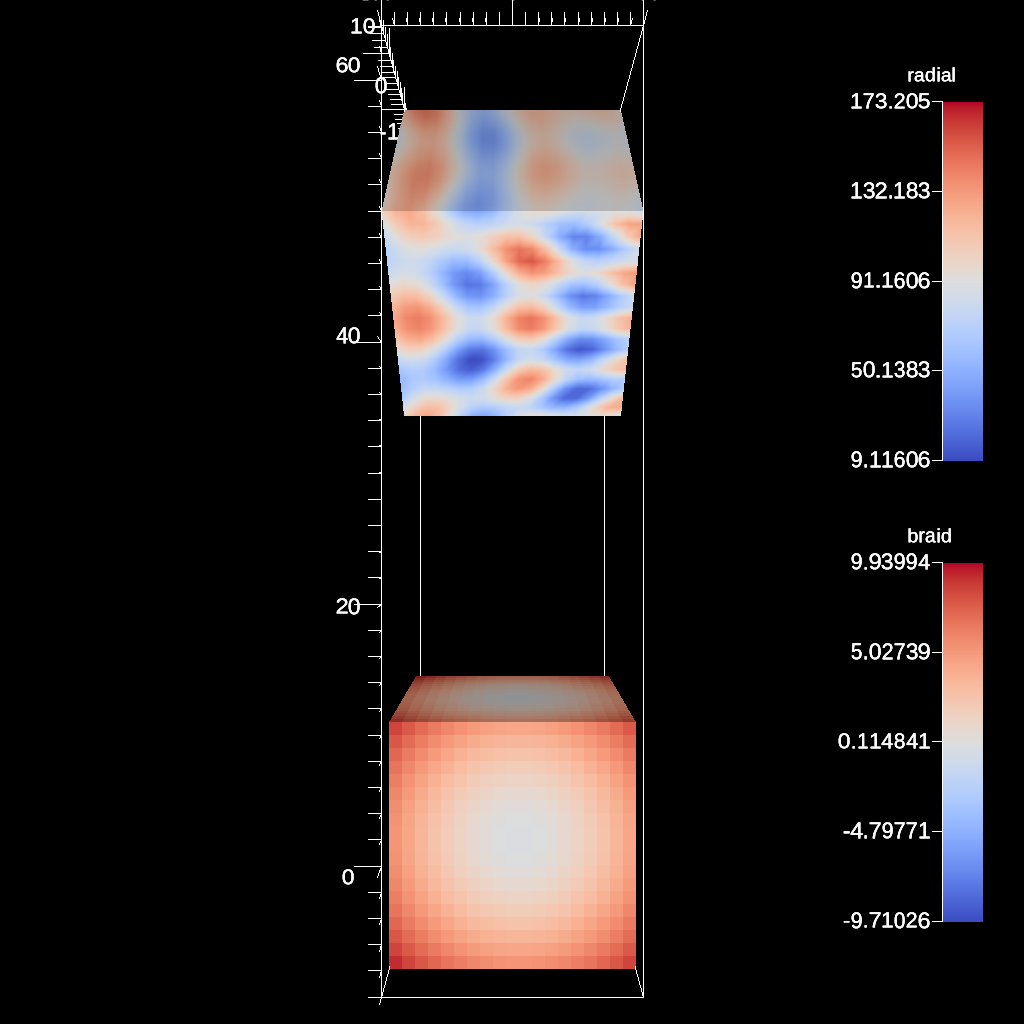
An example of using the transform filter to rotate around a point on the y axis
YAML actions:
#An example transform filter rotating around the y-axis.

-
  action: "add_pipelines"
  pipelines:
    pl1:
      f1:
        type: "transform"
        params:
          rotate:
            angle: 45.0
            axis:
              y: 1.0
      f2:
        type: "transform"
        params:
          translate:
            y: 50.0
-
  action: "add_scenes"
  scenes:
    s1:
      plots:
        p1:
          type: "pseudocolor"
          field: "braid"
          pipeline: "pl1"
        p2:
          type: "pseudocolor"
          field: "radial"
      image_prefix: "/home/user/sandbox/ascent/scripts/build_ascent/build/ascent-checkout/tests/_output/tout_transform_rotate_y"
Resulting image:
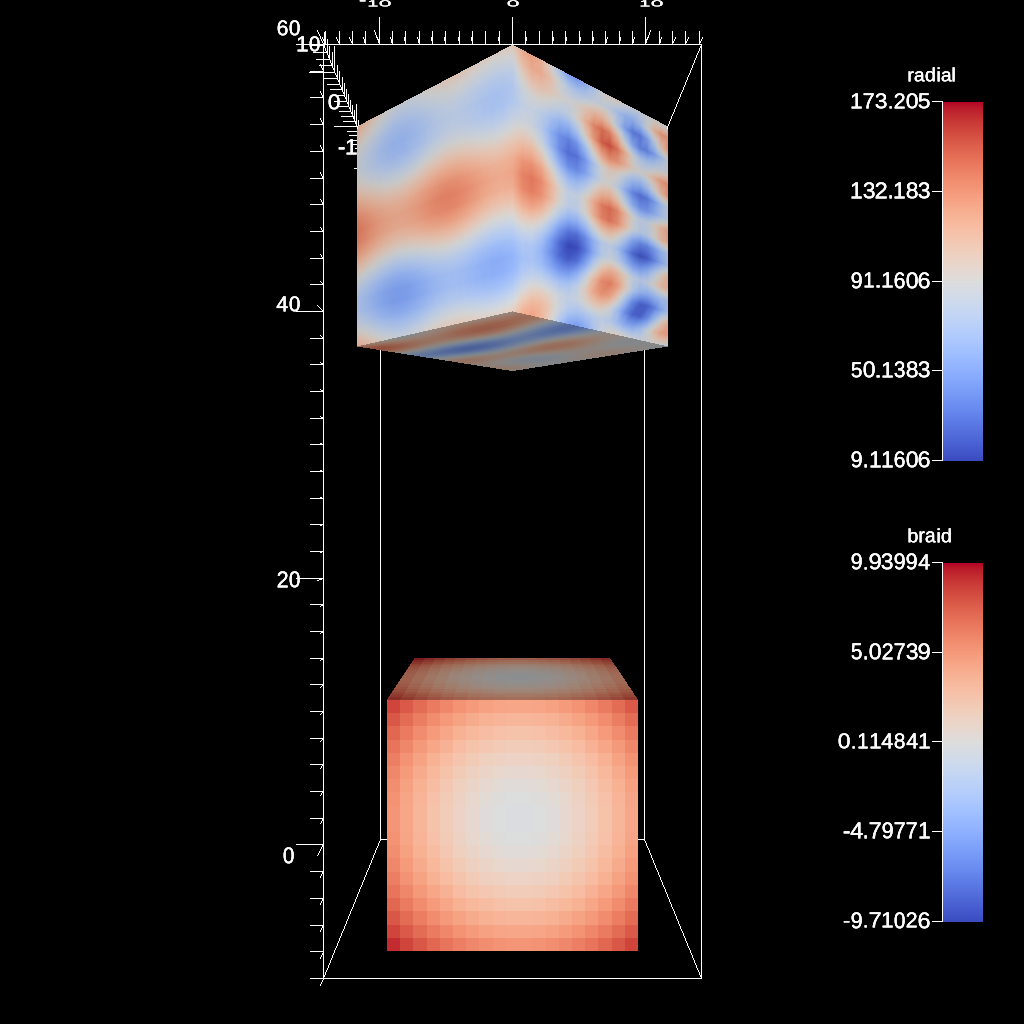
An example of using the transform filter to rotate around a point on the z axis
YAML actions:
#An example transform filter rotating around the z-axis.

-
  action: "add_pipelines"
  pipelines:
    pl1:
      f1:
        type: "transform"
        params:
          rotate:
            angle: 45.0
            axis:
              z: 1.0
      f2:
        type: "transform"
        params:
          translate:
            y: 50.0
-
  action: "add_scenes"
  scenes:
    s1:
      plots:
        p1:
          type: "pseudocolor"
          field: "braid"
          pipeline: "pl1"
        p2:
          type: "pseudocolor"
          field: "radial"
      image_prefix: "/home/user/sandbox/ascent/scripts/build_ascent/build/ascent-checkout/tests/_output/tout_transform_rotate_z"
Resulting image:
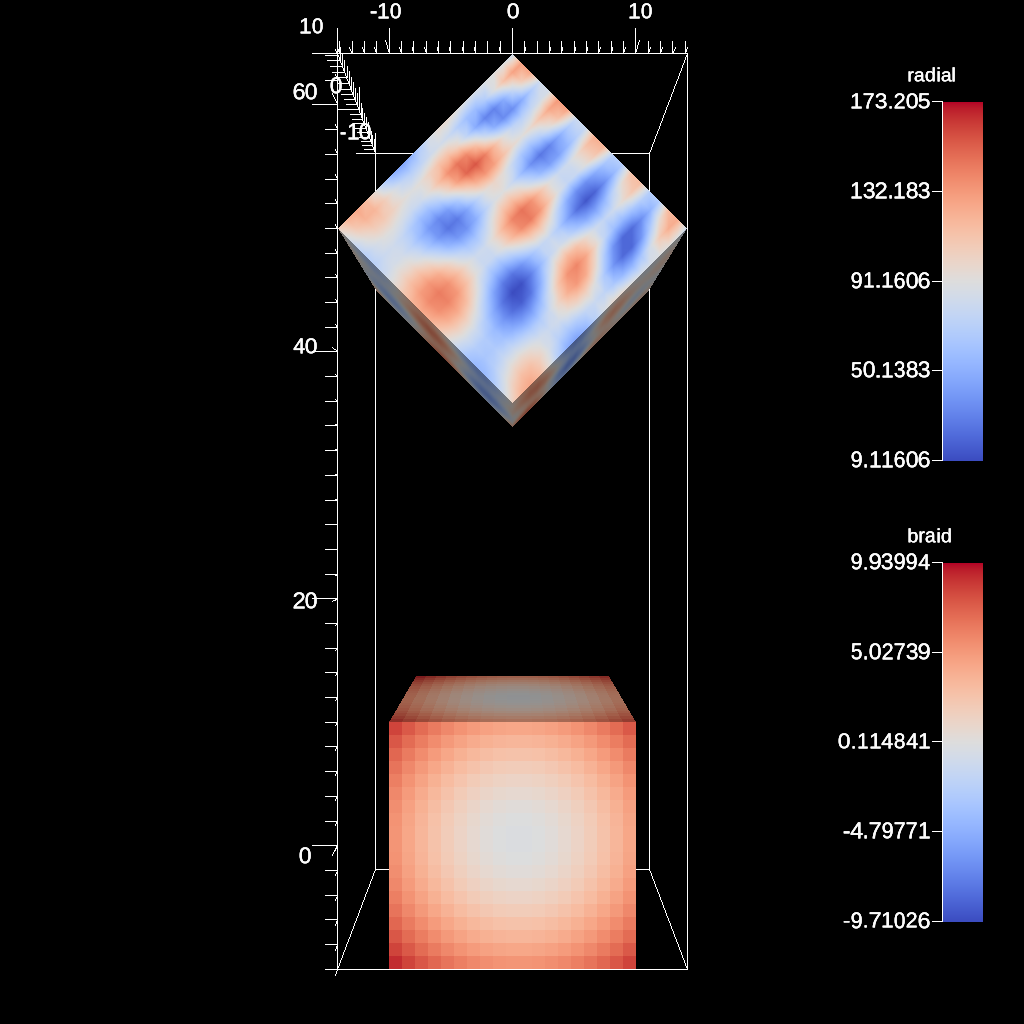
An example of using the transform filter to scale the data
YAML actions:
#An example transform filter using scale.

-
  action: "add_pipelines"
  pipelines:
    pl1:
      f1:
        type: "transform"
        params:
          scale:
            x: 2.0
            y: 0.5
            z: 2.0
      f2:
        type: "transform"
        params:
          translate:
            y: 50.0
-
  action: "add_scenes"
  scenes:
    s1:
      plots:
        p1:
          type: "pseudocolor"
          field: "braid"
          pipeline: "pl1"
        p2:
          type: "pseudocolor"
          field: "radial"
      image_prefix: "/home/user/sandbox/ascent/scripts/build_ascent/build/ascent-checkout/tests/_output/tout_transform_scale"
Resulting image:
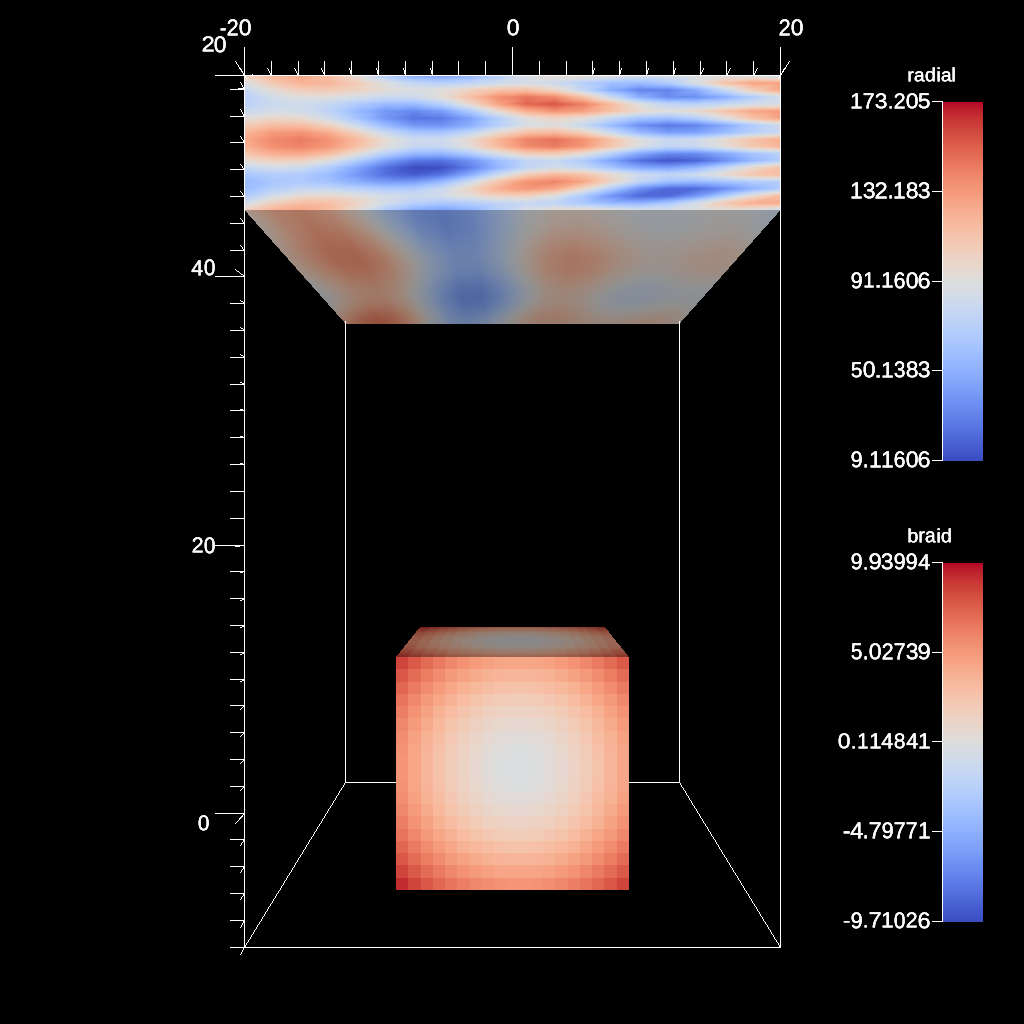
An example of using the transform filter to translate the data
YAML actions:
#An example transform filter using translation.

-
  action: "add_pipelines"
  pipelines:
    pl1:
      f1:
        type: "transform"
        params:
          translate:
            x: 23.0
            y: 15.0
-
  action: "add_scenes"
  scenes:
    s1:
      plots:
        p1:
          type: "pseudocolor"
          field: "braid"
          pipeline: "pl1"
        p2:
          type: "pseudocolor"
          field: "radial"
      image_prefix: "/home/user/sandbox/ascent/scripts/build_ascent/build/ascent-checkout/tests/_output/tout_transform_translate"
Resulting image:
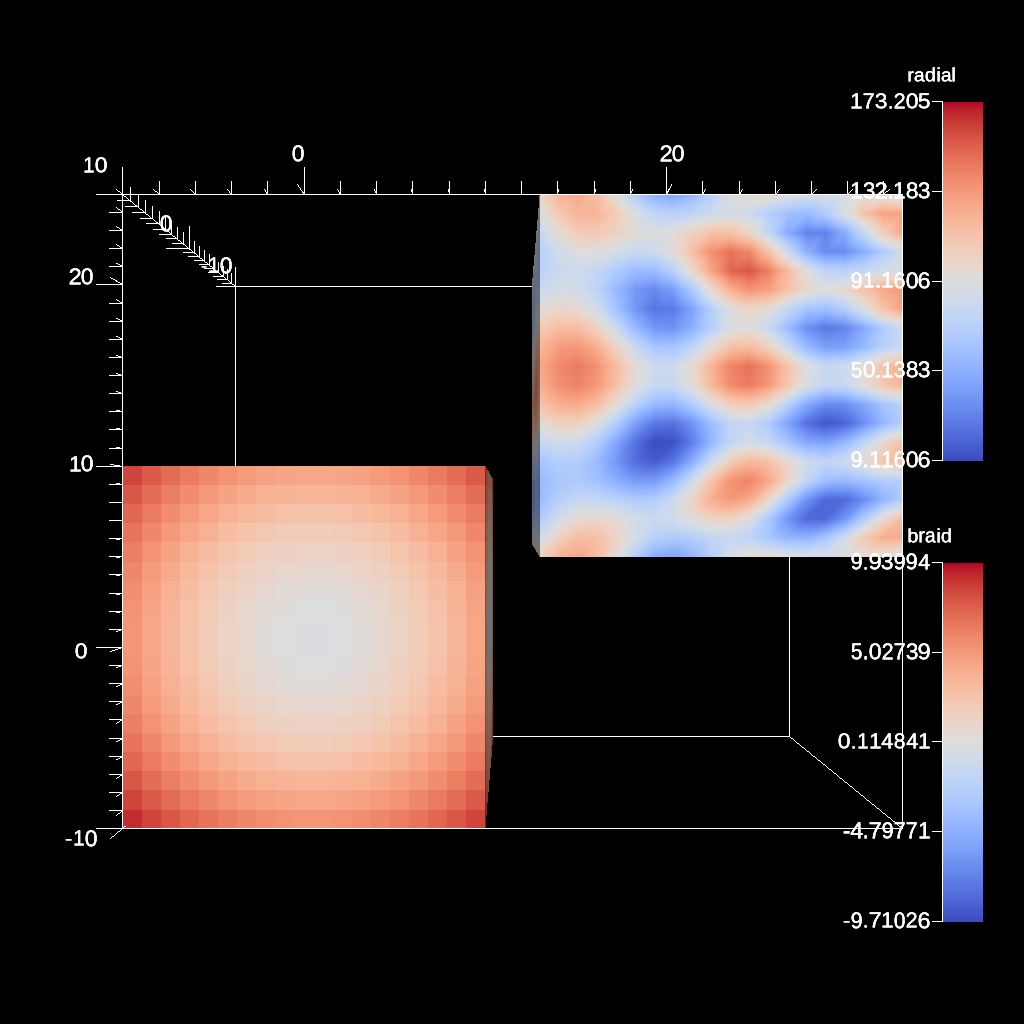
An example of using the xray extract.
YAML actions:
#An example of using the xray extract.

-
  action: "add_extracts"
  extracts:
    e1:
      type: "xray"
      params:
        absorption: "radial"
        filename: "/Users/larsen30/research/test_builds/devil_ray/ascent/build/tests/_output/tout_rover_xray_params"
        image_params:
          min_value: 0.00600000005215406
          max_value: 1.0
          log_scale: "true"
        unit_scalar: 0.00100000004749745
An example of using devil ray scalar rendering.
YAML actions:
#An example of using devil ray scalar rendering.

-
  action: "add_extracts"
  extracts:
    e1:
      type: "relay"
      pipeline: "pl1"
      params:
        path: "/Users/larsen30/research/test_builds/devil_ray/ascent/build/tests/_output/tout_scalar_renderer"
        protocol: "blueprint/mesh/hdf5"
-
  action: "add_pipelines"
  pipelines:
    pl1:
      f1:
        type: "dray_project_2d"
        params:
          image_width: 512
          image_height: 512
          fields:
            - "density"
An example of using a relay extract to save a subset of the data.
YAML actions:
#An example of using a relay extract to save a subset of the data.

-
  action: "add_extracts"
  extracts:
    e1:
      type: "relay"
      params:
        path: "/Users/harrison37/Work/alpine/ascent/build-debug/tests/_output/tout_relay_serial_extract_subset"
        protocol: "blueprint/mesh/hdf5"
        fields:
          - "braid"
          - "radial"
-
  action: "execute"
A more complex trigger example using several functions that evaluate positions on the mesh.
YAML actions:
#A more complex trigger example using several functions that evaluate positons on the mesh.

-
  action: "add_triggers"
  triggers:
    t1:
      params:
        condition: "magnitude(max(field('braid')).position - vector(0,0,0)) > 0"
        actions_file: "/Users/harrison37/Work/alpine/ascent/build-debug/tests/_output/trigger_extract_actions"
An example of using the xray extract.
YAML actions:
#An example of using the xray extract.

-
  action: "add_extracts"
  extracts:
    e1:
      type: "xray"
      params:
        absorption: "radial"
        emission: "radial"
        filename: "/Users/larsen30/research/test_builds/devil_ray/ascent/build/tests/_output/tout_rover_xray"
An example of rendering to a filename using format specifiers.
YAML actions:
#An example of rendering to a filename using format specifiers.

-
  action: "add_scenes"
  scenes:
    s1:
      plots:
        p1:
          type: "pseudocolor"
          field: "braid"
      renders:
        r1:
          image_prefix: "/Users/harrison37/Work/alpine/ascent/build-debug/tests/_output/tout_render_3d_name_format%04d"
          annotations: "false"
An example of rendering to a filename using keyword formatting specifiers.
YAML actions:
#An example of rendering to a filename using keyword formatting specifiers.

-
  action: "add_scenes"
  scenes:
    s1:
      plots:
        p1:
          type: "pseudocolor"
          field: "braid"
      renders:
        r1:
          image_prefix: "/Users/harrison37/Work/alpine/ascent/build-debug/tests/_output/output_path_{family:05d}_{cycle:04d}_{time:0.4f}"
          annotations: "false"
An example of querying the current cycle.
YAML actions:
#An example of quiering the current cycle.

-
  action: "add_queries"
  queries:
    q1:
      params:
        expression: "cycle()"
        name: "cycle"
An example of using devil ray for pseudocolor plot.
YAML actions:
#An example of using devil ray for pseudocolor plot.

-
  action: "add_extracts"
  extracts:
    e1:
      type: "dray_3slice"
      params:
        field: "density"
        min_value: 0.99
        max_value: 1.0
        log_scale: "false"
        image_prefix: "/Users/larsen30/research/test_builds/devil_ray/ascent/build/tests/_output/tout_dray_3slice"
        camera:
          azimuth: -30
          elevation: 35
        x_offset: 0.0
        y_offset: 0.0
        z_offset: 0.0
An example of using devil ray for pseudocolor plot.
YAML actions:
#An example of using devil ray for pseudocolor plot.

-
  action: "add_extracts"
  extracts:
    e1:
      type: "dray_volume"
      params:
        field: "density"
        min_value: 0.98
        max_value: 1.04
        log_scale: "false"
        image_prefix: "/Users/larsen30/research/test_builds/devil_ray/ascent/build/tests/_output/tout_dray_volume"
        camera:
          azimuth: -30
          elevation: 35
        samples: 100
An example of rendering amr data
YAML actions:
#An example of rendering amr data

-
  action: "add_scenes"
  scenes:
    s1:
      plots:
        p1:
          type: "pseudocolor"
          field: "iters"
      image_prefix: "/Users/harrison37/Work/alpine/ascent/build-debug/tests/_output/tout_render_amr_complex"
An example of using devil ray for pseudocolor plot.
YAML actions:
#An example of using devil ray for pseudocolor plot.

-
  action: "add_extracts"
  extracts:
    e1:
      type: "dray_pseudocolor"
      params:
        field: "density"
        min_value: 0.99
        max_value: 1.0
        log_scale: "false"
        image_prefix: "/Users/larsen30/research/test_builds/devil_ray/ascent/build/tests/_output/tout_dray_surface"
        camera:
          azimuth: -30
          elevation: 35
        draw_mesh: "true"
        line_thickness: 0.1
        line_color: [0.0, 0.0, 0.0, 1.0]
An example of using an relay extract to save the results of a pipeline to the file system.
YAML actions:
#An example of using an relay extract to save the results of  a pipeline to the file system.

-
  action: "add_pipelines"
  pipelines:
    pl1:
      f1:
        type: "contour"
        params:
          field: "radial_vert"
          iso_values: 250.0
-
  action: "add_extracts"
  extracts:
    e1:
      type: "relay"
      pipeline: "pl1"
      params:
        path: "/Users/harrison37/Work/alpine/ascent/build-debug/tests/_output/tout_hd5f_iso"
-
  action: "execute"
An example of scalar rendering
YAML actions:
#An example of scalar rendering

-
  action: "add_extracts"
  extracts:
    e1:
      type: "relay"
      pipeline: "pl1"
      params:
        path: "/Users/harrison37/Work/alpine/ascent/build-debug/tests/_output/tout_scalar_rendering"
        protocol: "blueprint/mesh/hdf5"
-
  action: "add_pipelines"
  pipelines:
    pl1:
      f1:
        type: "project_2d"
        params:
          image_width: 512
          image_height: 512
An example of using an relay extract to save the published mesh to the file system.
YAML actions:
#An example of using an relay extract to save the published mesh to the file system.

-
  action: "add_extracts"
  extracts:
    e1:
      type: "relay"
      params:
        path: "/Users/harrison37/Work/alpine/ascent/build-debug/tests/_output/tout_hd5f_mesh"
        protocol: "blueprint/mesh/hdf5"
-
  action: "execute"
An example of using devil ray scalar rendering using a plane.
YAML actions:
#An example of using devil ray scalar rendering using a plane.

-
  action: "add_extracts"
  extracts:
    e1:
      type: "relay"
      pipeline: "pl1"
      params:
        path: "/Users/larsen30/research/test_builds/devil_ray/ascent/build/tests/_output/tout_scalar_renderer_plane"
        protocol: "blueprint/mesh/hdf5"
-
  action: "add_pipelines"
  pipelines:
    pl1:
      f1:
        type: "dray_project_2d"
        params:
          image_width: 512
          image_height: 512
          plane:
            center: [0.5, 0.0, -1.5]
            up: [0.0, 1.0, 0.0]
            normal: [0.0, 0.25, 1.0]
            width: 1.5
            height: 1.5
          fields:
            - "density"
An example of rendering amr data
YAML actions:
#An example of rendering amr data

-
  action: "add_scenes"
  scenes:
    s1:
      plots:
        p1:
          type: "pseudocolor"
          field: "iters"
      image_prefix: "/Users/harrison37/Work/alpine/ascent/build-debug/tests/_output/tout_render_amr_simple"
An example of querying the maximum value of a field from the result of a pipeline.
YAML actions:
#An example of quiering the maximum value of a field from the result of a pipeline.

-
  action: "add_queries"
  queries:
    q1:
      params:
        expression: "max(field('braid'))"
        name: "max_braid_pipeline"
      pipeline: "pl1"
-
  action: "add_pipelines"
  pipelines:
    pl1:
      f1:
        type: "slice"
        params:
          point:
            x: 0.0
            y: 0.0
            z: 0.0
          normal:
            x: 0.0
            y: 0.0
            z: 1.0
An example of explicitly saving a session file.
YAML actions:
#An example of explicitly saving a session file.

-
  action: "add_queries"
  queries:
    q1:
      params:
        expression: "min(field('braid')).value"
        name: "bananas"
-
  action: "save_session"
An example of using devil ray for pseudocolor plot.
YAML actions:
#An example of using devil ray for pseudocolor plot.

-
  action: "add_extracts"
  extracts:
    e1:
      type: "dray_pseudocolor"
      params:
        field: "density"
        min_value: 0.99
        max_value: 1.0
        annotations: "false"
        log_scale: "false"
        image_prefix: "/Users/larsen30/research/test_builds/devil_ray/ascent/build/tests/_output/tout_dray_noannots"
        camera:
          azimuth: -30
          elevation: 35
        draw_mesh: "true"
        line_thickness: 0.1
        line_color: [0.0, 0.0, 0.0, 1.0]
An example of using devil ray to reflect a data set.
YAML actions:
#An example of using devil ray to reflect a data set.

-
  action: "add_pipelines"
  pipelines:
    p1:
      f1:
        type: "dray_reflect"
        params:
          point:
            x: 0.0
            y: 0.0
            z: 0.0
          normal:
            x: 0.0
            y: 1.0
            z: 0.0
-
  action: "add_extracts"
  extracts:
    e1:
      type: "dray_pseudocolor"
      pipeline: "p1"
      params:
        field: "density"
        min_value: 0.98
        max_value: 1.04
        log_scale: "false"
        image_prefix: "/Users/larsen30/research/test_builds/devil_ray/ascent/build/tests/_output/tout_reflect"
        camera:
          azimuth: -30
          elevation: 35
YAML actions:
-
  action: add_scenes
  scenes:
        s1:
          plots:
            p1:
              type: pseudocolor
              field: braid
          renders:
            r1:
              image_prefix: /Users/harrison37/Work/alpine/ascent/build-debug/tests/_output/tout_render_actions_img_yaml
An example of querying the maximum value of a field.
YAML actions:
#An example of quiering the maximum value of a field.

-
  action: "add_queries"
  queries:
    q1:
      params:
        expression: "max(field('braid'))"
        name: "max_braid"
An example of rendering amr data
YAML actions:
#An example of rendering amr data

-
  action: "add_scenes"
  scenes:
    s1:
      plots:
        p1:
          type: "pseudocolor"
          field: "iters"
      image_prefix: "/Users/harrison37/Work/alpine/ascent/build-debug/tests/_output/tout_render_amr_complex_ghost"
An example of using the Material Interface Reconstruction filter.
YAML actions:
#An example of using the MIR filter and plotting the field 'cellMat'.

-
  action: "add_pipelines"
  pipelines:
    pl1:
      f1:
        type: "mir"
        params:
          matset: "matset"
          error_scaling: 0.0
          scaling_decay: 0.0
          iterations: 0
          max_error: 1e-05
          output_name: "matset"
-
  action: "add_scenes"
  scenes:
    s1:
      plots:
        p1:
          type: "pseudocolor"
          field: "matset"
          color_table:
            discrete: "true"
          pipeline: "pl1"
      image_prefix: "/home/user/ascent/build/tests/_output/tout_mir_venn_full"
Resulting image: